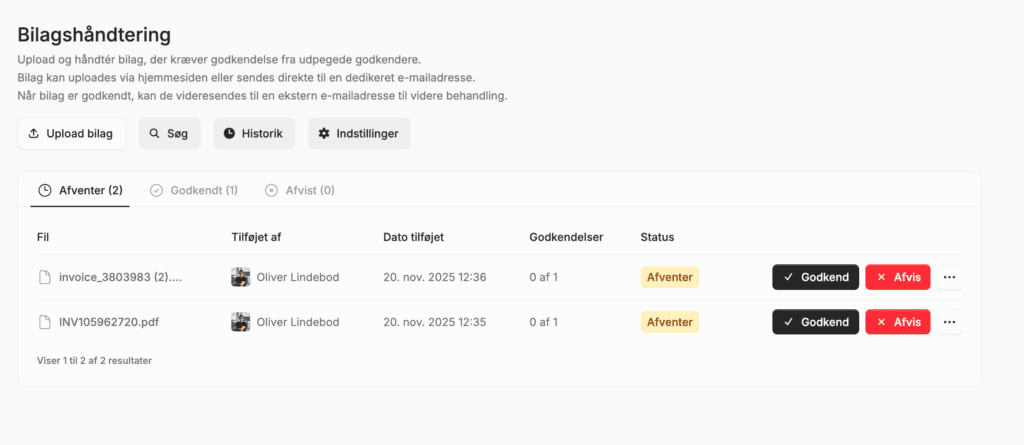
Invoice approvals
Receive, review and approve supplier invoices with a record of the board’s decision.
Read moreShare news, activities, practical contacts and documents in your senior living community. Give residents a clear starting point on their phone, tablet or computer.


Look for the tasks your community recognises: finding a document, keeping people informed and handing over to the next volunteer. Read customers’ own experiences before choosing something useful to try.
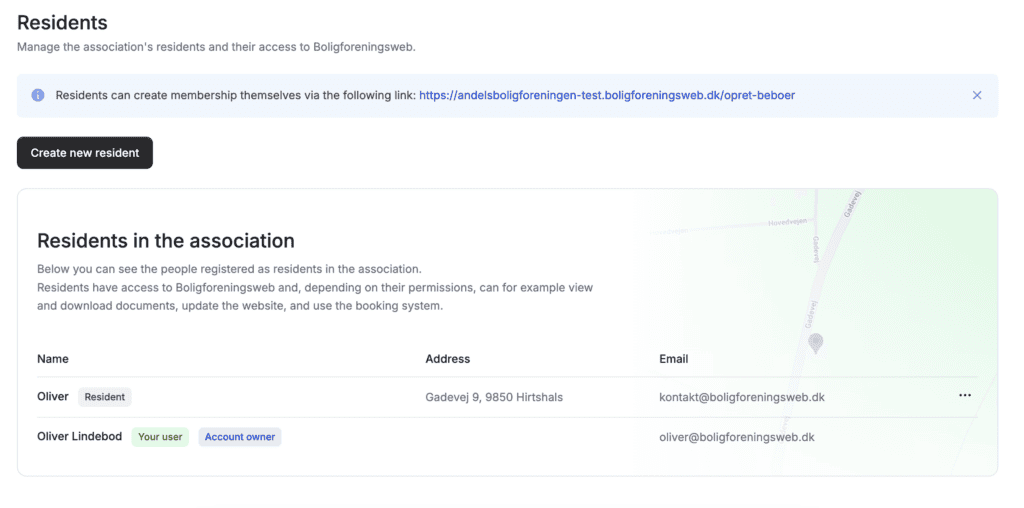
Explore the documents, communication, bookings and records that fit your community. Begin with the tasks your community committee and residents already share.
No results. Try another search.
Explore how other boards and residents use shared documents, messages and support in their everyday work. Customers describe their own experience with the service.
A really great tool for communicating with residents in your housing association. We’ve had to realize that email and Facebook weren’t the solution, and we found everything we need in this app. You don’t need to be trained in IT to use this solution because it’s really intuitive, and you’re guided through it.
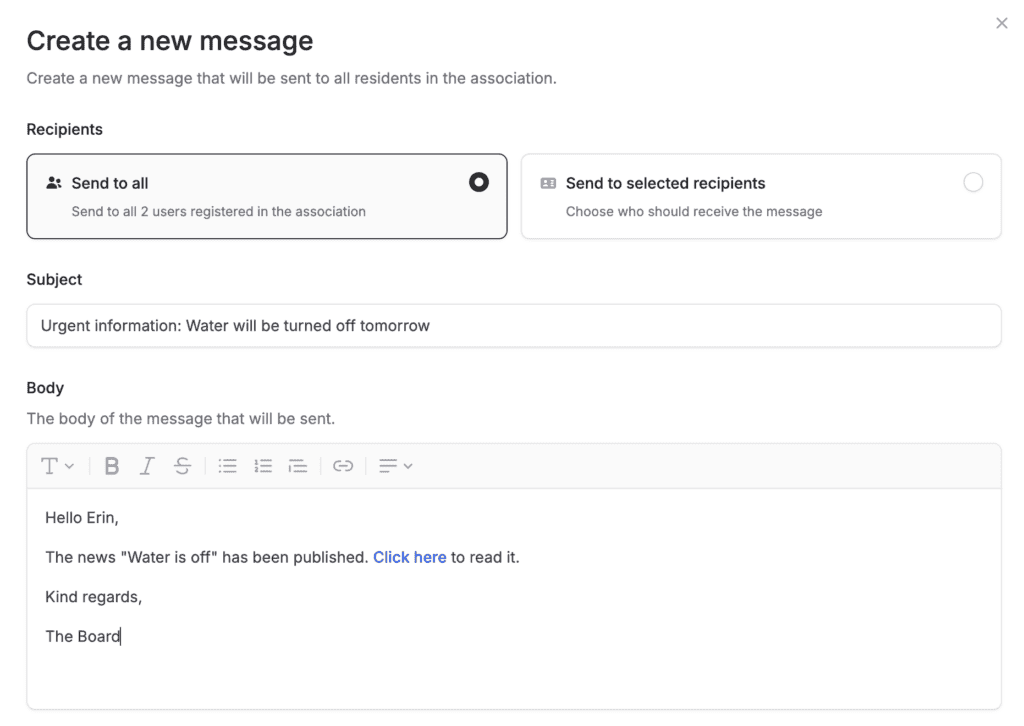
Some of the things I really like are that you can send messages to the residents, including SMS features.
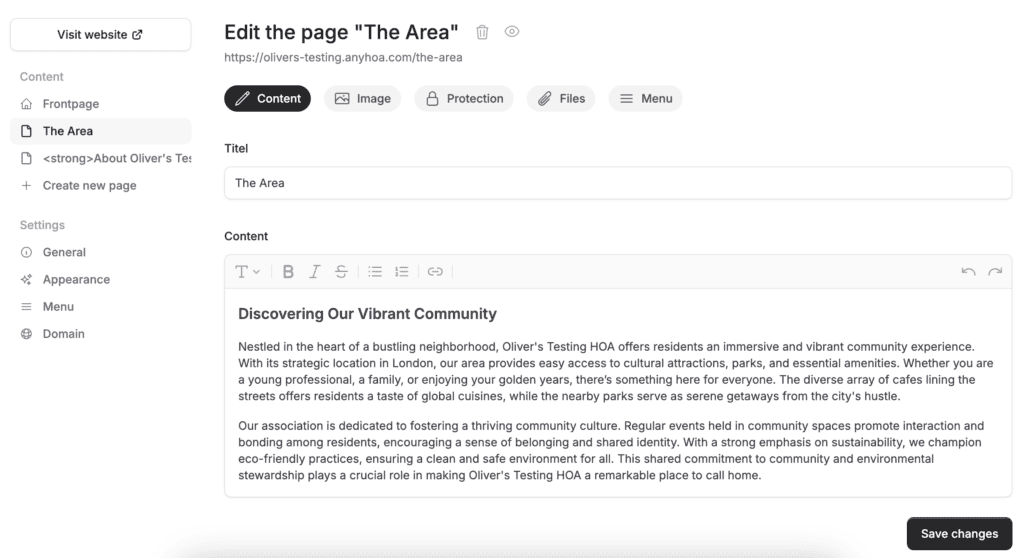
Share the current activity calendar, useful contacts and practical updates on your community website. Keep public information available to visitors and choose what belongs in resident-only areas.
Use your site to:

Explore an example of the public information and resident areas a community can share. Choose the information your own residents and visitors need, and keep private records with the appropriate people.
No matter your role, Velabo helps you support your senior living community better.
Share updates, manage files, and keep things running
Check info when they want it, not just on bulletin boards
Share calendars, photos, and event info easily
Post practical updates and contact details
Practical questions for your community committee and residents.

Explore practical articles about community records, communication and working together. Choose a subject that helps with the next task your board, committee or volunteers need to complete.
Invite another person who helps run your community. Add a useful document and share an update during the 30-day trial, then decide together whether the paid plan fits the work you need to do.