Where are the house rules?
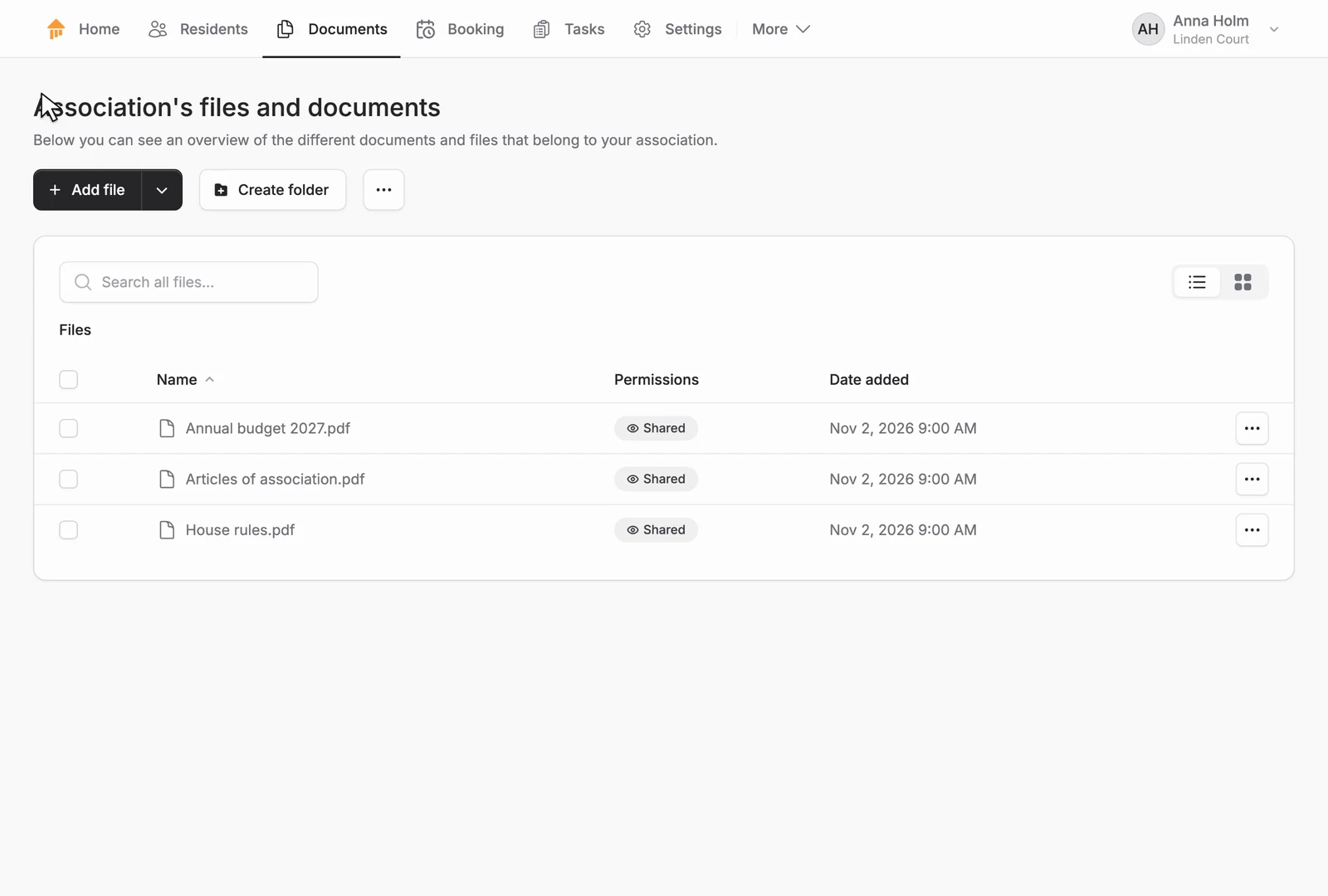
Find shared documents, meeting records and practical information without searching old emails. Your community decides which documents residents can see.
Check a maintenance notice, find the house rules or book a shared room. Velabo brings the information your community shares with you into one place.
Already invited? Use your community access. No invitation yet? Ask your board or manager.

The video could not be played. Try again, or continue with the preview.
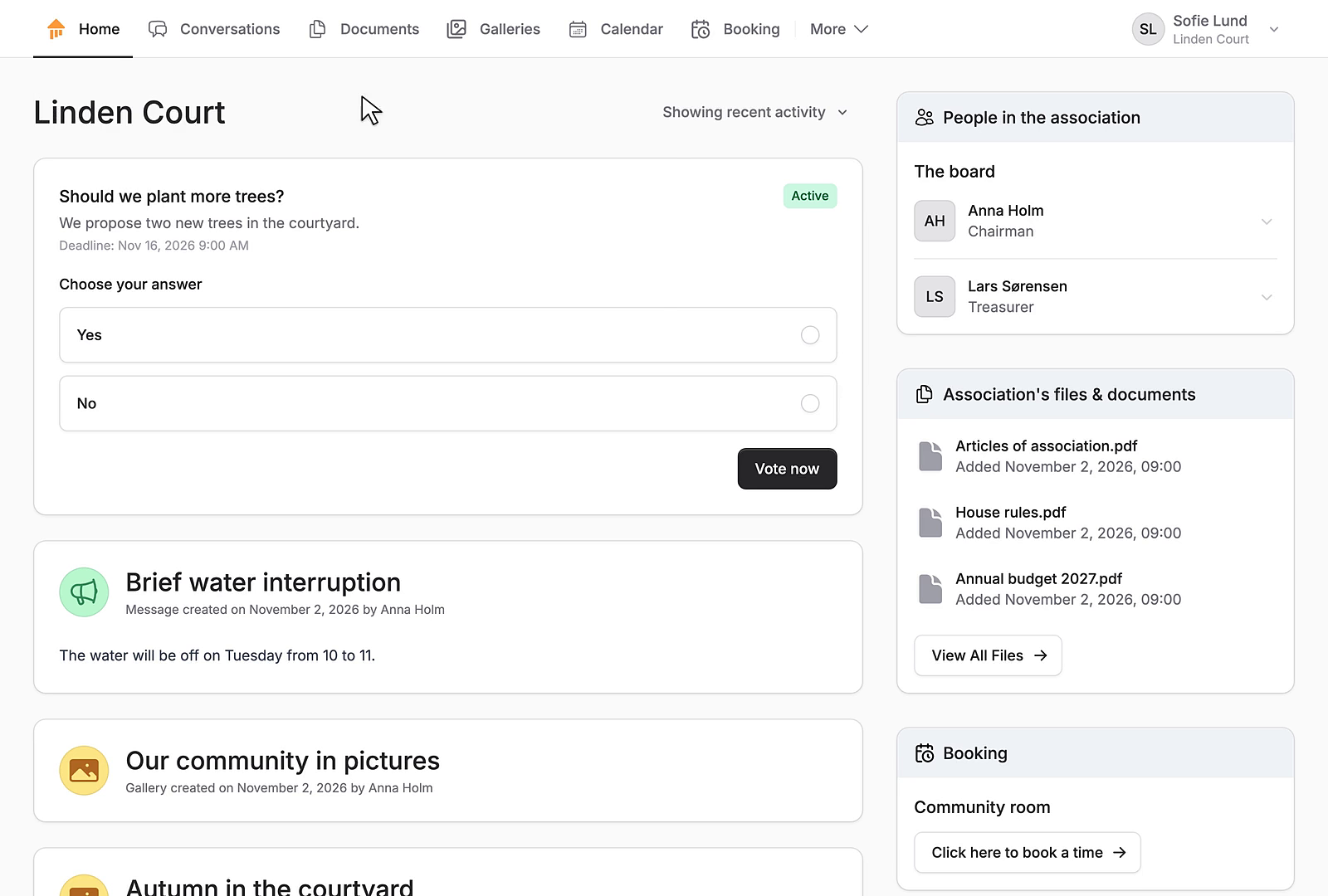
The answer you need is often already there. Explore the information and features your board or community manager has made available to you.
Find shared documents, meeting records and practical information without searching old emails. Your community decides which documents residents can see.
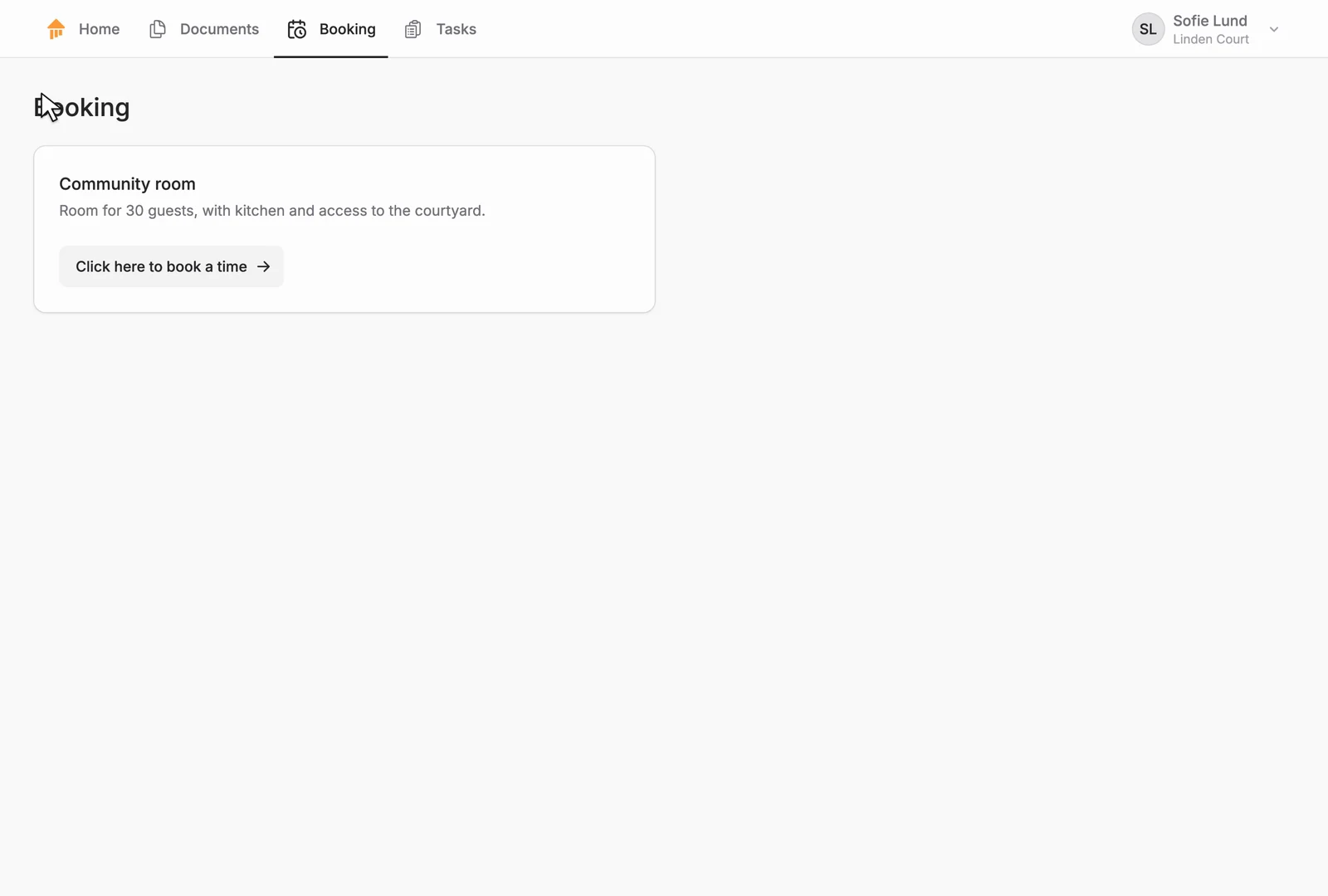
See available times for the guest room, clubhouse or other facilities your community offers. Check the booking details before you confirm.
A maintenance notice, a change to parking or the next community event. Catch up on the latest updates your community has shared.
Find your board or community contact and send a message. Questions about local repairs, bookings or access stay with the people running your community.
Check community meetings and events, and add the dates you need to your own calendar.
Open Velabo from your phone, tablet or computer. Your community’s shared information stays together wherever you sign in.
Your board or community manager connects you to the right community. Start with your invitation; you do not need to create another community or start a separate trial.
Use the invitation sent to the email address your community has for you. Missing it? Ask your board or manager to send it again.
Follow the invitation, then sign in with your email address and password. Already have an account? Use your existing login.
Read the latest updates, find shared documents and use the booking options your community has enabled.

The video could not be played. Try again, or continue with the preview.
Activate your invitation. A recorded example using fictional details.
People in communities already using Velabo describe what changes when information is easier to find.
The website makes it possible to gather everything from the association in one place. Documents like financial statements, house rules, bylaws, and minutes as well as photos and other essential information can be stored in one place, where residents can access them with just a few clicks.
Some of the things I really like are that you can send messages to the residents, including SMS features.

Read the introduction for boards, then share its link with the people running your community. It explains the everyday work Velabo can bring together, the trial and the next steps.
Your community arranges your access and the information you can see. These answers help you find the right next step.
If your community already uses Velabo, use the access arranged by your board or manager. Do not create a separate community to reach an existing one. Ask them for an invitation if you have not received one.
Ask your board or community manager to check the email address they have for you and send the invitation again. Check your spam folder too. Velabo support can help with the software, while your community confirms who should have access.
Open the login page and use the password-reset option with the email address for your account. If you are not sure which address your community uses, check with your board or manager.
Your community chooses which features to use and what to share with residents. Ask your board or manager about a missing document, facility or time slot. Some information is available only to people with the relevant role.
Yes. Read updates, find documents and use your community’s features from your phone, tablet or computer. The available information and booking rules are set by your community.
Log in to read the information your community shares with you. Your board or community manager can help you get access.