Resident records. Ready for the next task.
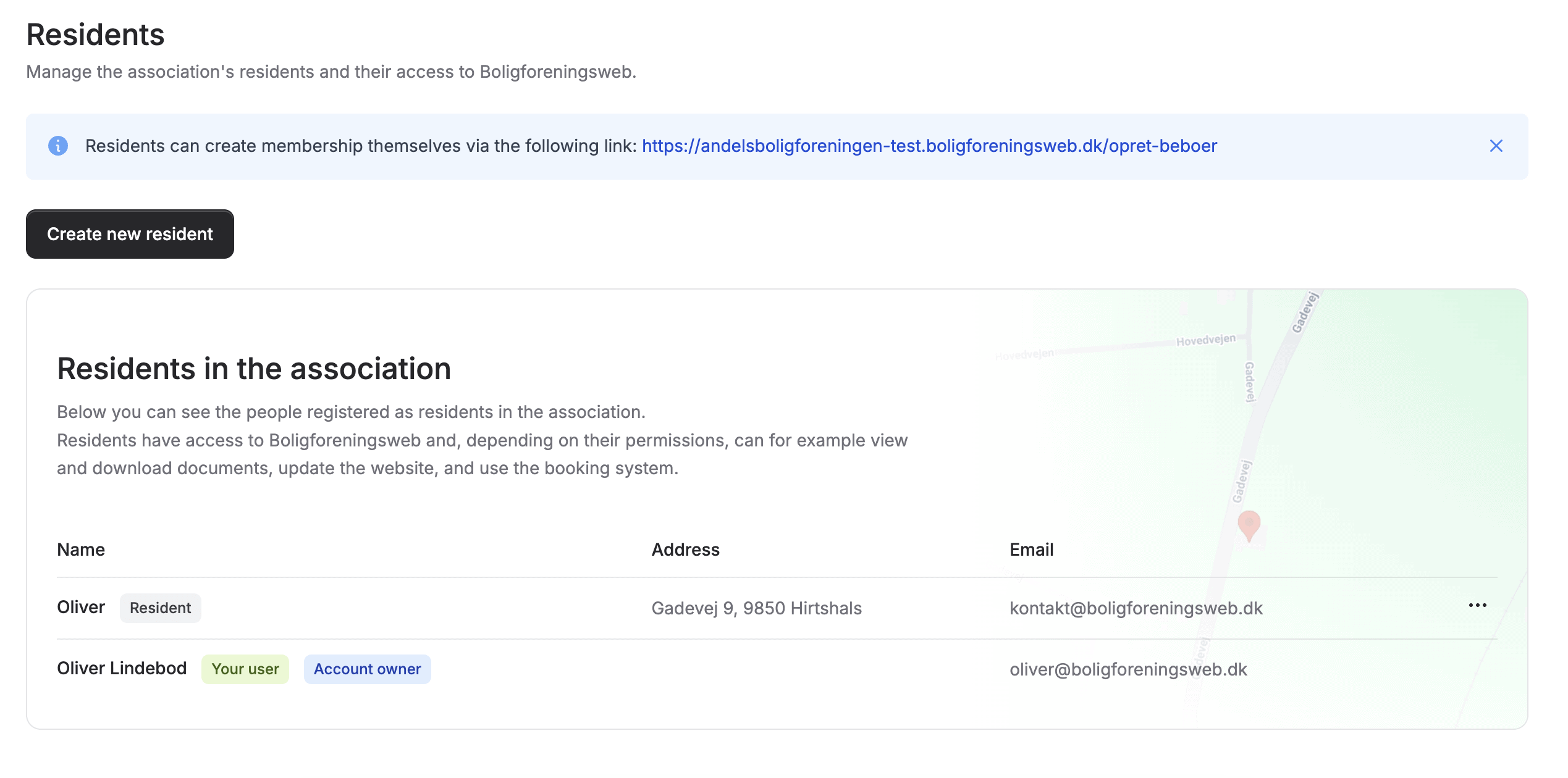
Maintain the resident and household information your community needs. Invite people, review access requests and keep contact details useful for the board’s everyday work.

The video could not be played. Try again, or continue with the preview.
A message is only as useful as its recipient list.
Keep moves, invitations and household records with your community. Review the information and access when people join, move or take on a new role.
Connect people to the right home and community.
Create resident records or import an existing list, then review the details and invitation steps. People who request access should be connected to the correct community before they begin using its information.

Keep the directory useful as people change.
Maintain contact details and review memberships, households and roles when someone moves. The person sending the next update can work from the community’s current records.
Give residents a clear way into community life.
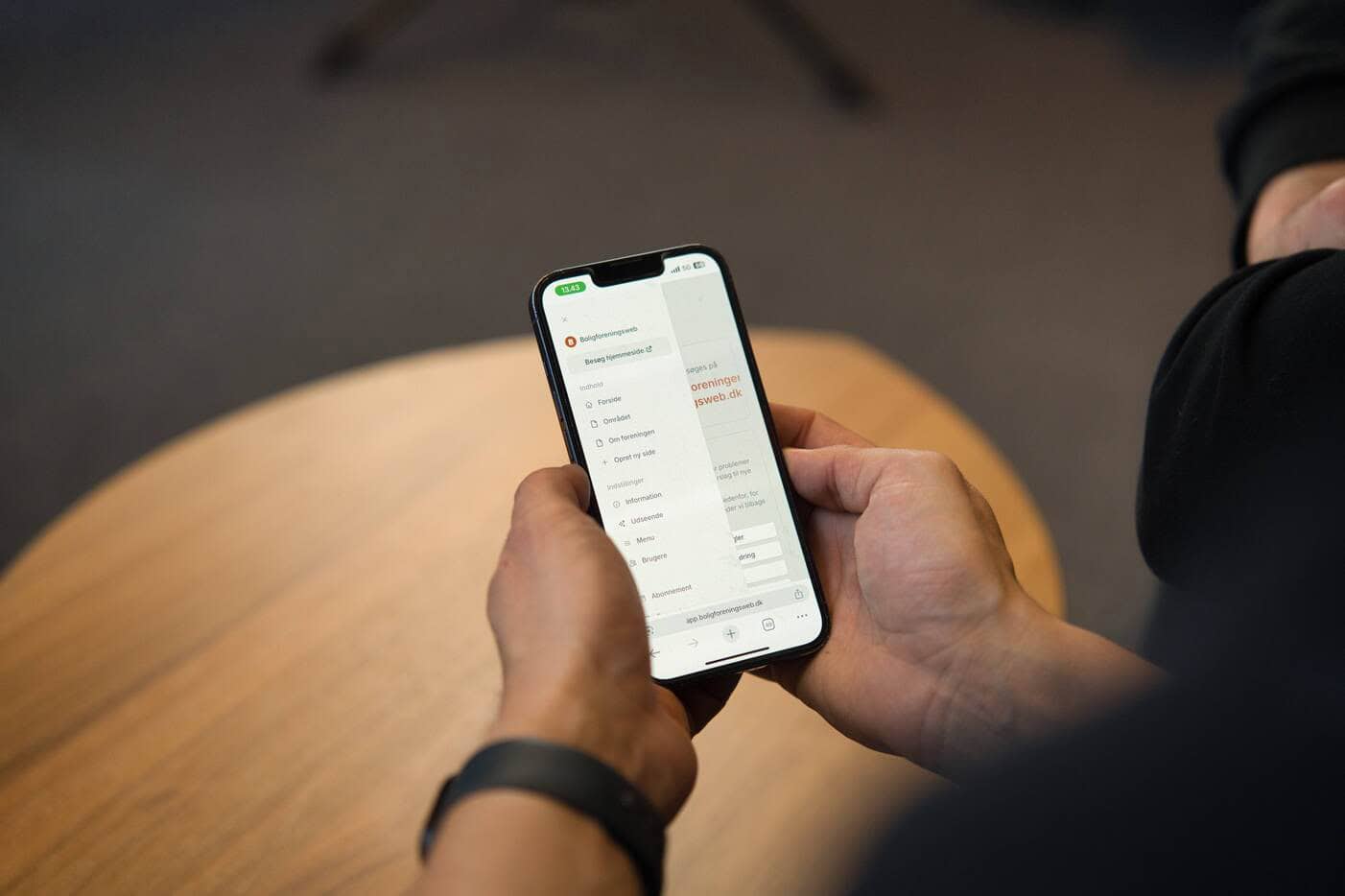
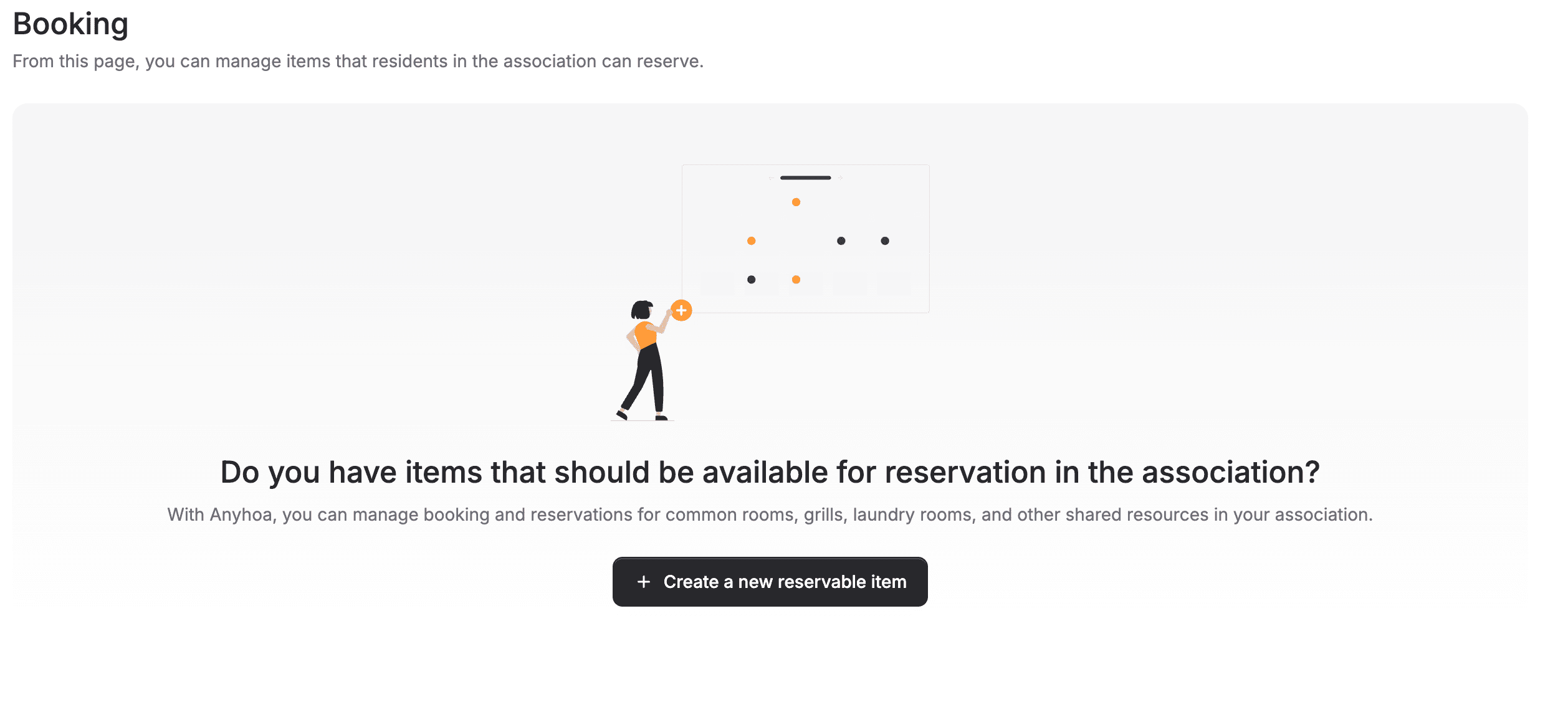
Once they have the appropriate access, residents can use the documents, messages and booking options your community has enabled. Explain where to ask if an expected option is missing.

Share the information appropriate to the task.
Use roles and access to keep resident information available to the people who need it. Review who can see and maintain records as responsibilities change.
Get to know the resident directory
Join Oliver for a tour of adding and managing residents. See where the board keeps the details it needs for everyday community work.
Oliver LindebodCo-founder of Velabo

Easily Create and Manage Residents | Velabo - Resident Module
YouTube · Recorded before the change of name to Velabo.Before you use it.
- Can residents update their details?
- Residents can maintain the profile details available to them. The board or manager maintains the community’s records and access arrangements.
- Can every resident see everyone’s personal information?
- Visibility depends on the profile and community settings. Collect only useful information and review which details other people can see.
- What should happen when someone moves?
- Maintain the relevant household and contact records, and review access when membership changes. Keep the people connected to the correct community and home.
Start with a small set of current records.
Check the homes, contact details and memberships before inviting people. Use the resident directory as the working record your board or manager keeps up to date.