Share useful documents
Publish the appropriate files and give residents a clear place to find them.
Publish a useful introduction to your community and give residents a place for news, documents and practical information. Maintain the content without building a separate website from scratch.

The video could not be played. Try again, or continue with the preview.
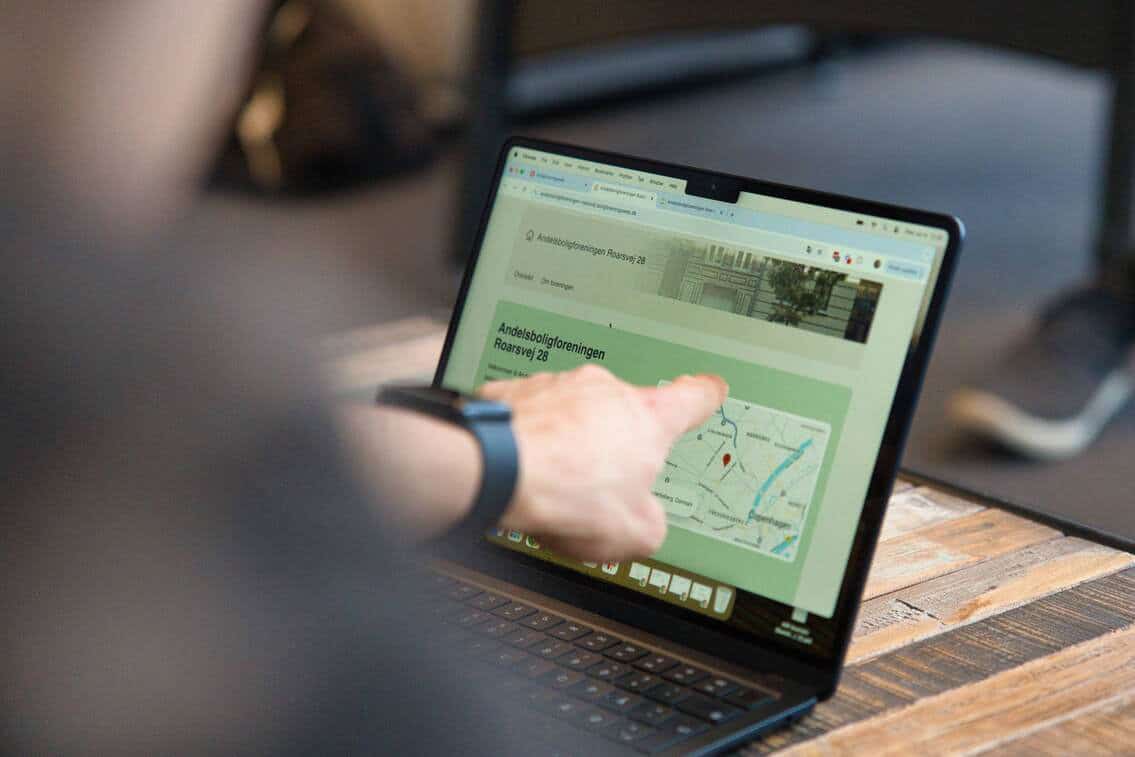
The board should be able to update a contact, publish an announcement and maintain the pages residents use. Decide what belongs on the public website and what needs resident access.
Maintain the pages and information your community wants to share.
Publish the appropriate files and give residents a clear place to find them.
Keep practical announcements and contact information current.
Give people a route to the meetings and activities your community publishes.
Separate public information from the pages intended for residents.
Use photographs your community has chosen for the relevant audience.
Maintain website content in the same system as the community’s other work.
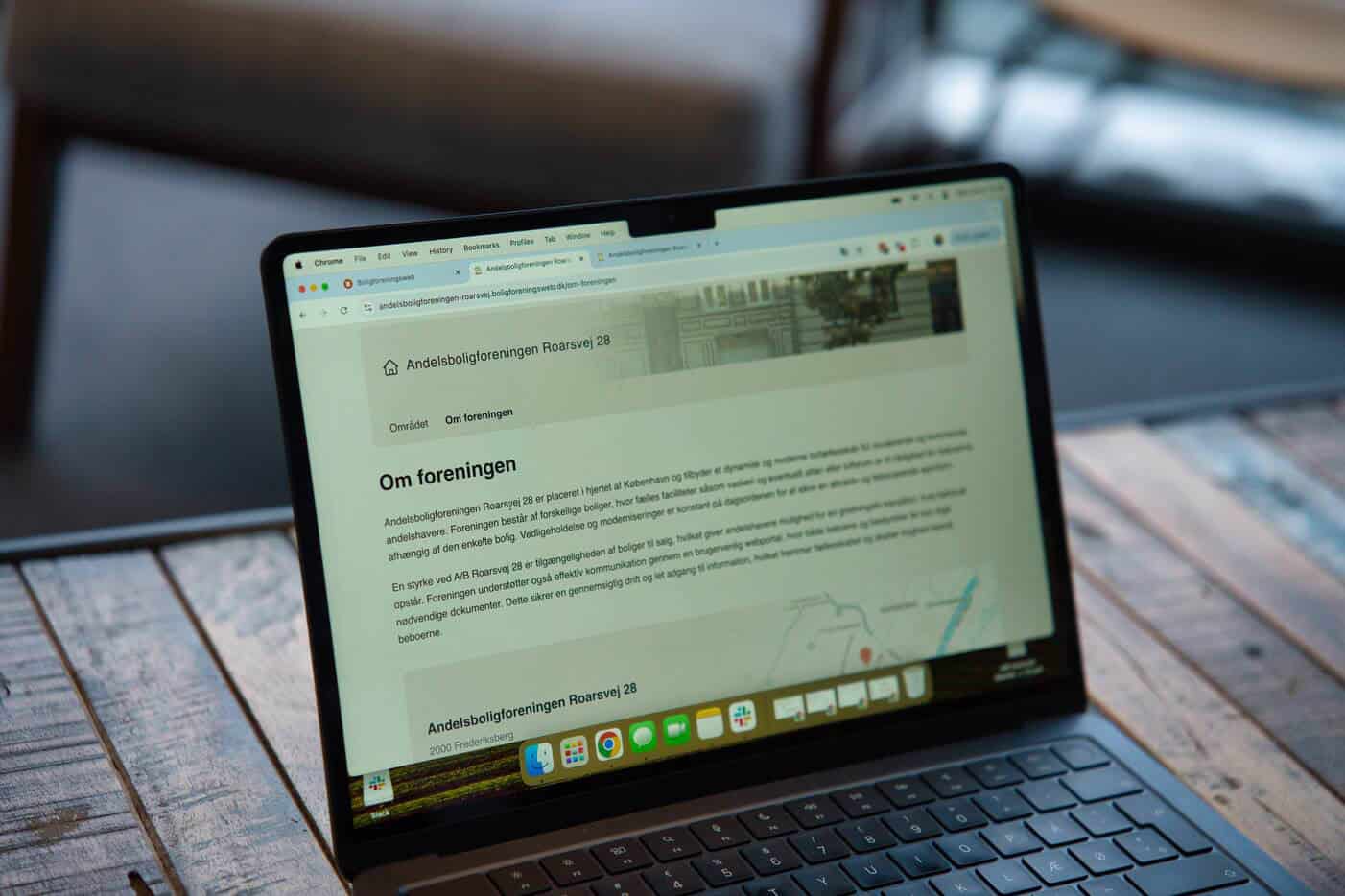
Use the available website tools to prepare the initial pages, then check the wording and information before publishing. The board decides what the public introduction should say.
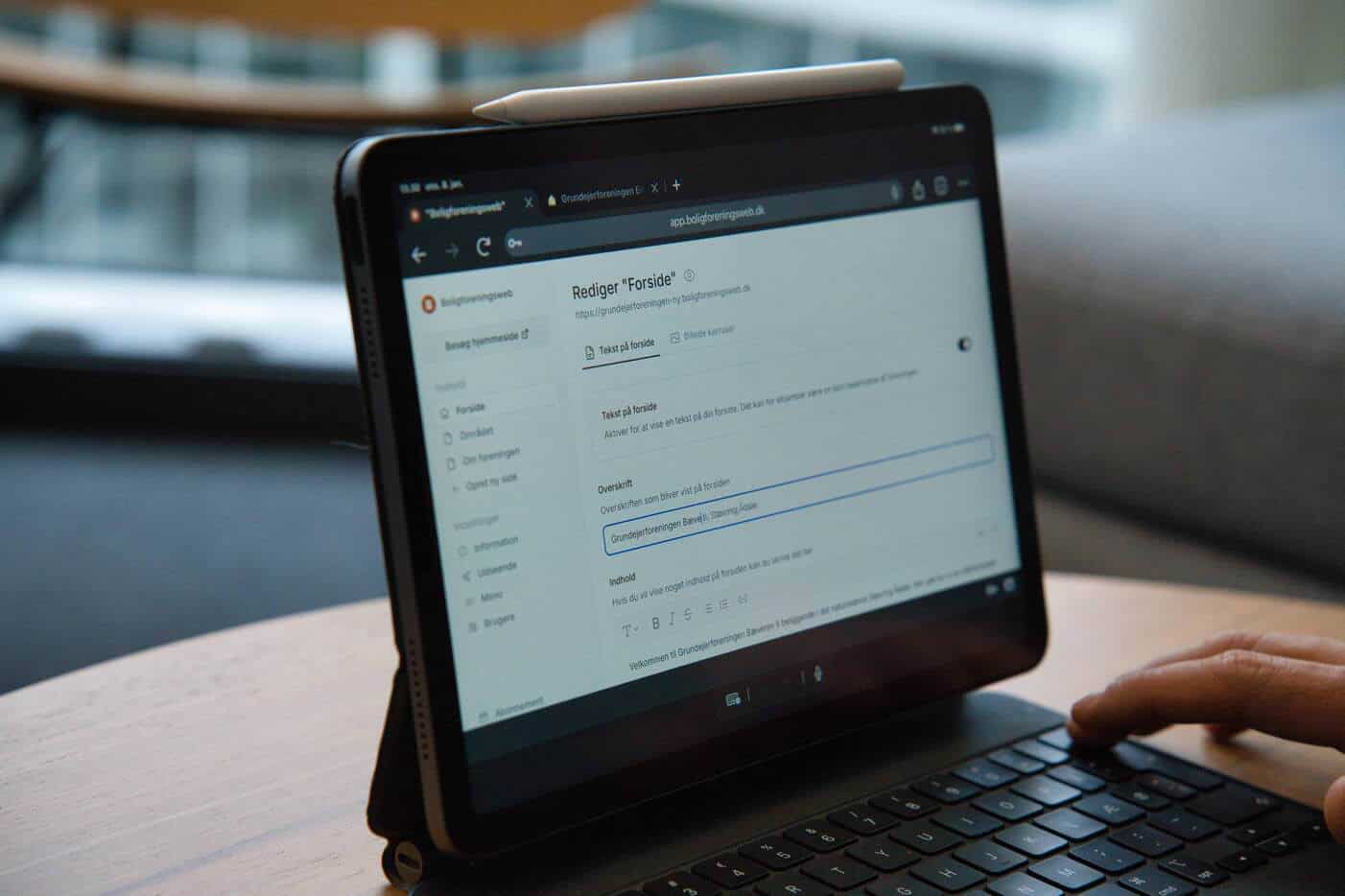
Edit the contact information, add a news post or maintain the pages residents use. Assign the relevant responsibility so the website can stay useful when volunteers change.
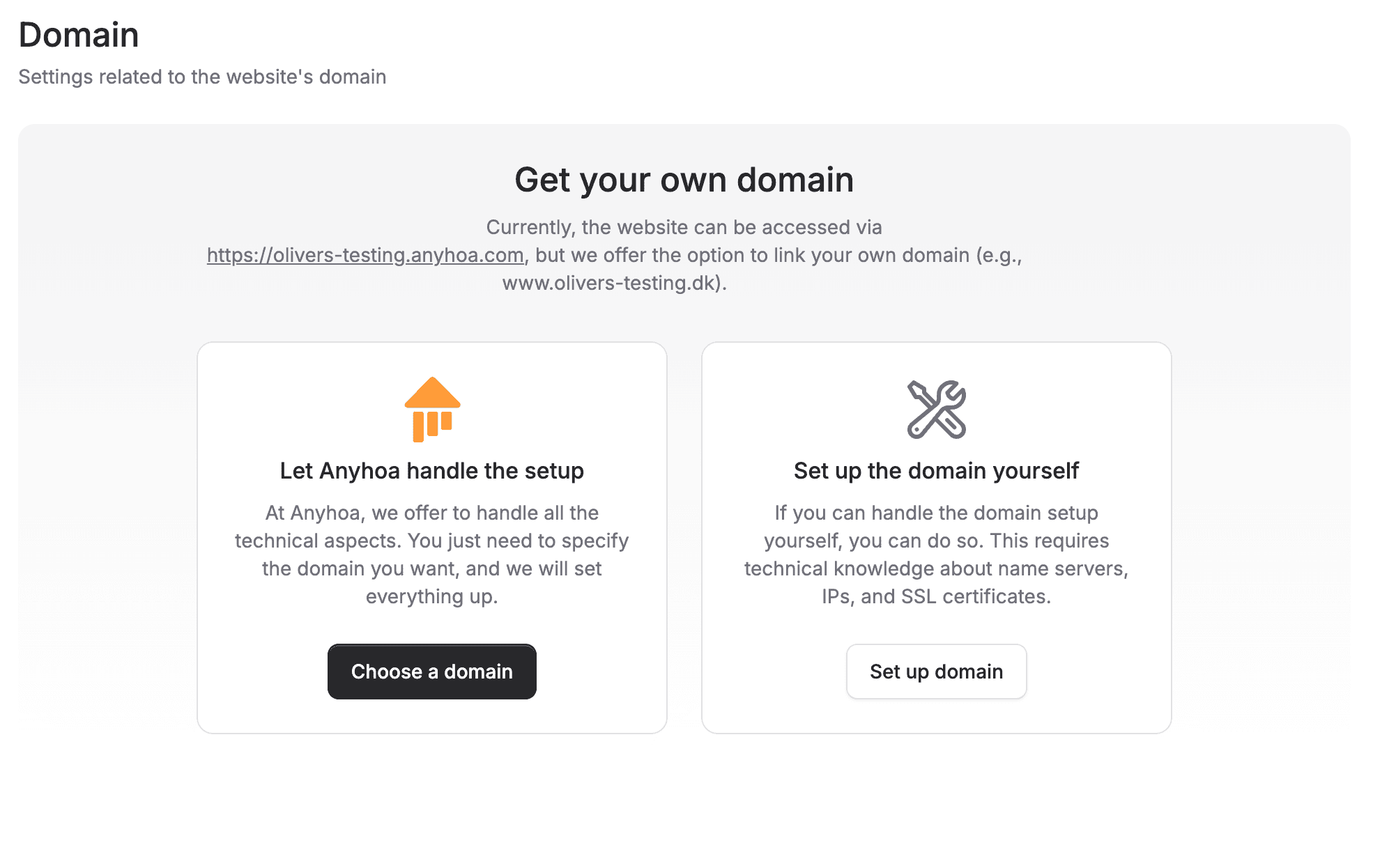
Use the provided website address or explore the optional custom-domain service. Check the current setup before moving an address your community already uses.
Use the available appearance settings to maintain the website’s look and navigation. Keep the structure clear so residents and visitors can find the practical information.
Oliver walks through the website tools and shows how to shape the content around your association, its residents and the place you share.
Oliver LindebodCo-founder of Velabo
Updated walkthrough of the Website feature in Velabo
YouTube · Recorded before the change of name to Velabo.Add the community’s practical details and current contact route, then review the public and resident views. Publish the information your community is ready to share.