Events people can plan around.

Create a meeting, maintenance day or community gathering with the information people need. Share the event with the relevant audience and keep the arrangements together.

Create an event and show it in the calendar

Velabo

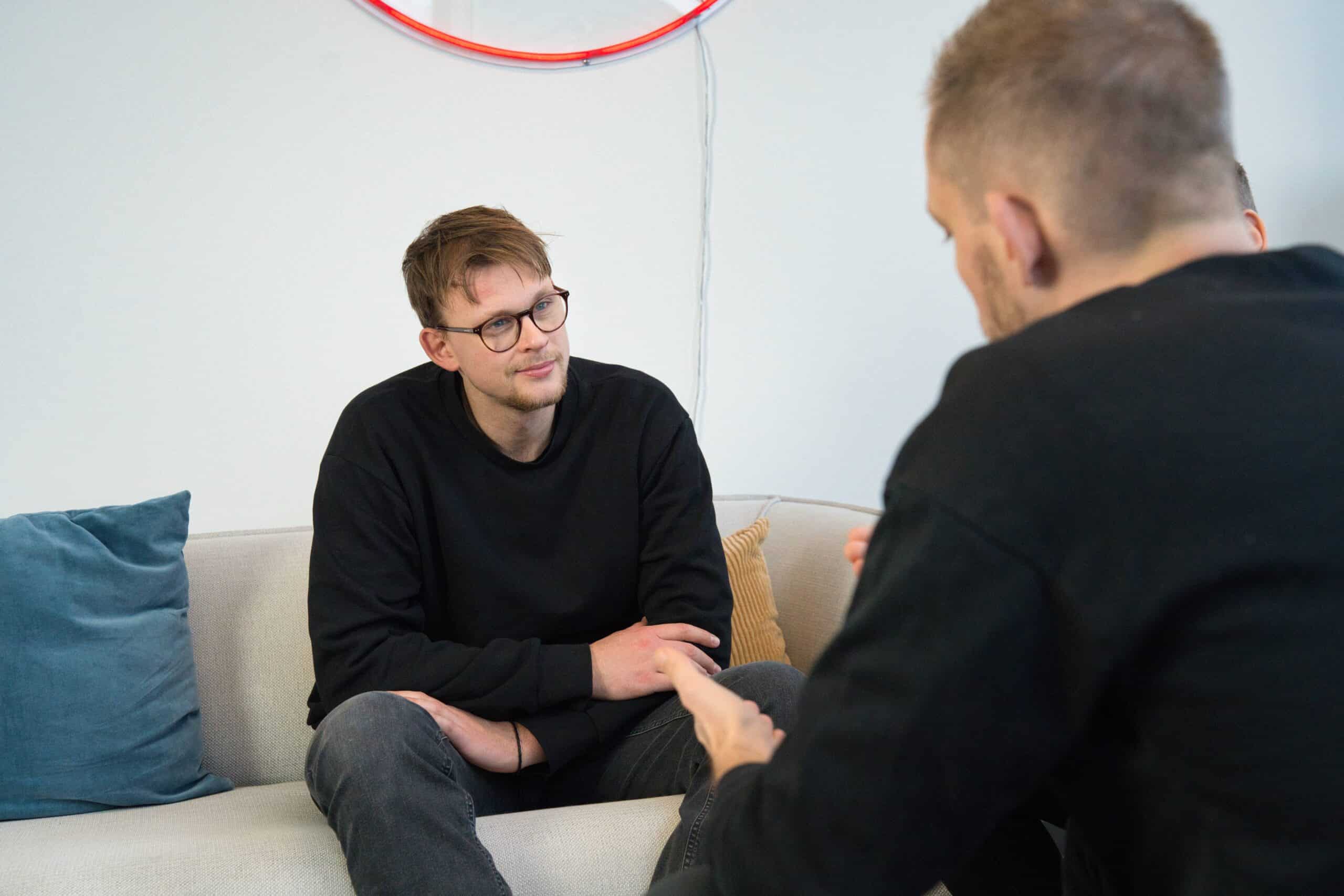
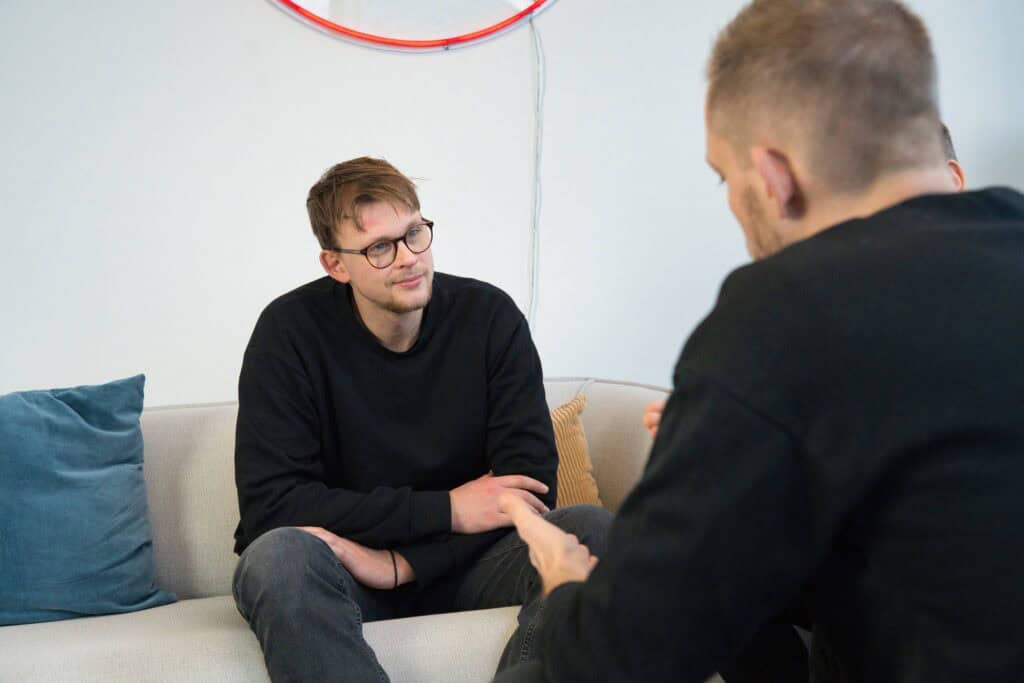
Oliver listening to Bo.

Make it easier to take part.

Residents need the time, place and any practical preparations. A clear event entry gives them a useful reference and helps the organiser keep the information current.

Learn more about optimizing community management

How the event feature works

Set the date and audience, then add the details people need to take part.

See how other communities use the system

Create the event

Give the meeting or gathering a clear title and date.

Add supporting material

Include the agenda, documents or practical information people need.

Choose the audience

Review whether the event is for residents or suitable for the public website.

Keep the next dates in view

Use the community’s event overview to find upcoming activities.

Maintain the arrangements

Update or cancel the event when plans change.
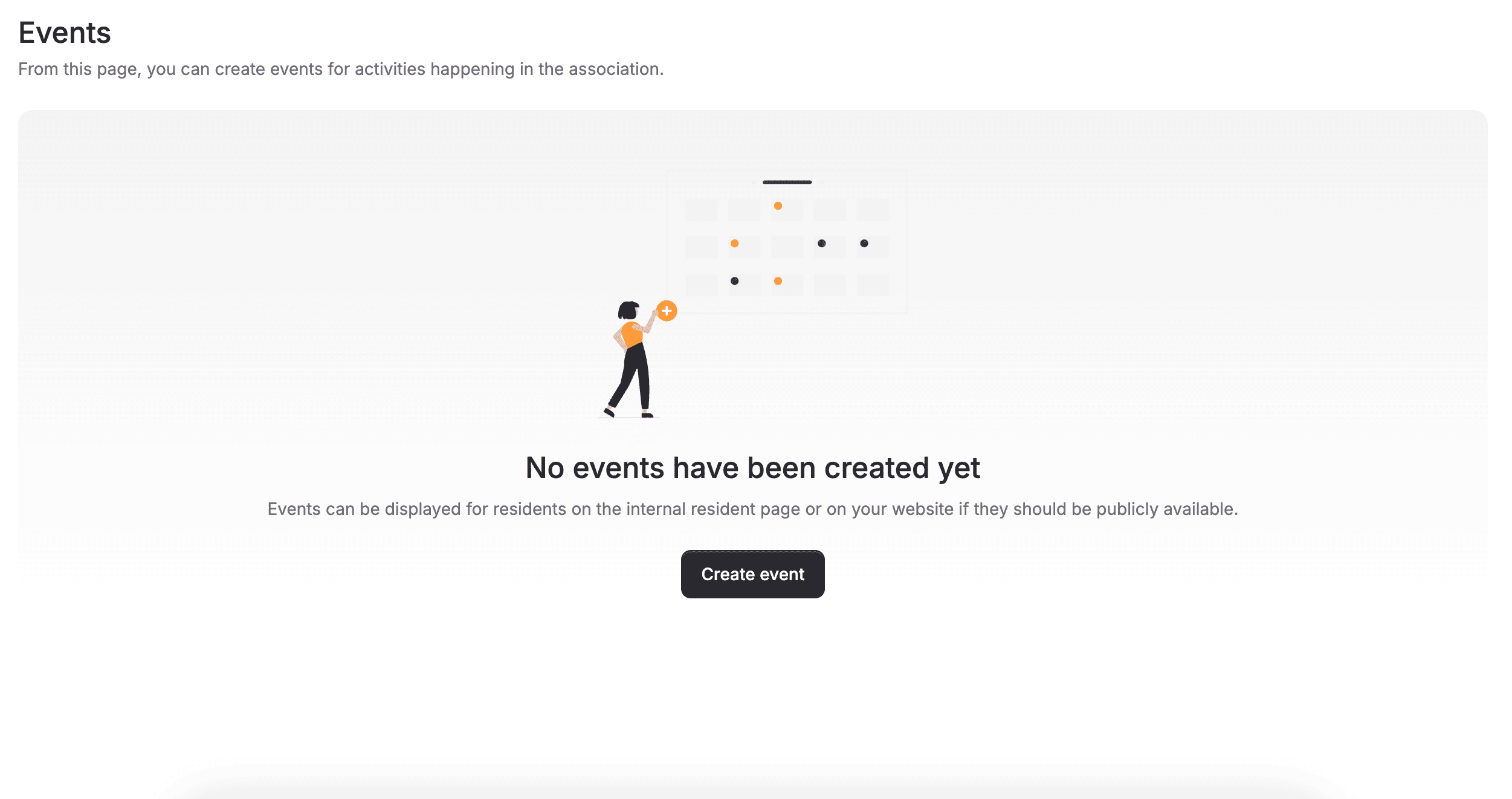
Screenshot from the event page Velabo

Put the practical details in one place.

Give residents a useful reference for the time, venue and preparations. Update the event record when arrangements change, then tell the people affected.
See how Velabo supports community boards

See who is coming.

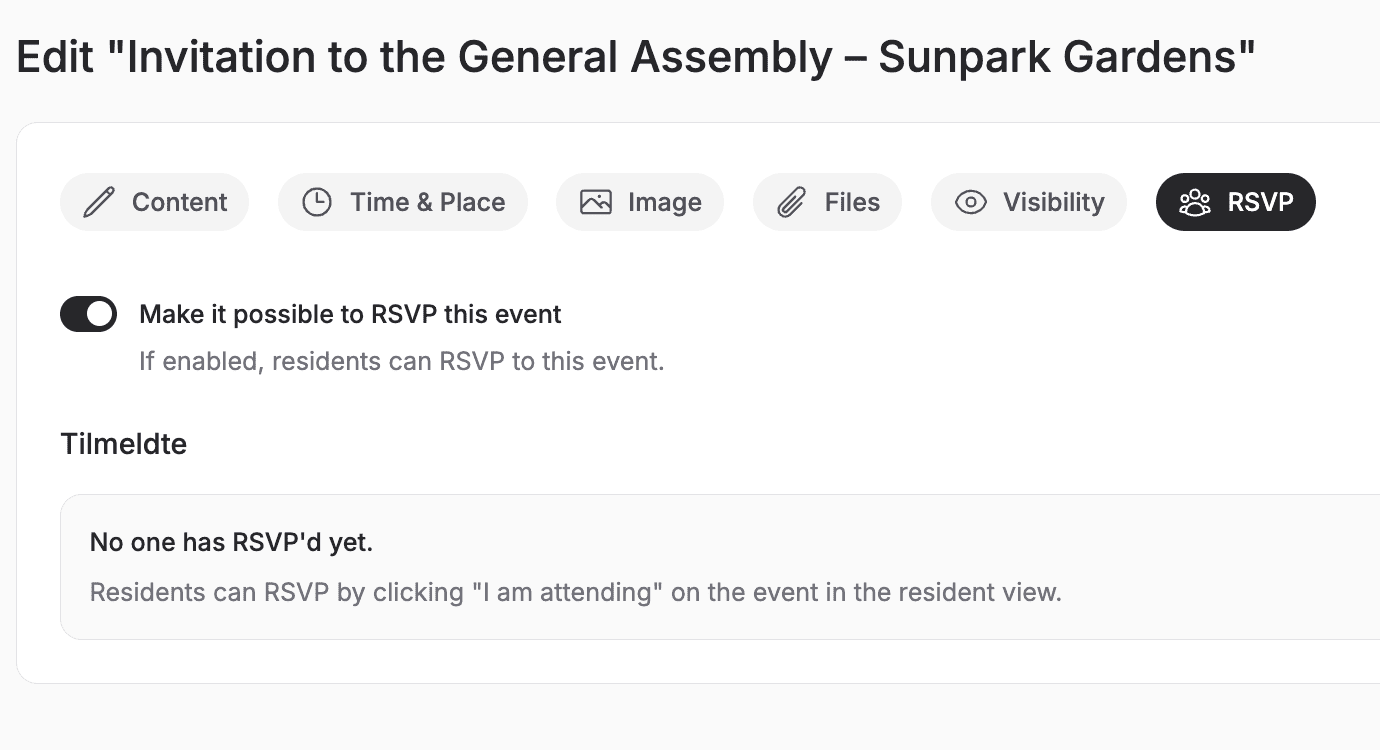
Use the event’s signup options to follow attendance and cancellations. The organiser can plan the space, materials or food from the current responses.
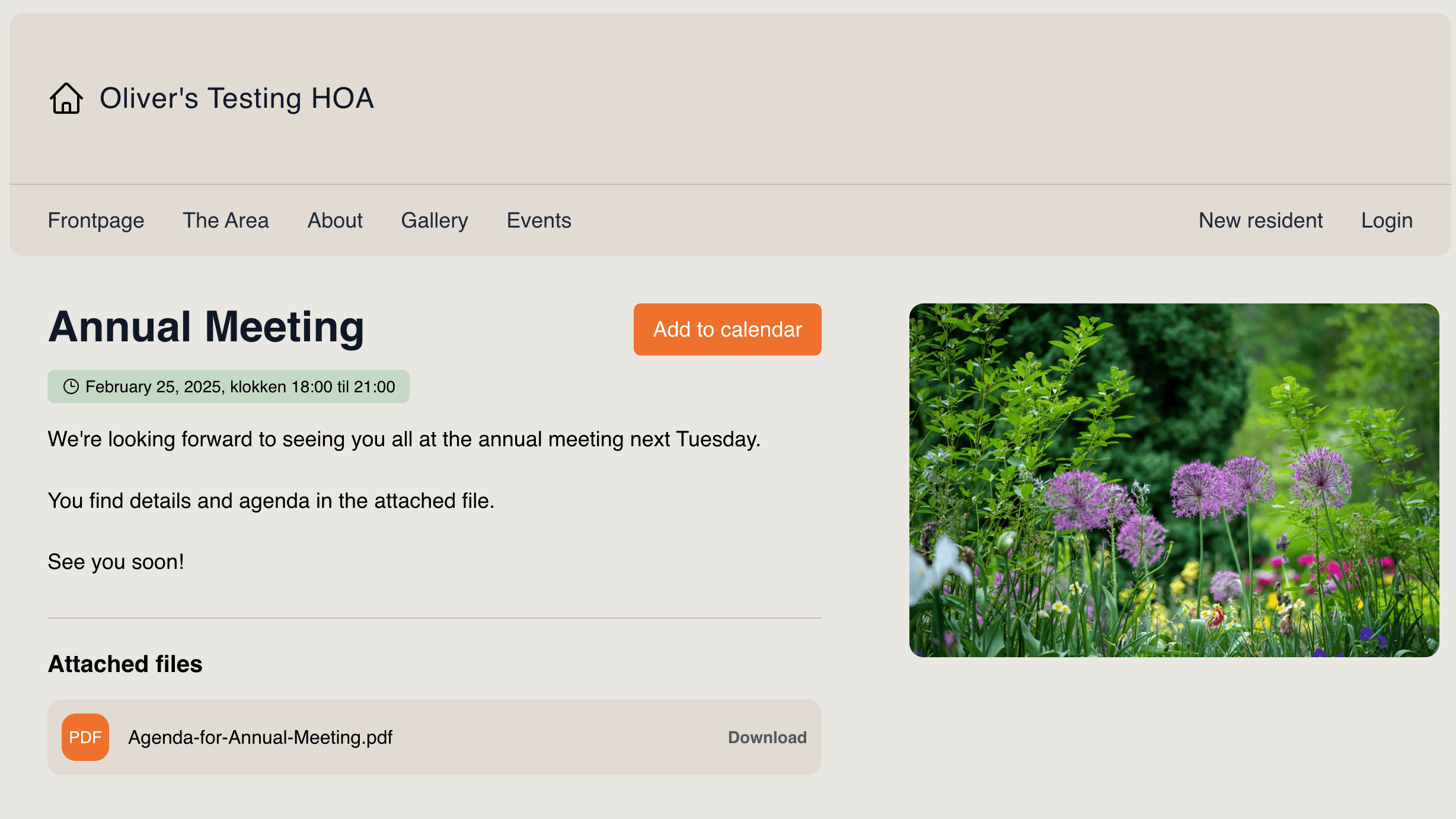
Screenshot from a HOA website with an upcoming event.

Choose the audience for each event.

Some events belong in the resident space; others are suitable for the public website. Review the visibility when you create the event.
Want to know more about community websites?
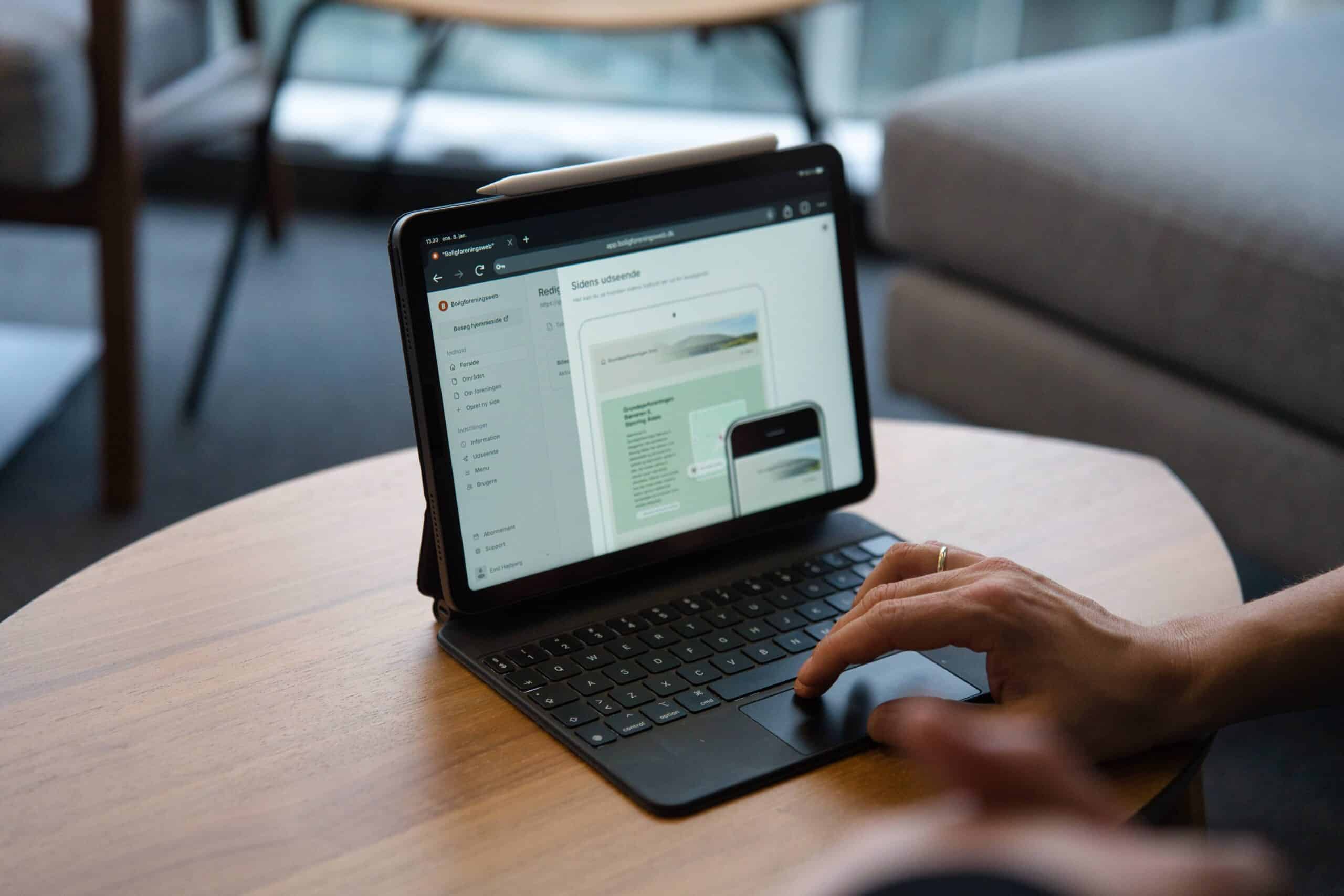
Editing a website on an iPad.

Keep the meeting material close to the invitation.

Add the agenda and relevant documents to the event information. People can prepare from the same material rather than asking for an old attachment.
Read about annual meetings
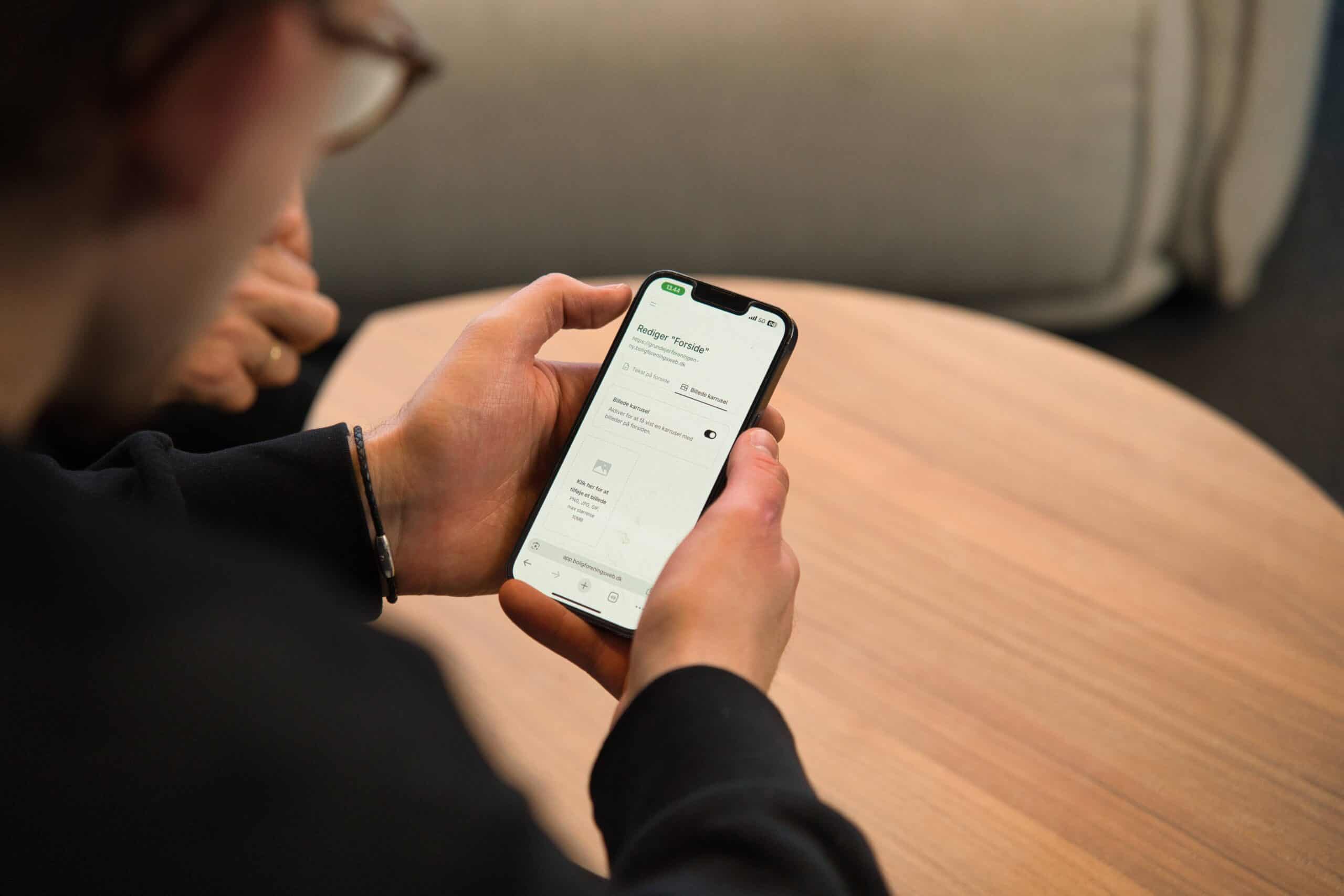
Oliver editing a website home page on an iPhone.

Send a useful update when plans change.

Use the communication tools to tell the relevant people about a new time or practical change. Check recipients and any SMS cost before sending.

Learn more about internal communication

Bring your next community event to life

A workday, a summer gathering or a meeting: watch Oliver create an event and bring the details residents need together in Velabo.

Oliver LindebodCo-founder of Velabo

Updated walkthrough of the Events feature in Velabo

YouTube · Recorded before the change of name to Velabo.

Before you use it.

Find more answers
Can an event be for our community only?
Choose the relevant audience and access for your event. Give residents the date, place and practical information they need.
Can we see who is coming?
Use the event’s registration options to follow responses. Check the attendees when planning a shared meal, workday or meeting.
Can we keep event information with the community?
Keep the event and its practical details alongside the shared community information. Residents have one starting point for the date, place and registration options.

Start with the next community event.

Add the title, date, place and information people need to take part. Review visibility and registration options before sharing it.
Oliver Lindebod

Oliver Lindebod

Co-founder

Write to Oliver directly, or send a request for a video meeting.

oliver@anyhoa.com
Request a video meeting

Tell us who you are and when might suit you. We will agree the time with you by email.

Request a video meeting

We use these details to follow up on your meeting request. Privacy policy

Anyhoa is now Velabo.

Anyhoa is now Velabo. A new name. The same people. The name has been waiting in the wings for a long time. Our familiar symbol tells the story: a sail catches the wind, takes the shape of a home, then comes together as Velabo. Vela is Latin for sails. Bo is Danish for living somewhere: home and belonging. Software for the communities we call home.

Our story