Create the event
Give the meeting or gathering a clear title and date.
Create a meeting, maintenance day or community gathering with the information people need. Share the event with the relevant audience and keep the arrangements together.

The video could not be played. Try again, or continue with the preview.

Residents need the time, place and any practical preparations. A clear event entry gives them a useful reference and helps the organiser keep the information current.
Set the date and audience, then add the details people need to take part.
Give the meeting or gathering a clear title and date.
Include the agenda, documents or practical information people need.
Review whether the event is for residents or suitable for the public website.
Use the community’s event overview to find upcoming activities.
Update or cancel the event when plans change.
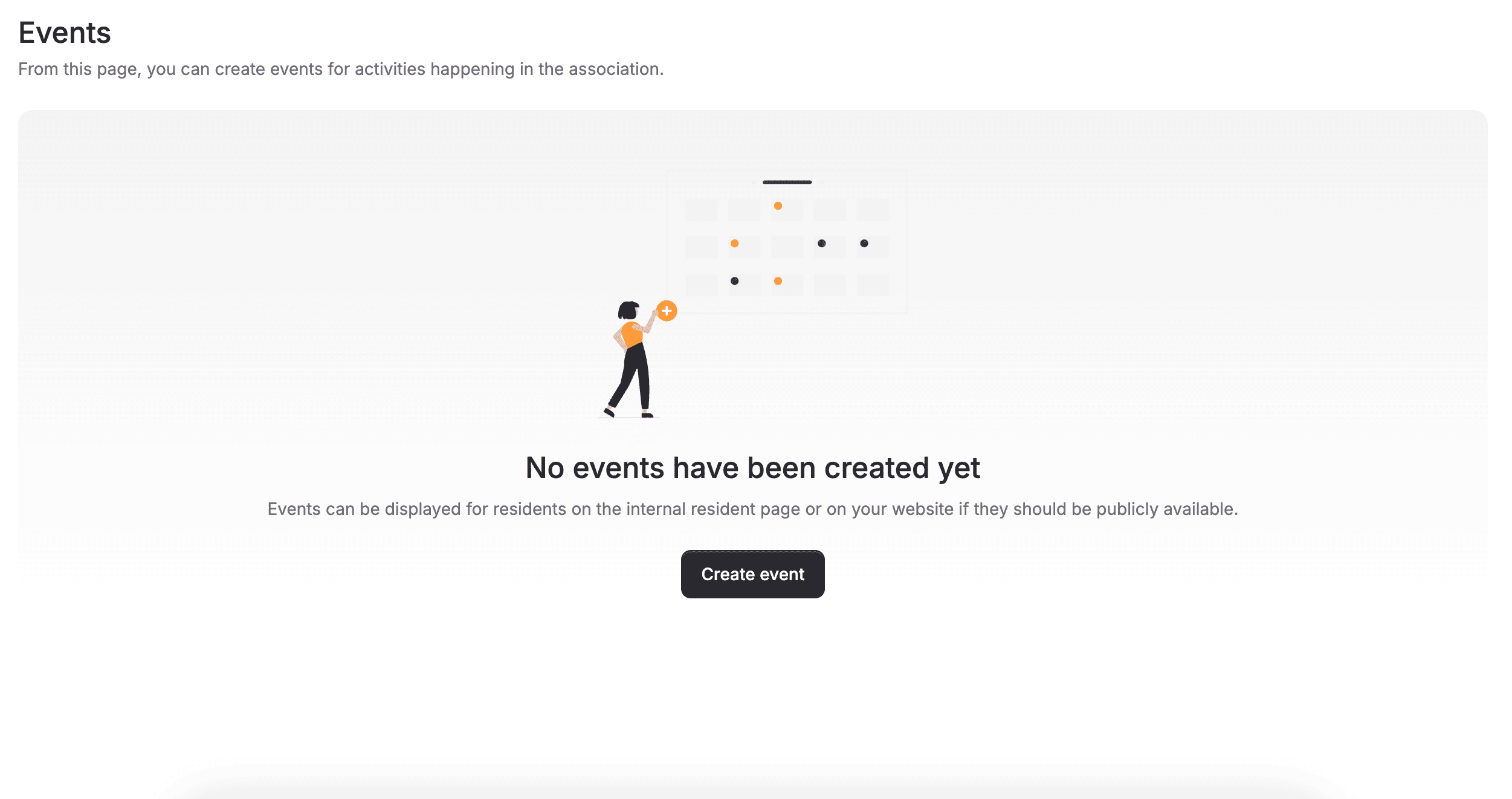
Give residents a useful reference for the time, venue and preparations. Update the event record when arrangements change, then tell the people affected.
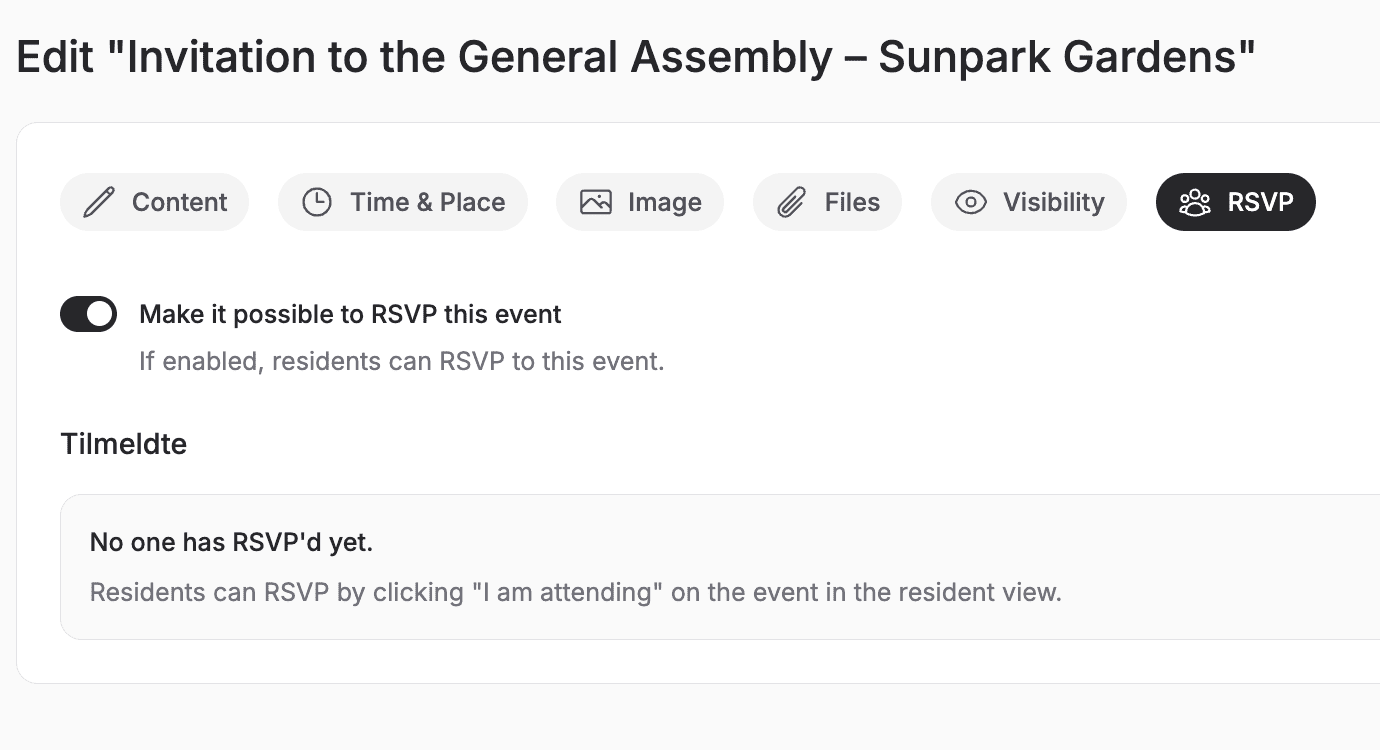
Use the event’s signup options to follow attendance and cancellations. The organiser can plan the space, materials or food from the current responses.
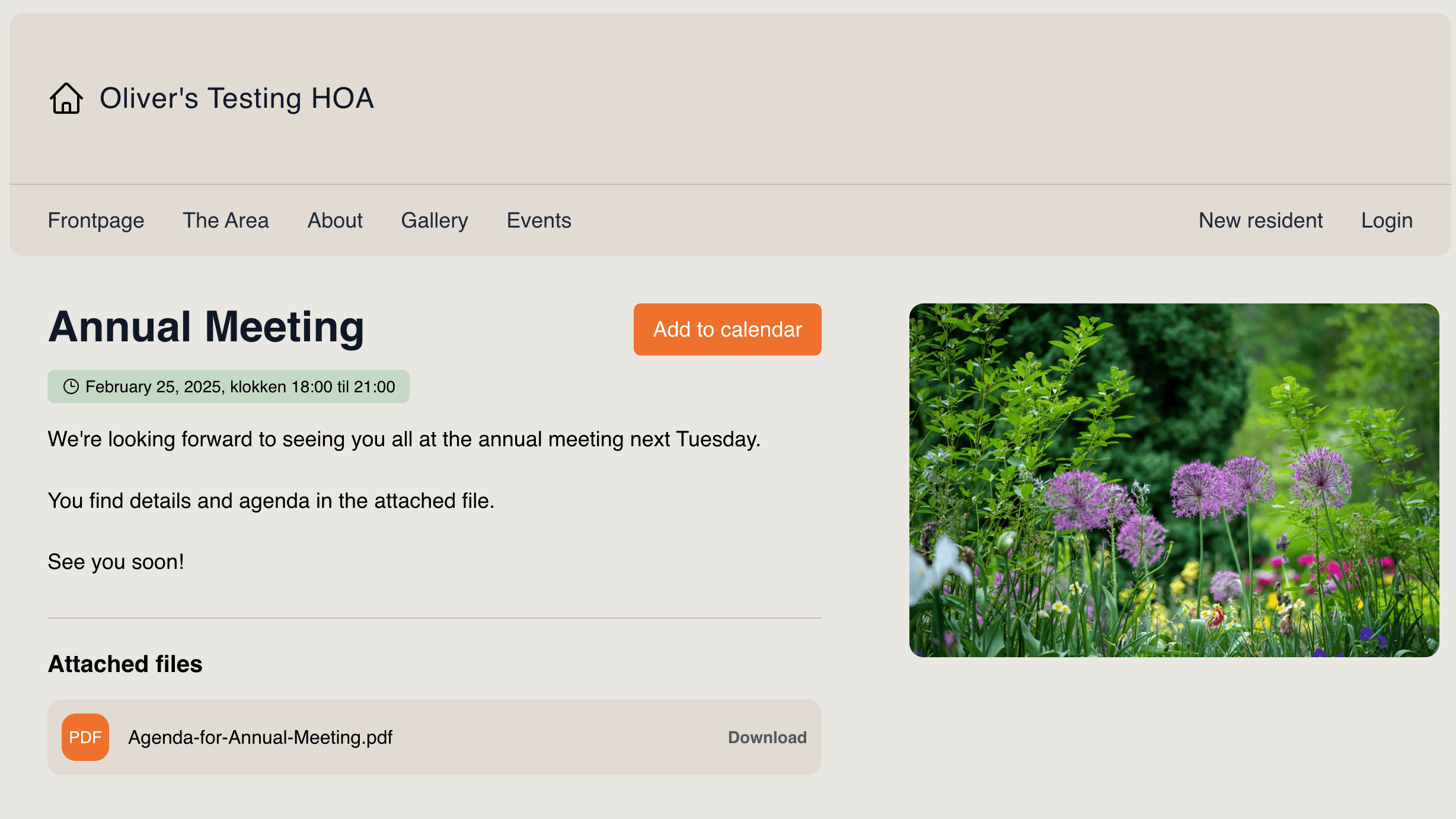
Some events belong in the resident space; others are suitable for the public website. Review the visibility when you create the event.

Add the agenda and relevant documents to the event information. People can prepare from the same material rather than asking for an old attachment.
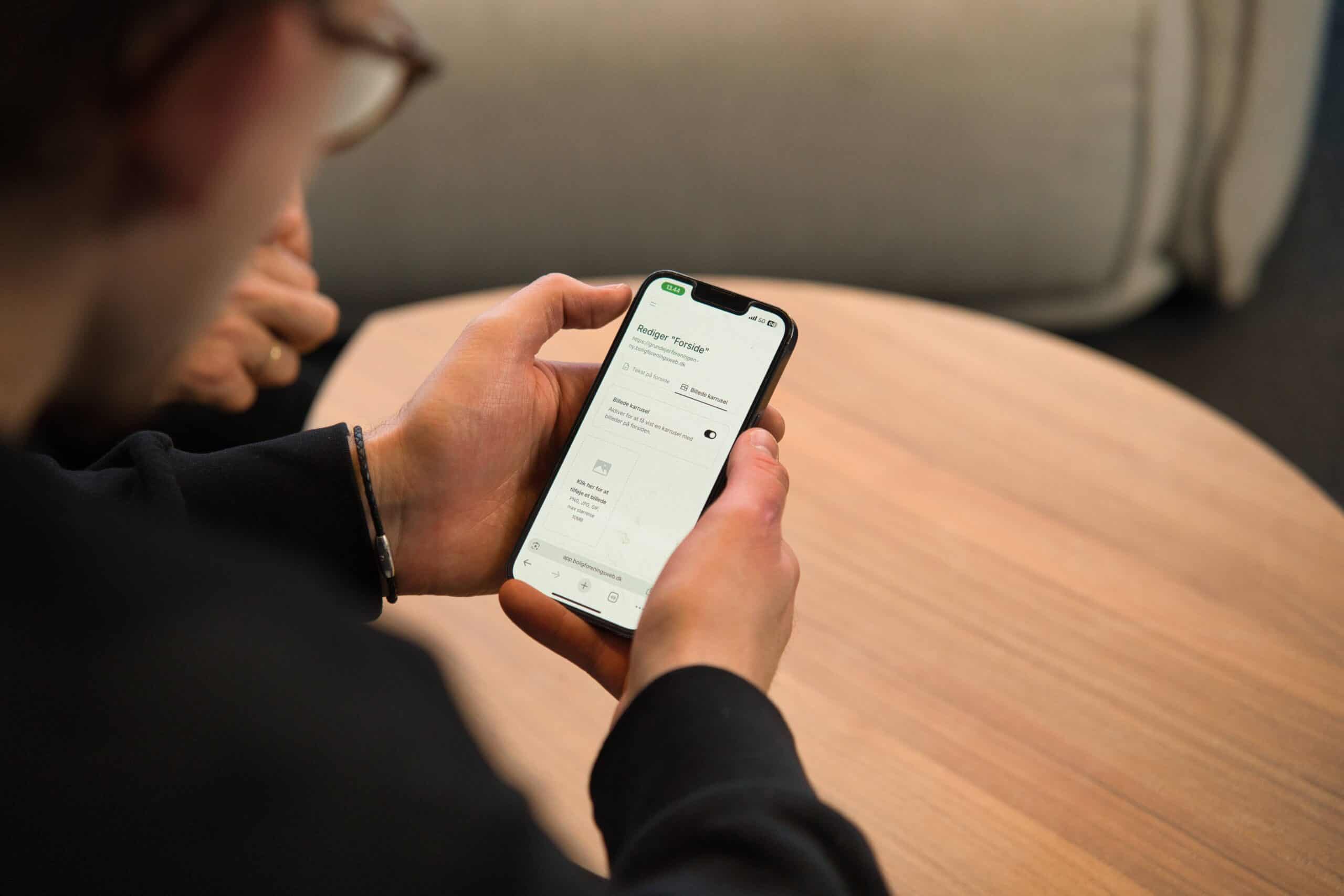
Use the communication tools to tell the relevant people about a new time or practical change. Check recipients and any SMS cost before sending.
A workday, a summer gathering or a meeting: watch Oliver create an event and bring the details residents need together in Velabo.
Oliver LindebodCo-founder of Velabo
Updated walkthrough of the Events feature in Velabo
YouTube · Recorded before the change of name to Velabo.Add the title, date, place and information people need to take part. Review visibility and registration options before sharing it.