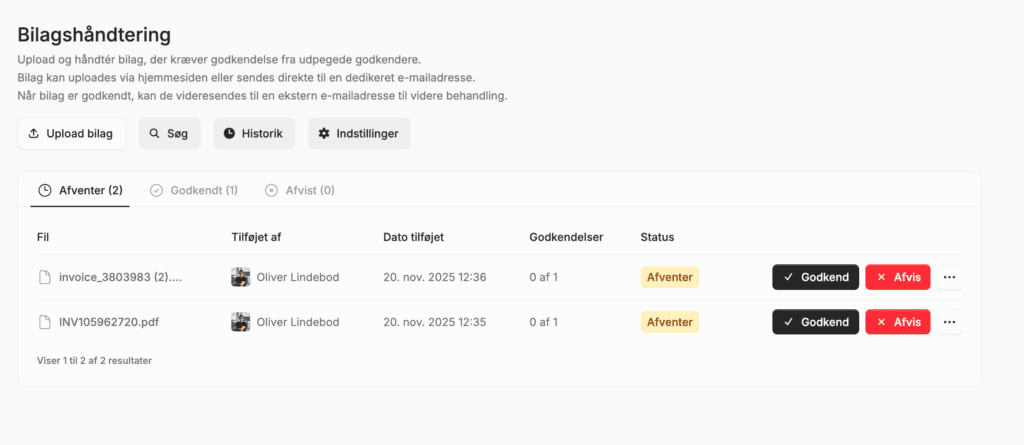
Invoice approvals
Receive, review and approve supplier invoices with a record of the board’s decision.
Read moreGive residents a place for community messages, documents, shared facilities and practical contacts. Keep the board’s working record separate from public information.


Look for the tasks your community recognises: finding a document, keeping people informed and handing over to the next volunteer. Read customers’ own experiences before choosing something useful to try.
Explore how other boards and residents use shared documents, messages and support in their everyday work. Customers describe their own experience with the service.
It’s been a pleasure becoming a customer of Anyhoa. They offer a great and very user-friendly solution for our needs as a small homeowners’ association. At the same time, we’ve experienced excellent service and very quick response times from Anyhoa.
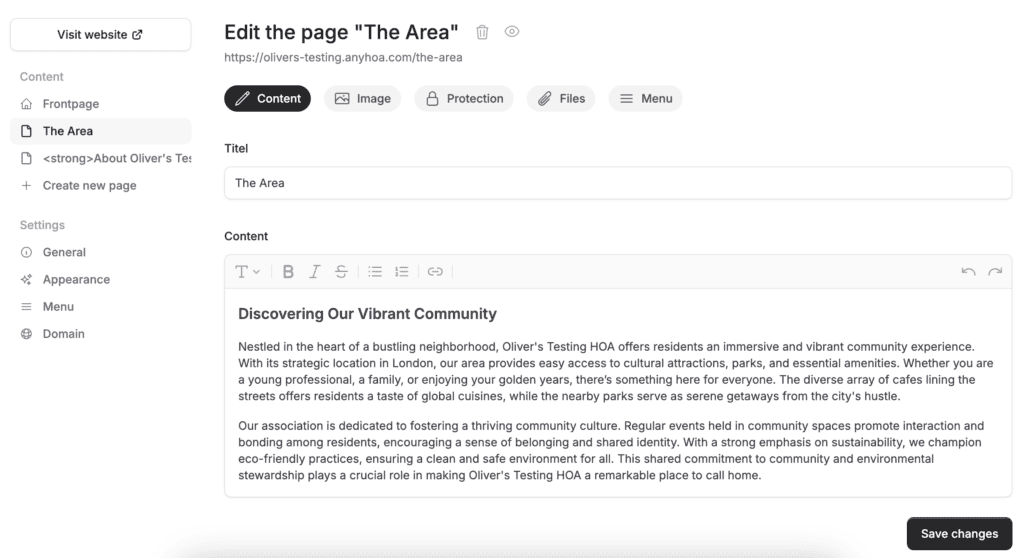
The website makes it possible to gather everything from the association in one place. Documents like financial statements, house rules, bylaws, and minutes as well as photos and other essential information can be stored in one place, where residents can access them with just a few clicks.
Explore the documents, communication, bookings and records that fit your community. Begin with the tasks your community board and residents already share.
No results. Try another search.

Share current documents and updates in the community. Help people find what they need and keep the supporting information available when someone else takes over.
Share gate hours, maintenance updates and the community’s approved visitor procedures. Give residents a place to find current information without repeating the same question to the board.

Keep practical instructions, shared documents and updates together, so a change of volunteer does not mean a fresh search for the basics.
Give your community a useful website, clear shared information and access that fits each person’s role.
A site that reflects your community’s standards
One flat rate, no matter how many members
Start by posting a useful update, then try finding it with another person in your community.
Talk to people who know how HOAs work
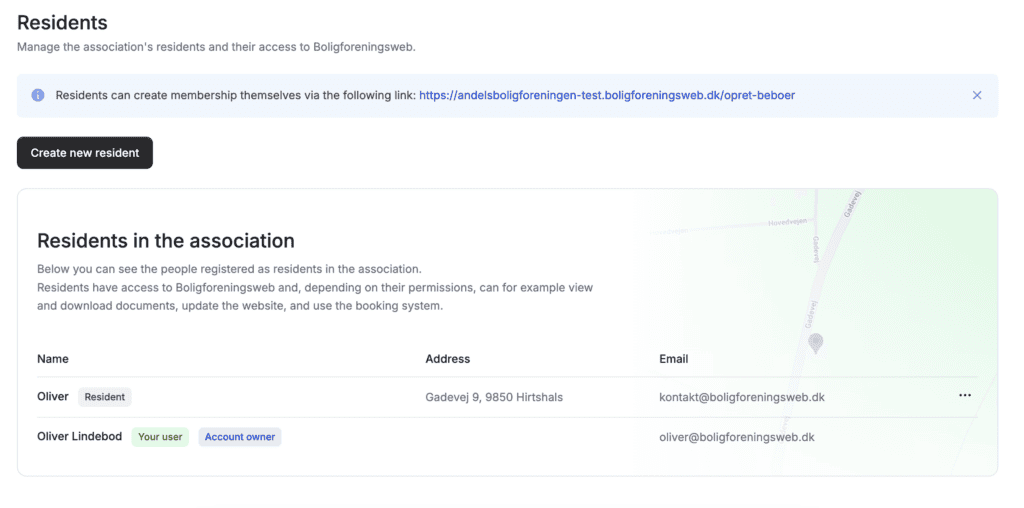
Choose access for each role and keep practical information available to the people doing the work.
Coordinate decisions, share sensitive documents, and stay aligned on community priorities – all from one secure platform.

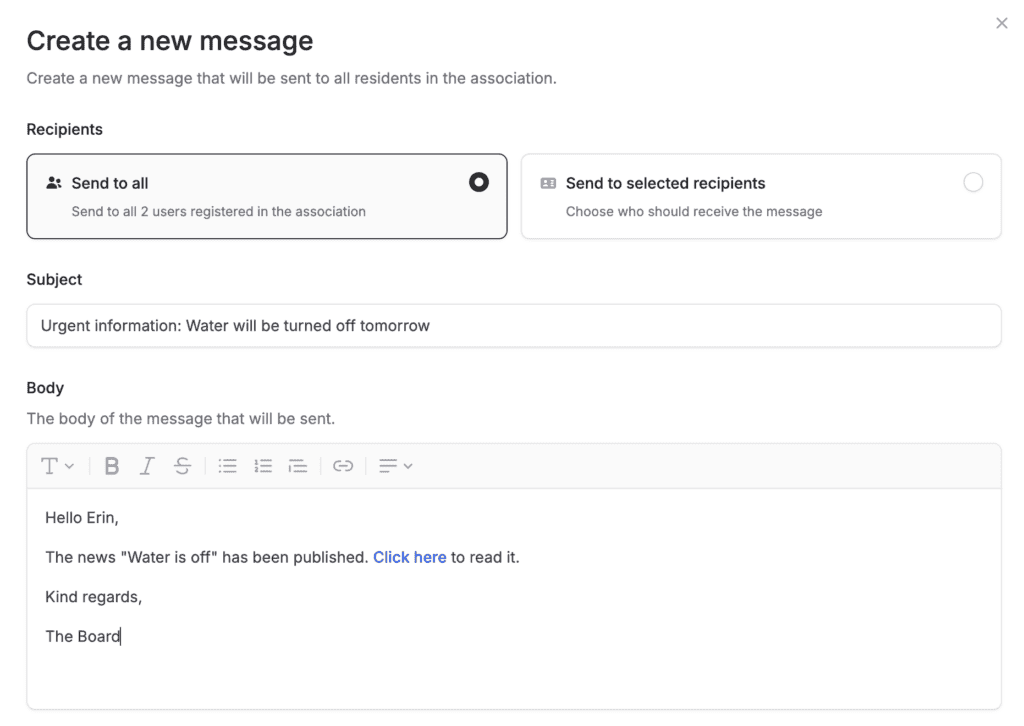
Stay informed on community rules, upcoming events, and important updates, no matter where they are.
Share the approved visitor procedures and practical contacts authorised staff need. Review access to resident information before sharing it.
Share the practical instructions and project information a contractor needs for the agreed work. Keep unrelated resident records with the appropriate people.

Practical questions for your community board and residents.
Invite another person who helps run your community. Add a useful document and share an update during the 30-day trial, then decide together whether the paid plan fits the work you need to do.