🗞️ Useful community updates
Write the update once, choose its audience and review where it should appear. Check the message and recipients before sharing it with residents.
Bring documents, resident updates and practical follow-up together. Use automation to help with repeated steps while your board reviews the information and chooses what gets shared.
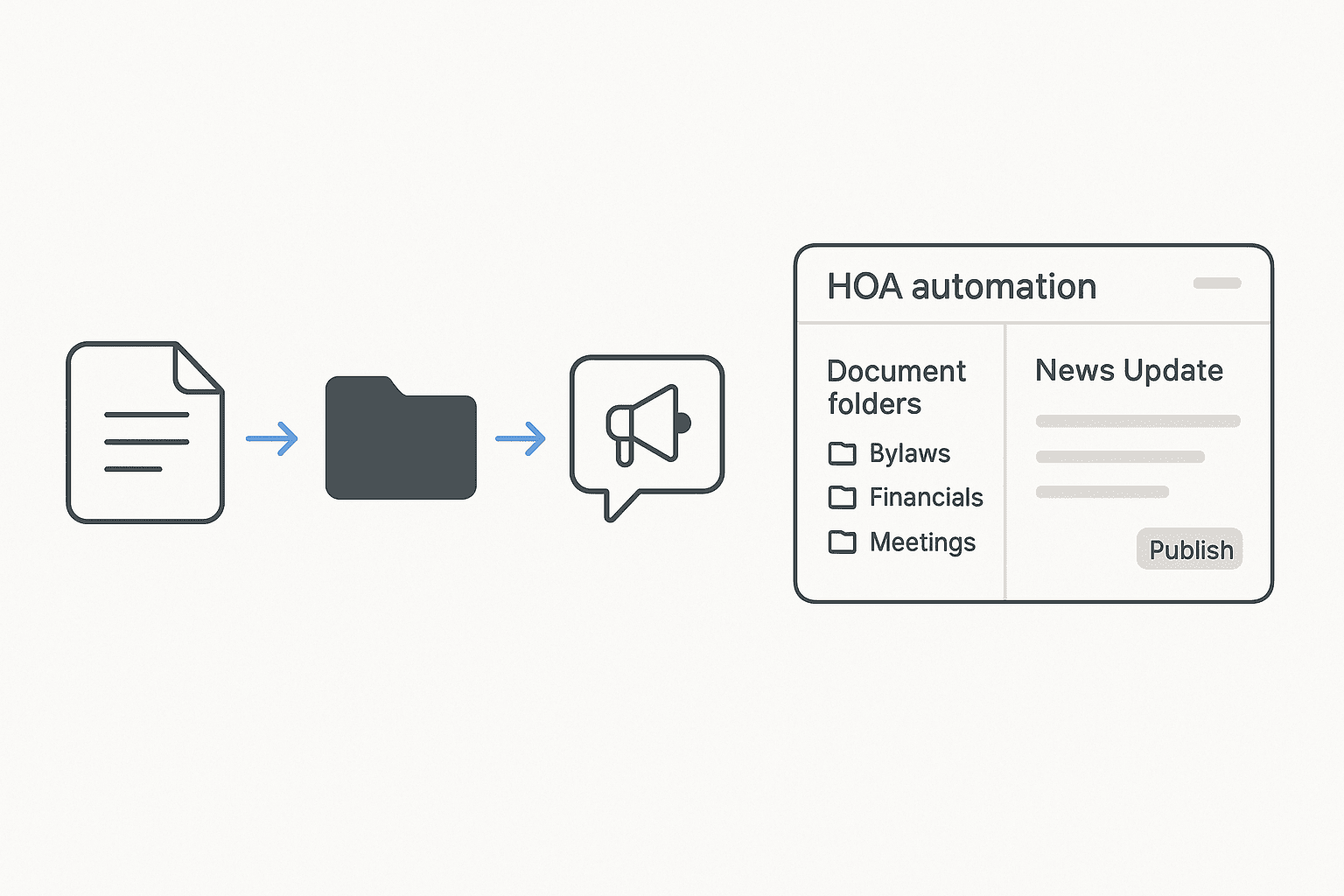
A document upload, resident update or board handover involves familiar steps. Velabo keeps the tools and community records together, so you can follow the work from the same workspace.
Write the update once, choose its audience and review where it should appear. Check the message and recipients before sharing it with residents.
Use AI assistance with document names and content, then review the location and access. Keep the current approved record where the right people can find it.
Keep documents, messages and the next task with the community. Another volunteer can continue from the shared record when responsibilities change.

The board still makes the decisions. A useful system helps keep the documents, updates and follow-up around those decisions together. Start with one recurring task and check the result with another board member.
Fantastic, fast and genuinely professional service. It’s sure to become a great website for our homeowners association. A one‑stop hub where it’s easy to find what you need, and just as easy to share a message or news with everyone. Highly recommended.
A resident update needs the right audience. An invoice needs its supporting record. A practical job needs someone responsible. Keep that context close to the work instead of rebuilding it from personal inboxes.
Use a clear file name, check the folder and review the people who should have access.
Choose the relevant residents and publish the practical details where they can find them again.
Keep the date, agenda and practical information together. Tell the relevant people when the arrangements change.

Try a document, an update or a shared booking with another board member. Use the current feature guides to explore the steps and compare the trial with the paid plan before deciding.
Choose a package and get started right away, or reach out to co-founder Oliver Lindebod.