Add the approved document
Upload the governing document your community already uses.
Keep your community’s bylaws, constitution, articles or other governing documents together. Help the board find the approved document and share the appropriate version with members or residents.
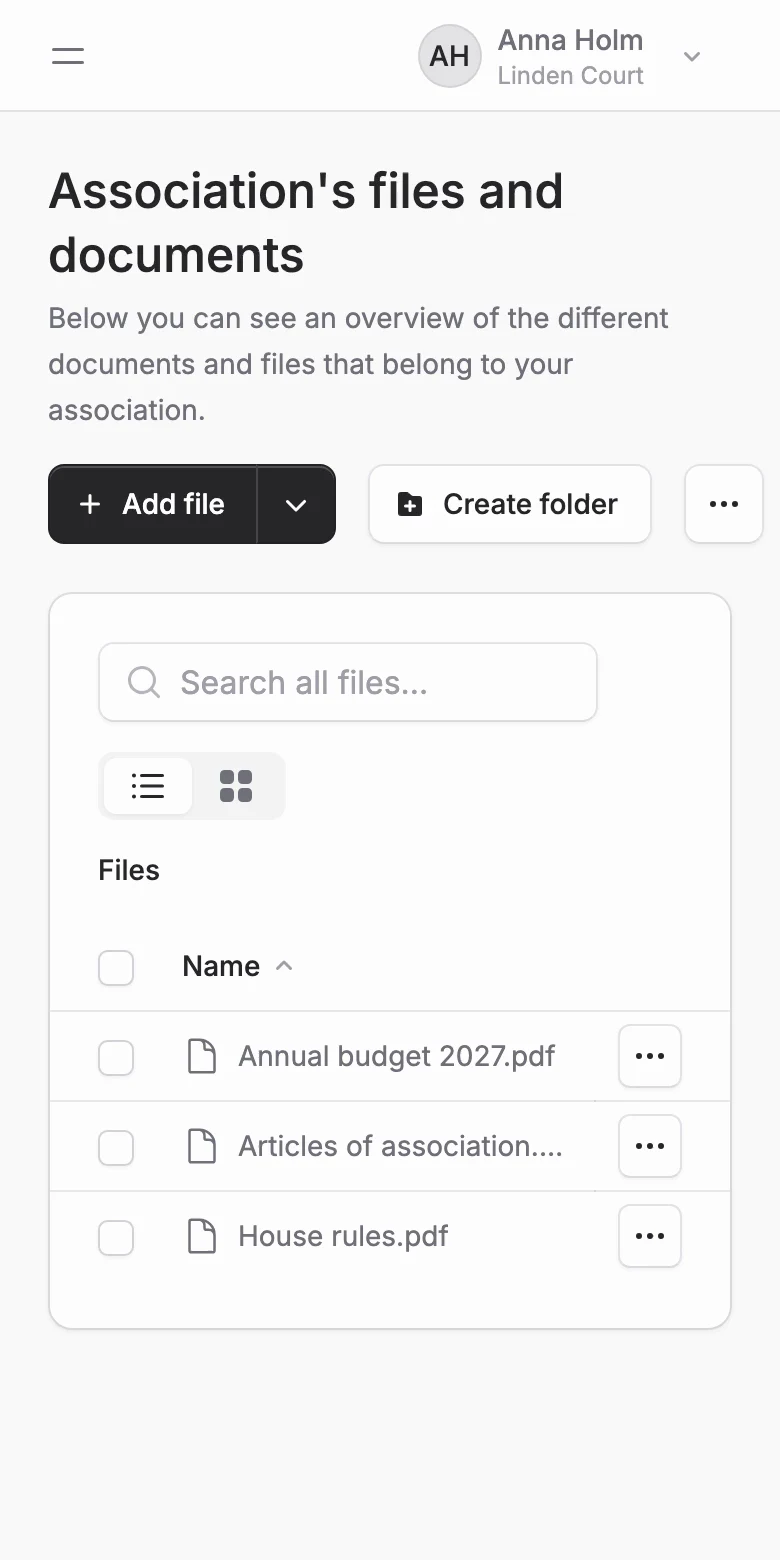
The video could not be played. Try again, or continue with the preview.

A question about a rule should lead to the document your community has approved. Store the file with a clear name and explain where readers should ask questions about it.
Store the documents your community has approved and choose the audience for the version you share.
Upload the governing document your community already uses.
Make the document and its date recognisable to a new board member.
Share the appropriate version with members, residents or website visitors.
Review the published file when your community approves a change.
Keep working papers and personal information in the appropriate folders.
Open the shared document from a phone, tablet or computer.

Keep the community’s governing documents with the records people use. Share the appropriate version with members or residents instead of forwarding an old attachment.
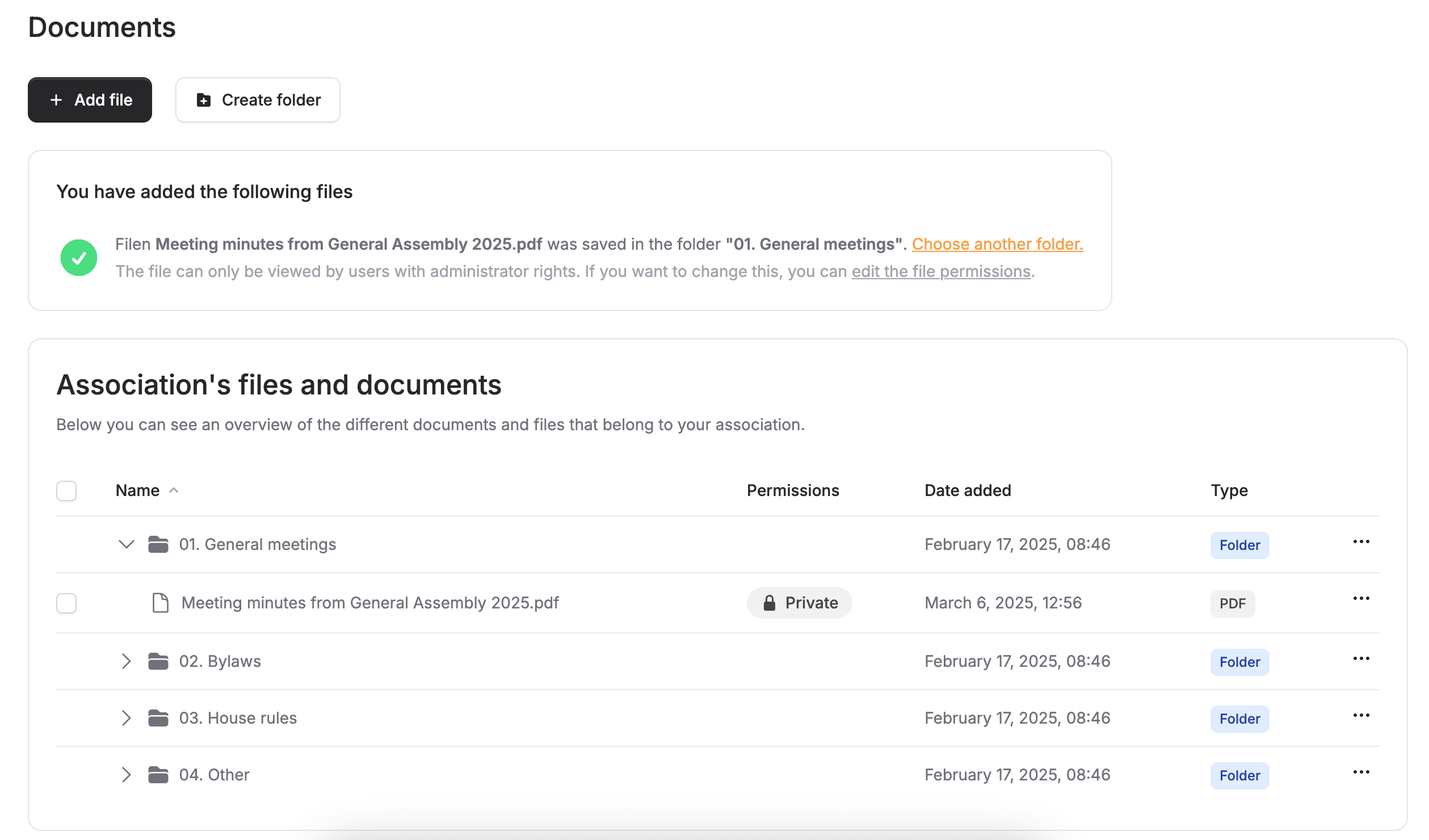
A board member checks a provision before the meeting. A new member wants to understand the community. Give them a clear route to the document and the people who can explain it.
See how to make the association’s bylaws available online, giving residents and incoming board members a shared place to look them up.
Easily Create and Share Bylaws Online | Velabo - Bylaws
YouTube · Recorded before the change of name to Velabo.Upload the current approved file and give it a clear name. Check its access and tell the relevant people where they can find it.