The public website. The private community.

Choose which information belongs on your public website and which needs resident access. Give the right audience a clear place to find what your community shares.

Sign in, switch association and sign out

Velabo

Emil signing in to Velabo on an iPad.

Not every document belongs on the open web.

A public introduction can help visitors. Resident information and board records need a different audience. Review page and document access before publishing.

See which associations can benefit from a resident login

How the resident login works

Public pages, resident access and document permissions have different jobs. Review each for the audience you intend.

See how other associations use it

Review the public pages

Choose which information visitors should be able to read.

Maintain membership

Connect resident records to the correct home and community.

Arrange resident access

Use the invitation and login steps for the appropriate person.

Review roles and documents

Check access to files and features as well as the website pages.

Update access when people leave

Review the membership and roles when a resident moves.

Use the community’s features

Give residents access to the tools and information enabled for their role.
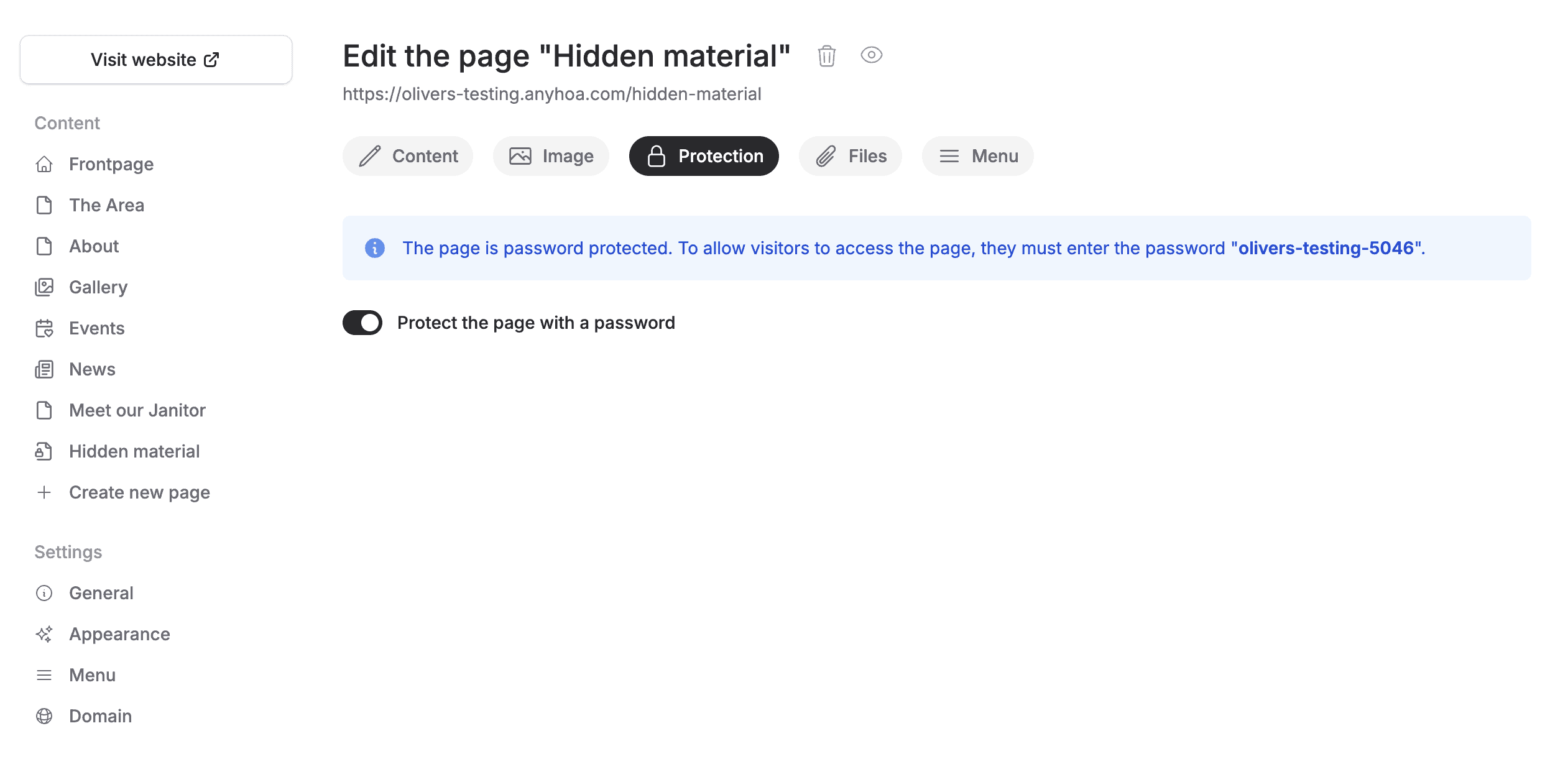
Adding secure login to a website in Velabo

Give each audience an appropriate starting point.

Visitors may need a public introduction; residents need the information your community shares with them. Use the relevant page and document access instead of publishing everything on the open website.
Read how Velabo uses the latest technology
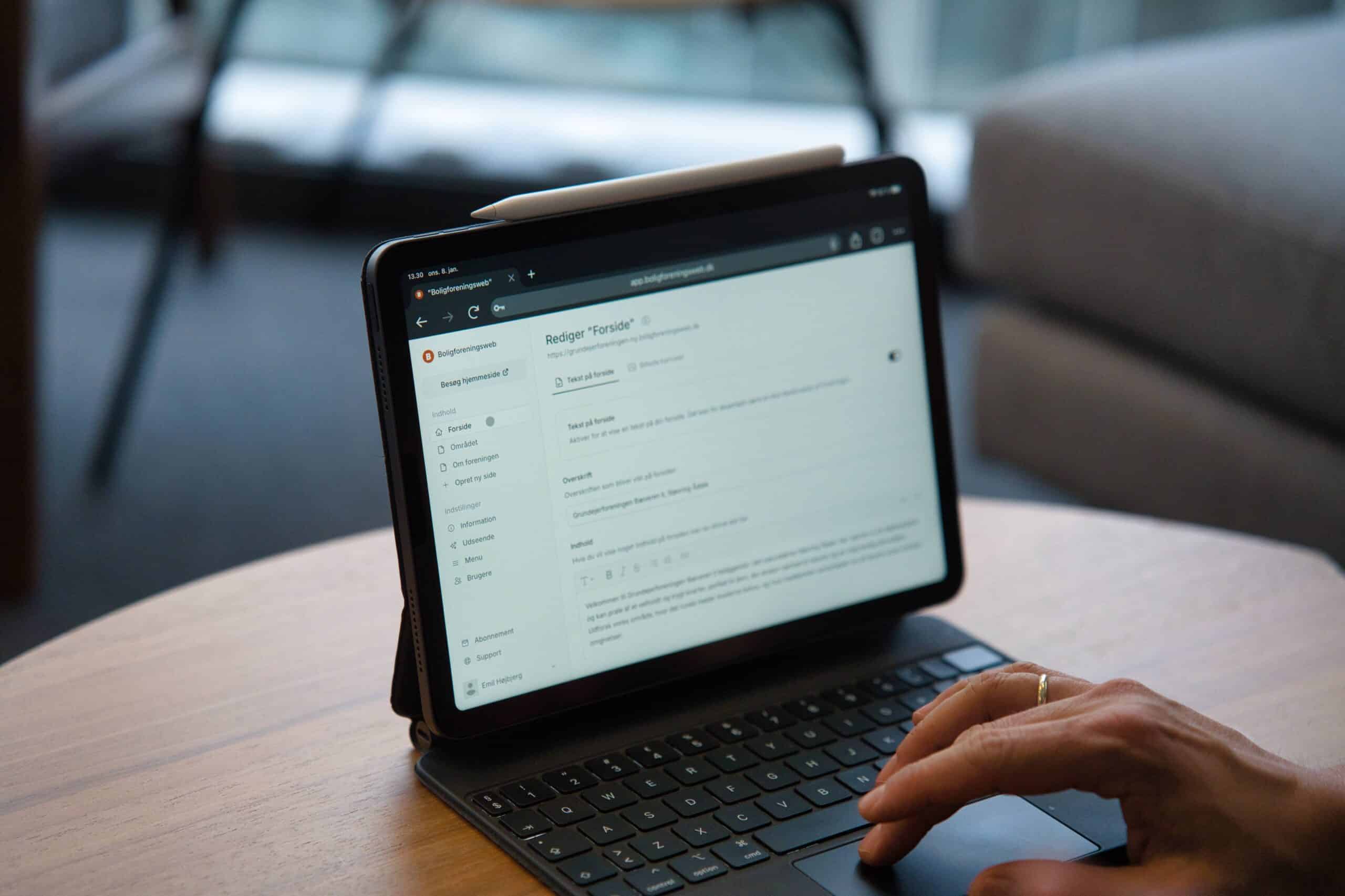
Emil editing a website home page on an iPad.

Useful for the information behind everyday life.

Share the appropriate meeting records, community documents and booking options with the people who have access. The board or manager maintains membership and roles as people move or responsibilities change.

Learn about secure and digital document storage

See how residents sign in

Follow Oliver through resident login and see how members reach the documents and information shared within their association.

Oliver LindebodCo-founder of Velabo

Secure Login for Residents and Association Website | Velabo - Secure Login

YouTube · Recorded before the change of name to Velabo.

Why might another resident see different information?
The documents and features available after login depend on your community’s setup and your role. Ask the board or manager about information you expect to see.
What if I have not received access?
Ask your board or community manager to check your details and send the invitation for the right community. Do not create a separate association to reach an existing one.
What if I have forgotten my password?
Open the login page and use the password-reset option with the email address for your account. Ask your board or manager if you are unsure which address they have for you.

Start by reviewing one page and one document.

Check the public view and the view for a resident with the relevant access. Keep membership, roles and document permissions aligned with the audience you intend.

Log in to your community

Your community is already here.

Sign in with the access supplied by your board or manager. You do not need to create another association.

Log in to your community

Use the invitation from your board or manager. If you do not have access, ask them to invite you again.

Oliver Lindebod

Oliver Lindebod

Co-founder

Write to Oliver directly, or send a request for a video meeting.

oliver@anyhoa.com
Request a video meeting

Tell us who you are and when might suit you. We will agree the time with you by email.

Request a video meeting

We use these details to follow up on your meeting request. Privacy policy

Anyhoa is now Velabo.

Anyhoa is now Velabo. A new name. The same people. The name has been waiting in the wings for a long time. Our familiar symbol tells the story: a sail catches the wind, takes the shape of a home, then comes together as Velabo. Vela is Latin for sails. Bo is Danish for living somewhere: home and belonging. Software for the communities we call home.

Our story