Transfer documents. Kept with the record.

Keep sale, purchase or ownership-transfer documents organised where your community needs them. Share the relevant files with the people authorised to handle the transfer.
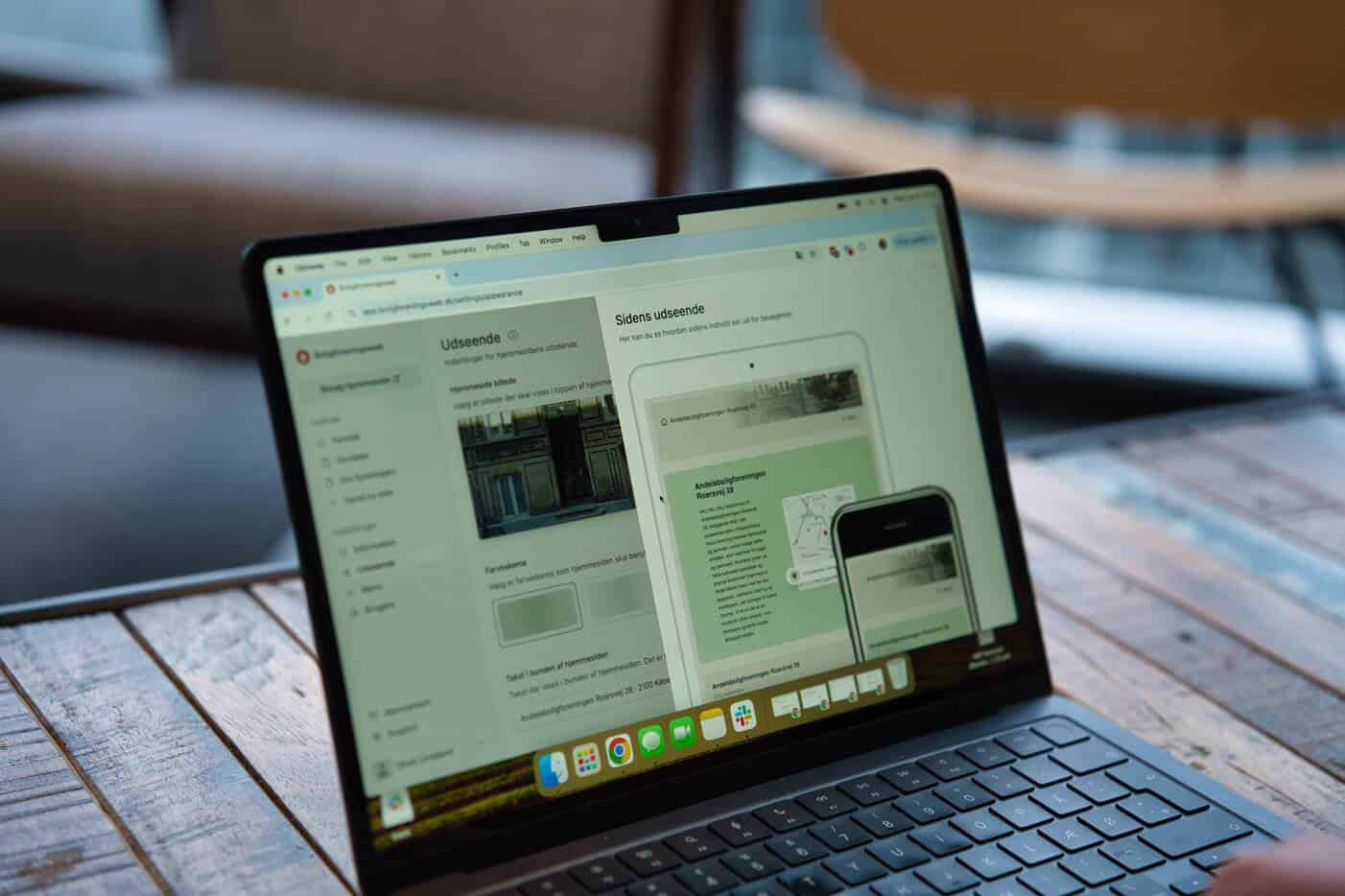
A computer screen showing a community website on different devices.

A change of owner needs a clear handover.

Keep the correspondence and documents your board or manager needs together. Give files a clear purpose and check access before sharing documents containing personal information.

See how other associations use Velabo

How sales and purchase agreements work

Organise the transfer documents your community needs to keep, with access for the people handling them.

Get answers to more questions

Add the transfer file

Upload the documents your community needs to keep for the transfer.

Review who needs access

Share the relevant records with the people handling the work.

Keep the version clear

Use file names and dates that explain which document people should use.

Find the record later

People with appropriate access can return to the required file.

Keep the supporting material

Organise related correspondence and documents alongside the agreement.

Separate personal records

Keep transaction information out of general resident announcements.
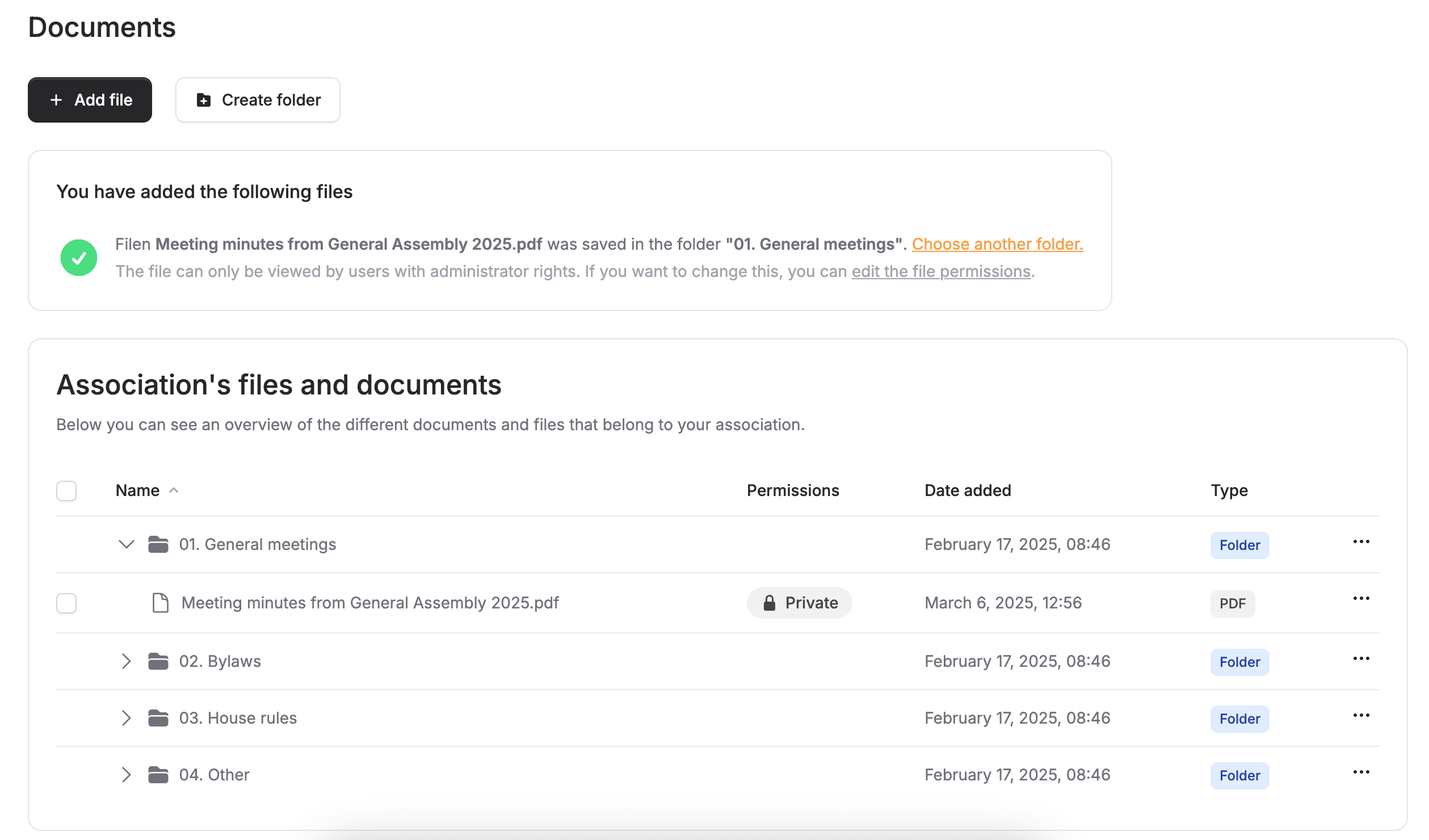
Adding minutes to the document storage

Keep the transfer file with the community’s records.

Store the agreement and the related documents in the archive. Give the people handling the transfer access to the relevant material without making it general resident information.
Learn how the document archive works
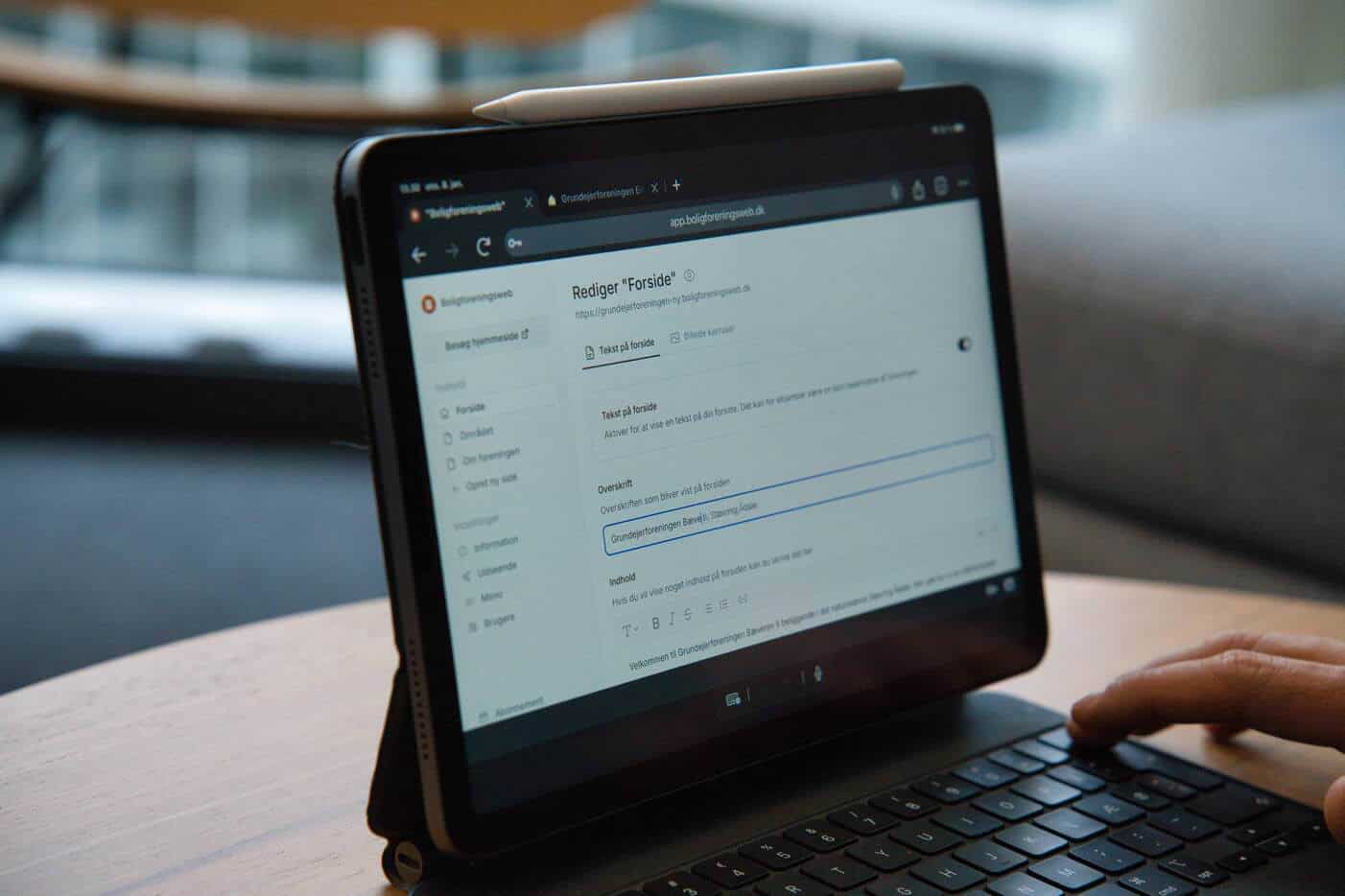
Using Velabo on an iPad.

Useful when the next person needs the history.

A manager checks a transfer record. A board member needs the supporting correspondence. Keep the required files together and review who should have access to them.

Read how to optimize community management
Can we keep the transfer documents together?
Yes. Store the relevant sale, purchase or ownership-transfer files in the community archive, with access for the people handling the transfer.
Can the board control who sees a transfer file?
Use the file and folder permissions to share the relevant documents. Keep personal and transaction records separate from general resident information.
Does storing the file replace the transfer process?
Velabo keeps the documents organised. Your community continues to use the agreement, approvals and professional advice required for the particular transfer.

Start with a clearly named transfer file.

Gather the documents your community needs to retain and organise them in the appropriate folder. Review the file and folder permissions with the people responsible for the work.

Oliver Lindebod

Oliver Lindebod

Co-founder

Write to Oliver directly, or send a request for a video meeting.

oliver@anyhoa.com
Request a video meeting

Tell us who you are and when might suit you. We will agree the time with you by email.

Request a video meeting

We use these details to follow up on your meeting request. Privacy policy

Anyhoa is now Velabo.

Anyhoa is now Velabo. A new name. The same people. The name has been waiting in the wings for a long time. Our familiar symbol tells the story: a sail catches the wind, takes the shape of a home, then comes together as Velabo. Vela is Latin for sails. Bo is Danish for living somewhere: home and belonging. Software for the communities we call home.

Our story