Meeting decisions. Easy to find again.

Store the approved minutes and supporting material in your community archive. Give the board a useful record and share the appropriate documents with residents.
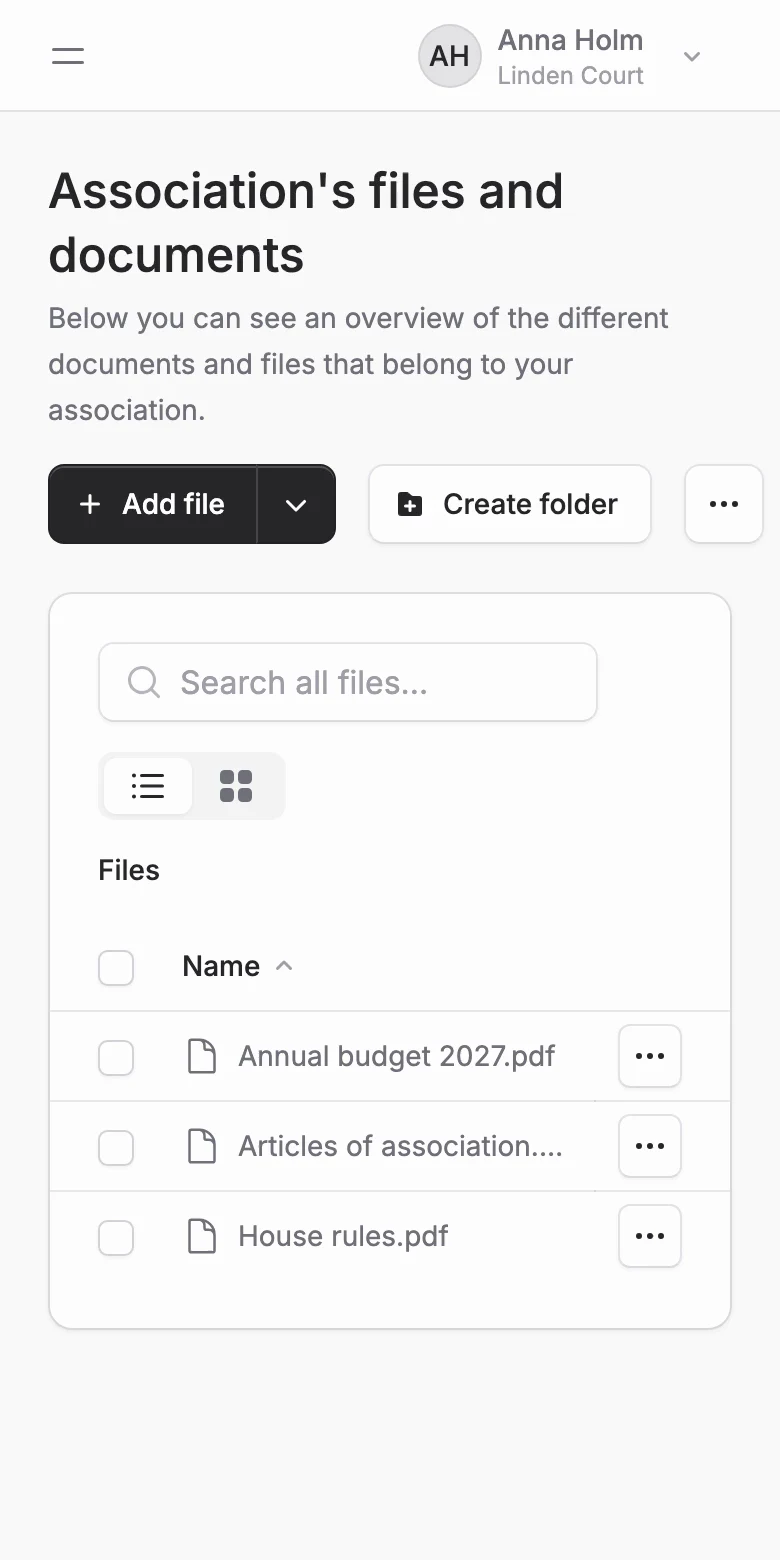
Upload and share a document with residents

Velabo

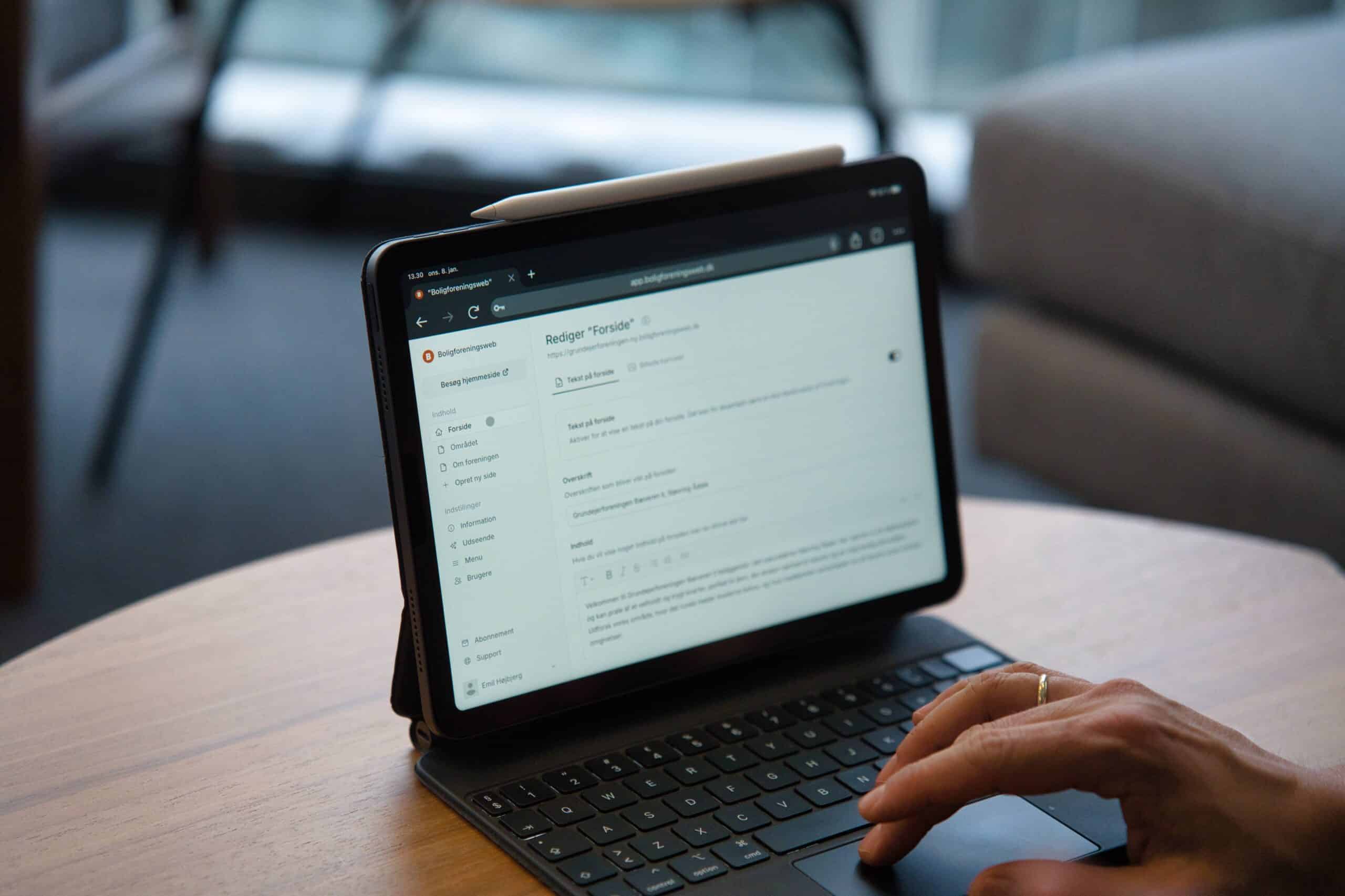
Emil editing a website home page on an iPad.

The next board should be able to follow the decision.

Keep minutes with clear names and relevant attachments. When someone asks why a repair was agreed, the useful context should stay with the community rather than one former board member.

Learn more about minutes

How online minutes work

Upload the approved record and supporting files, then review how they are shared.

See how Velabo uses AI

Add the approved record

Upload the minutes from the relevant meeting.

Review sharing

Choose the board, resident or public audience appropriate to the record.

Make file names useful

Include the meeting and date so people can find the record again.

Choose any public documents

Publish only the version suitable for visitors to the website.

Keep the archive current

Add the next approved record to the community’s shared archive.

Include the useful context

Keep relevant supporting documents with the meeting records.
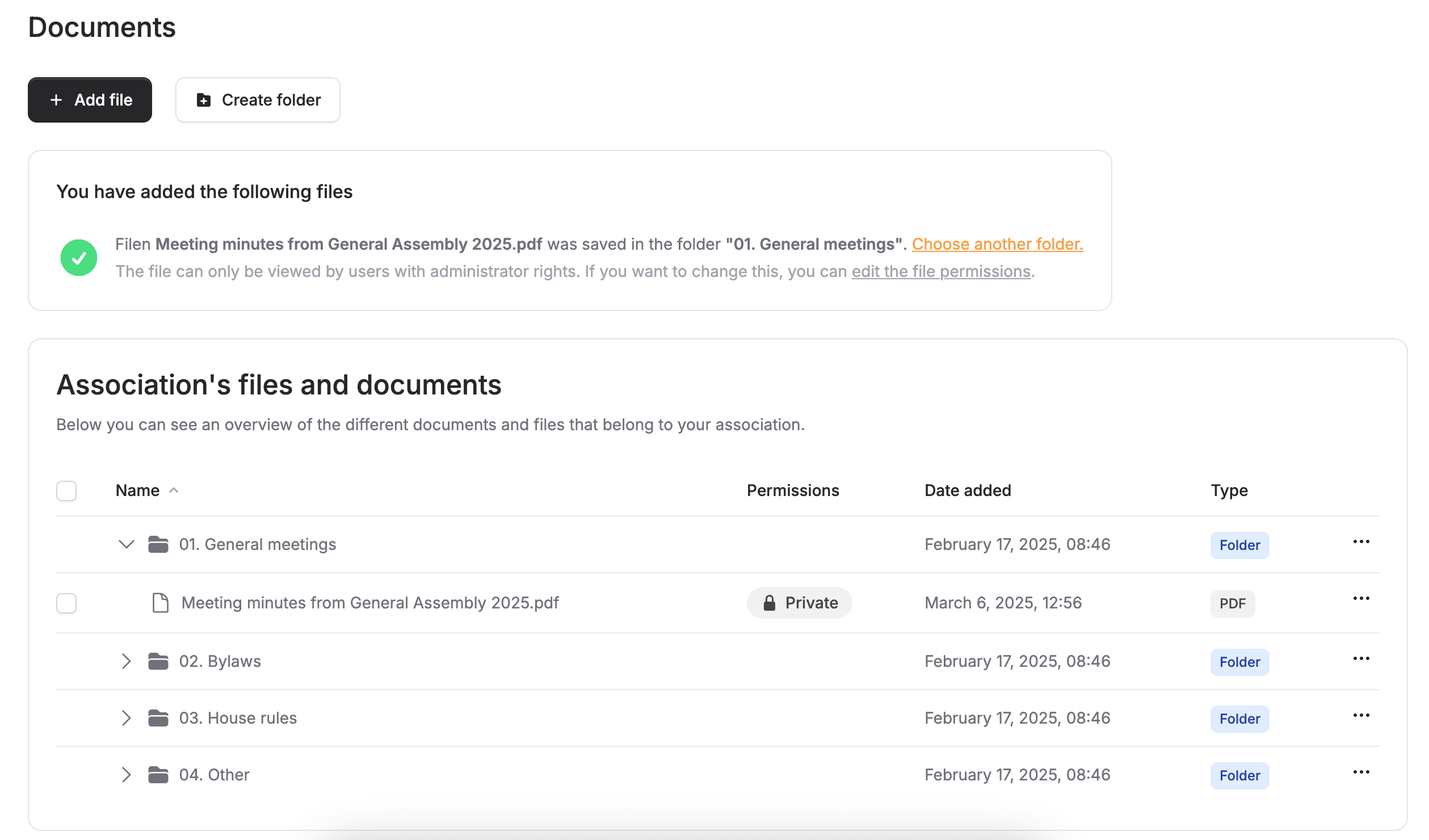
Adding minutes to the document storage

Keep the working history with the community.

Store the approved meeting record with its supporting material. New board members can find earlier decisions, and residents can read the version your community has chosen to share.
Learn more about document digitization
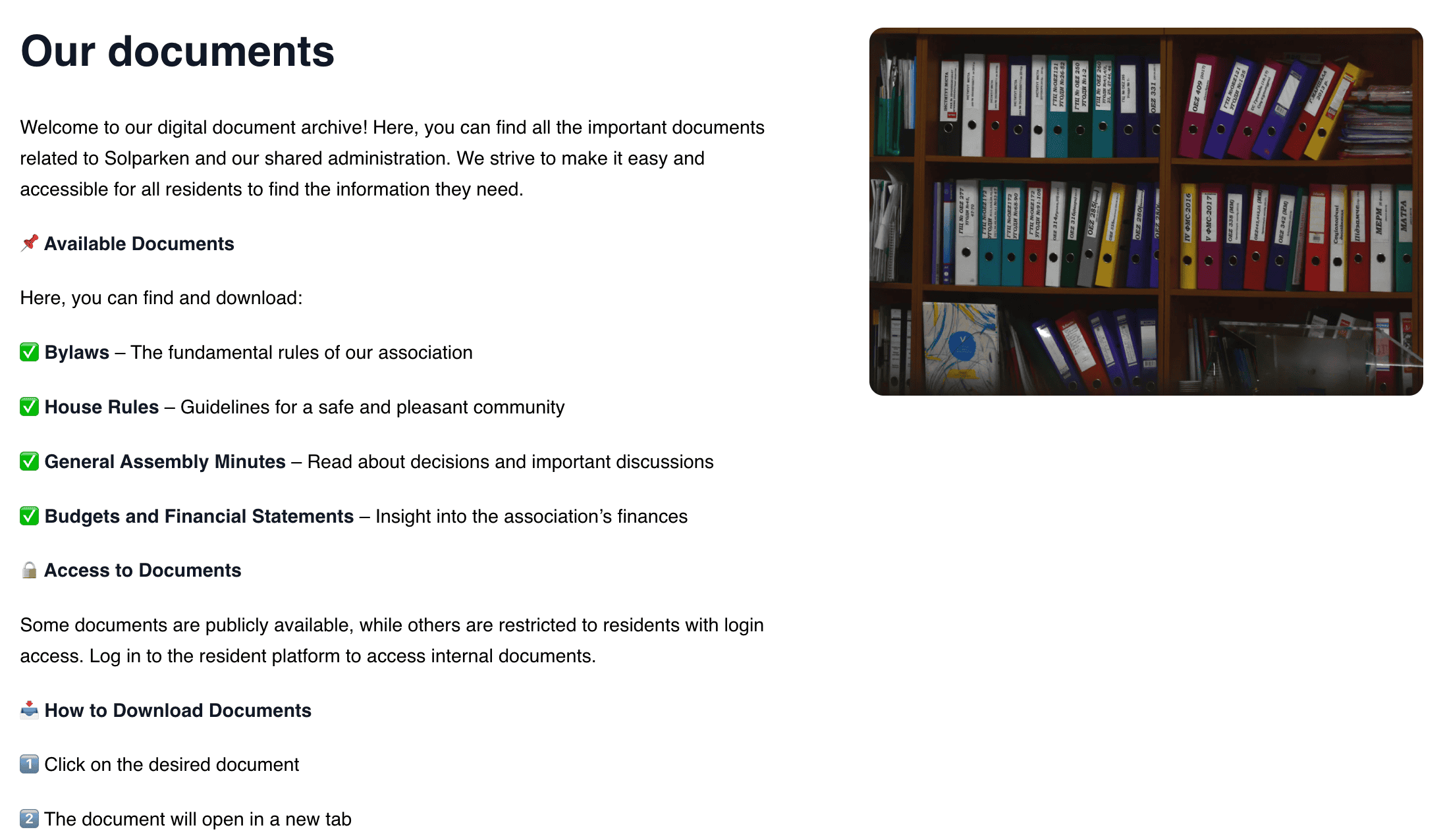
Documents on the association website

Choose what is suitable for visitors.

Some communities publish selected meeting records on their website. Decide which documents are appropriate for that audience and keep personal or internal material in the relevant restricted space.
Read how A/B Smedhøj III did this
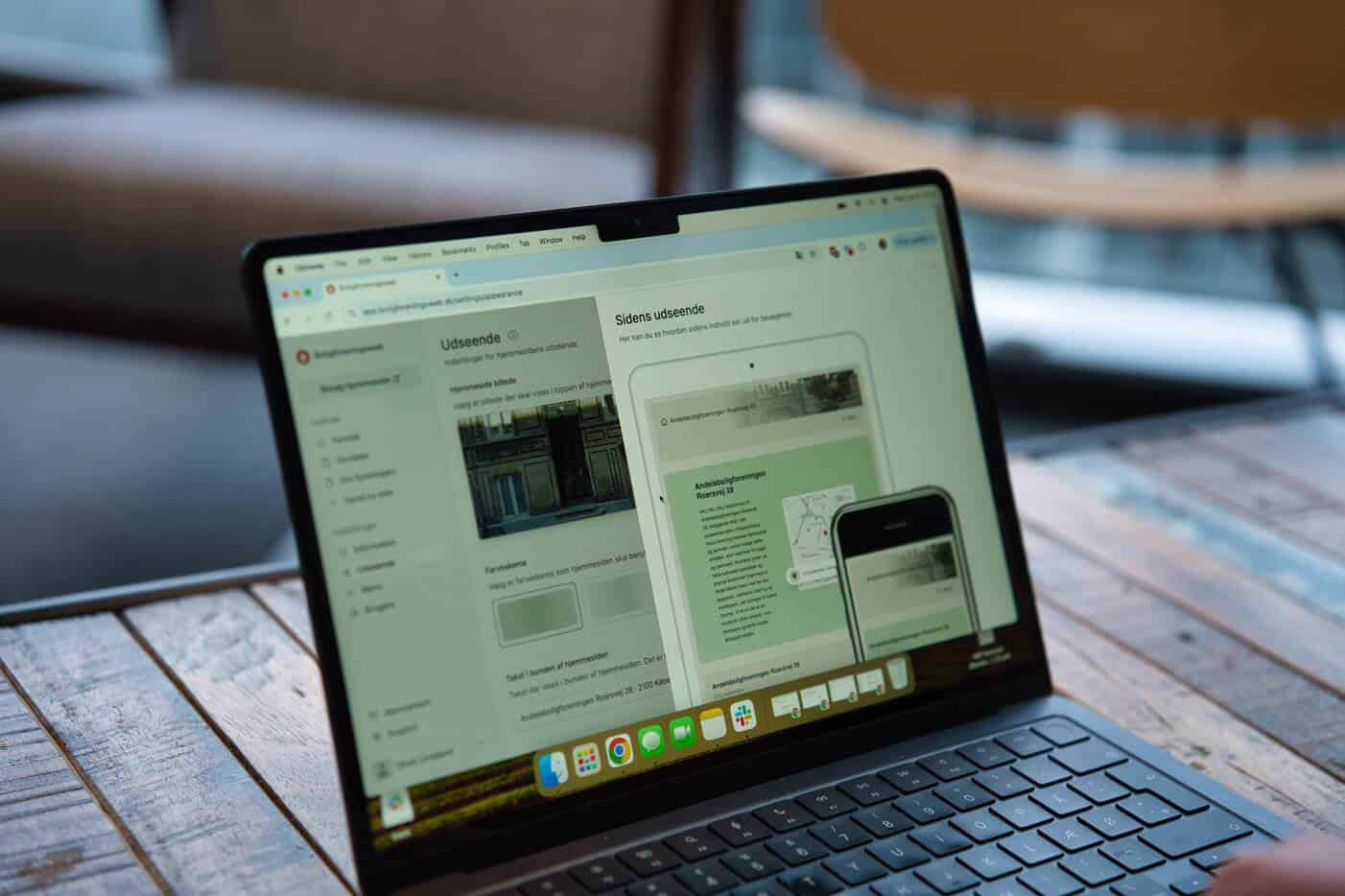
A computer screen showing a community website on different devices.

Useful long after the meeting ends.

A contractor’s invoice refers to an earlier decision. A new board member needs the repair history. Clear file names and a shared archive help people return to the record.

Learn more about the association website

Put meeting decisions within reach

Watch Oliver share meeting minutes in Velabo, giving residents a place to find the decisions that affect their community.

Oliver LindebodCo-founder of Velabo

Easily Manage and Share Meeting Minutes | Velabo - Minutes Feature

YouTube · Recorded before the change of name to Velabo.
Can the next board find earlier meeting records?
Keep meeting records in the community archive, with appropriate access for the board. The shared history stays available when volunteers change.
Can we choose which minutes residents see?
Publish the version your community has approved for sharing and use the relevant access settings. Keep board working material separate where needed.
Does publishing replace approval of the minutes?
Your community follows its own process for approving minutes. Use Velabo to keep and share the resulting record with the relevant people.

Start with the latest approved minutes.

Upload the record, add the relevant supporting files and review access. Tell the board or residents where they can find the version intended for them.

Oliver Lindebod

Oliver Lindebod

Co-founder

Write to Oliver directly, or send a request for a video meeting.

oliver@anyhoa.com
Request a video meeting

Tell us who you are and when might suit you. We will agree the time with you by email.

Request a video meeting

We use these details to follow up on your meeting request. Privacy policy

Anyhoa is now Velabo.

Anyhoa is now Velabo. A new name. The same people. The name has been waiting in the wings for a long time. Our familiar symbol tells the story: a sail catches the wind, takes the shape of a home, then comes together as Velabo. Vela is Latin for sails. Bo is Danish for living somewhere: home and belonging. Software for the communities we call home.

Our story