Create the marketplace section
Give local listings a clear place on your community website.
Give residents a community marketplace page for the things they want to pass on. Keep local listings close to the people who live nearby.
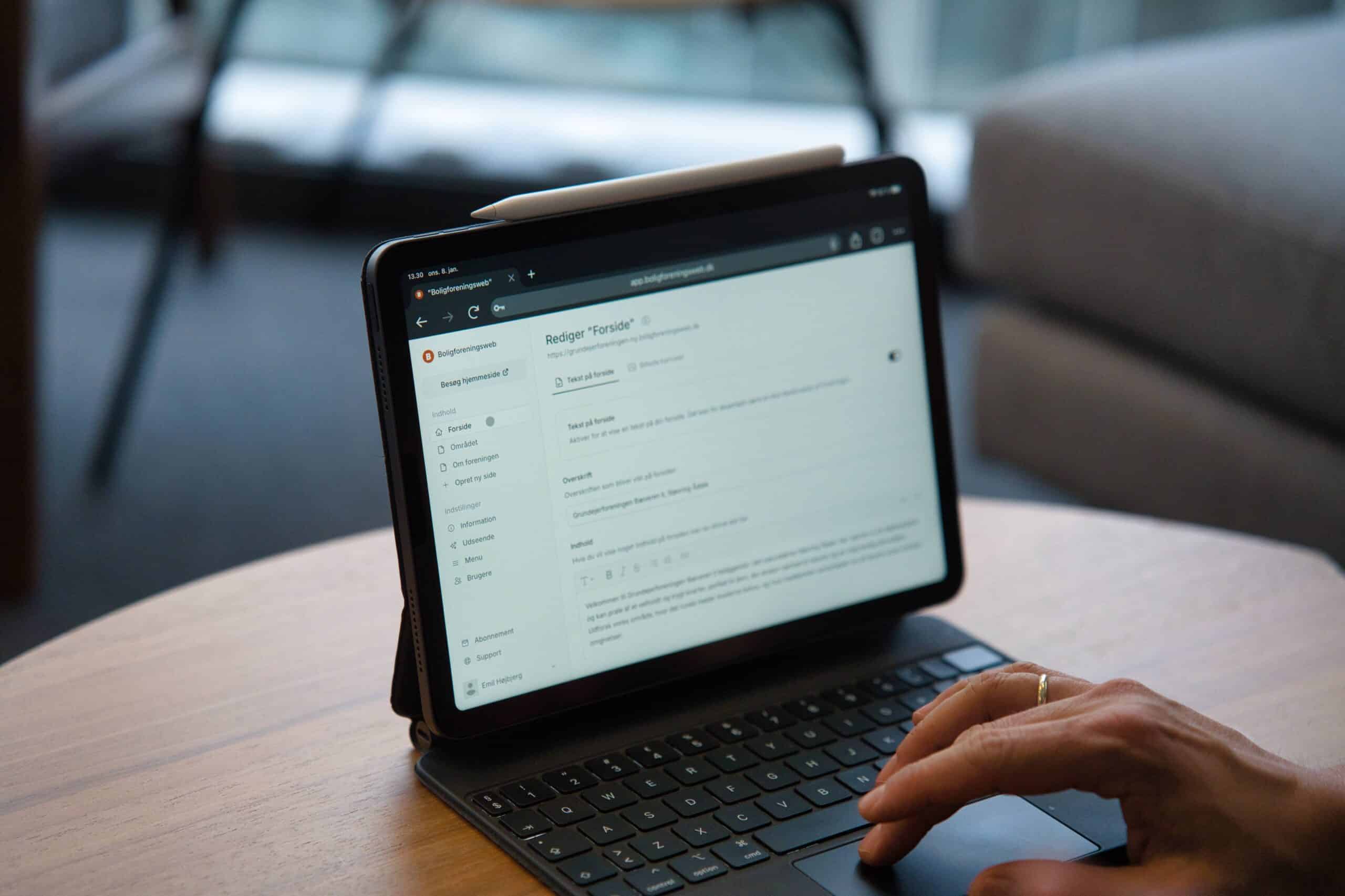
Publish the information your community wants to share and make it clear how residents contact the person behind a listing. Agree who maintains the page and what belongs on it.
Give residents a clear place for local listings and explain the community’s posting arrangements.
Give local listings a clear place on your community website.
Include the item, a photograph where appropriate and the contact route.
Review whether the page is for residents or suitable for public visitors.
Update or remove entries when an item is no longer available.
Use the website navigation to give residents a route to the listings.
Publish the community’s guidance for contact, collection and suitable items.
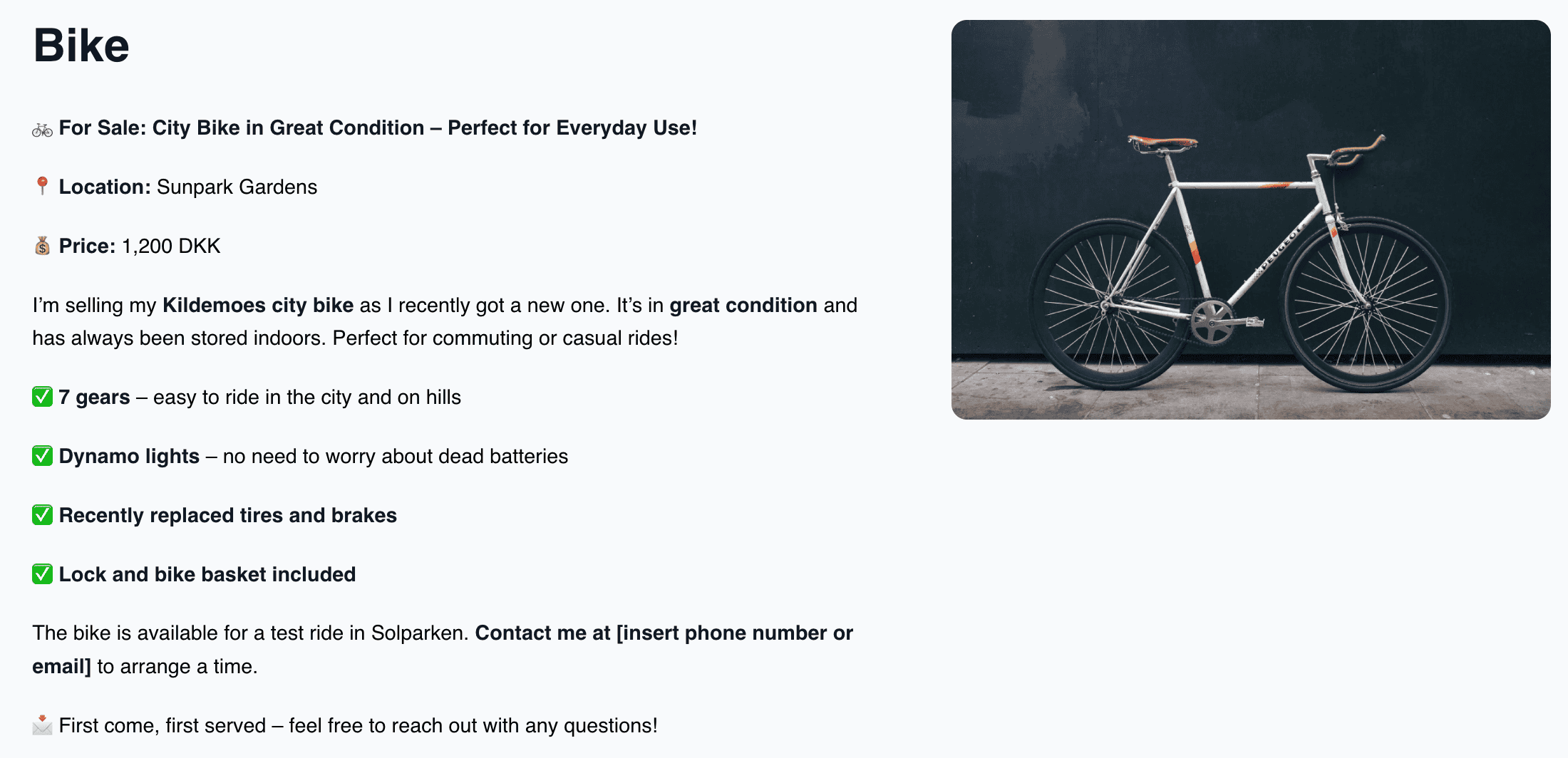
Create a marketplace section and organise pages in a way residents can follow. A useful listing explains the item, the asking price where relevant and how to contact the person offering it.
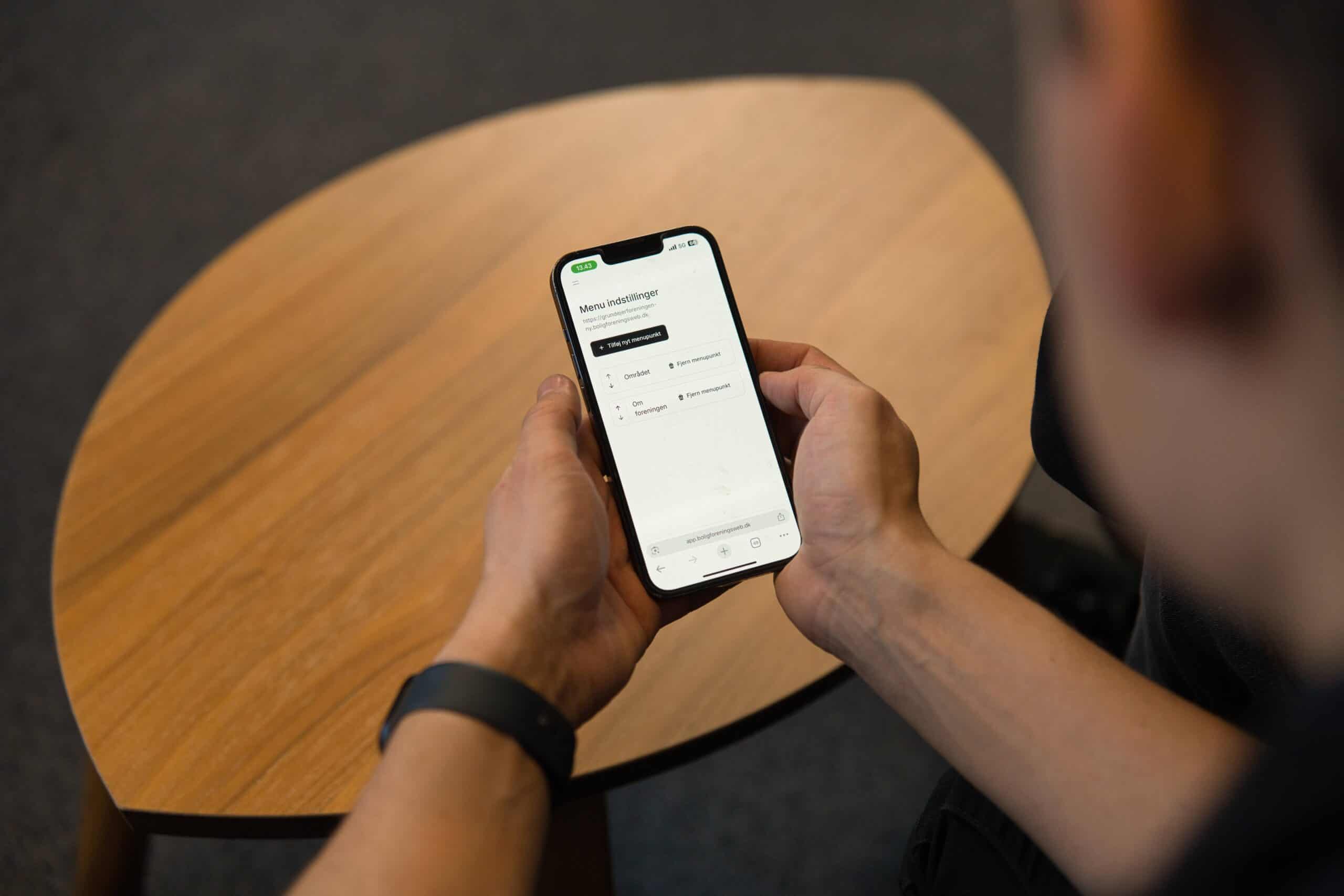
Residents may be moving home, passing on a bicycle or sharing materials left from a project. Local listings keep the practical details close to neighbours who may be interested.
Explain what belongs on your community’s marketplace and how people arrange contact. Publish useful item details and keep the page current when items are no longer available.