Create the event
Add a clear title, date and time.
Bring meetings, maintenance days and community events into one calendar. Help people check the date and find the information that goes with it.

The video could not be played. Try again, or continue with the preview.
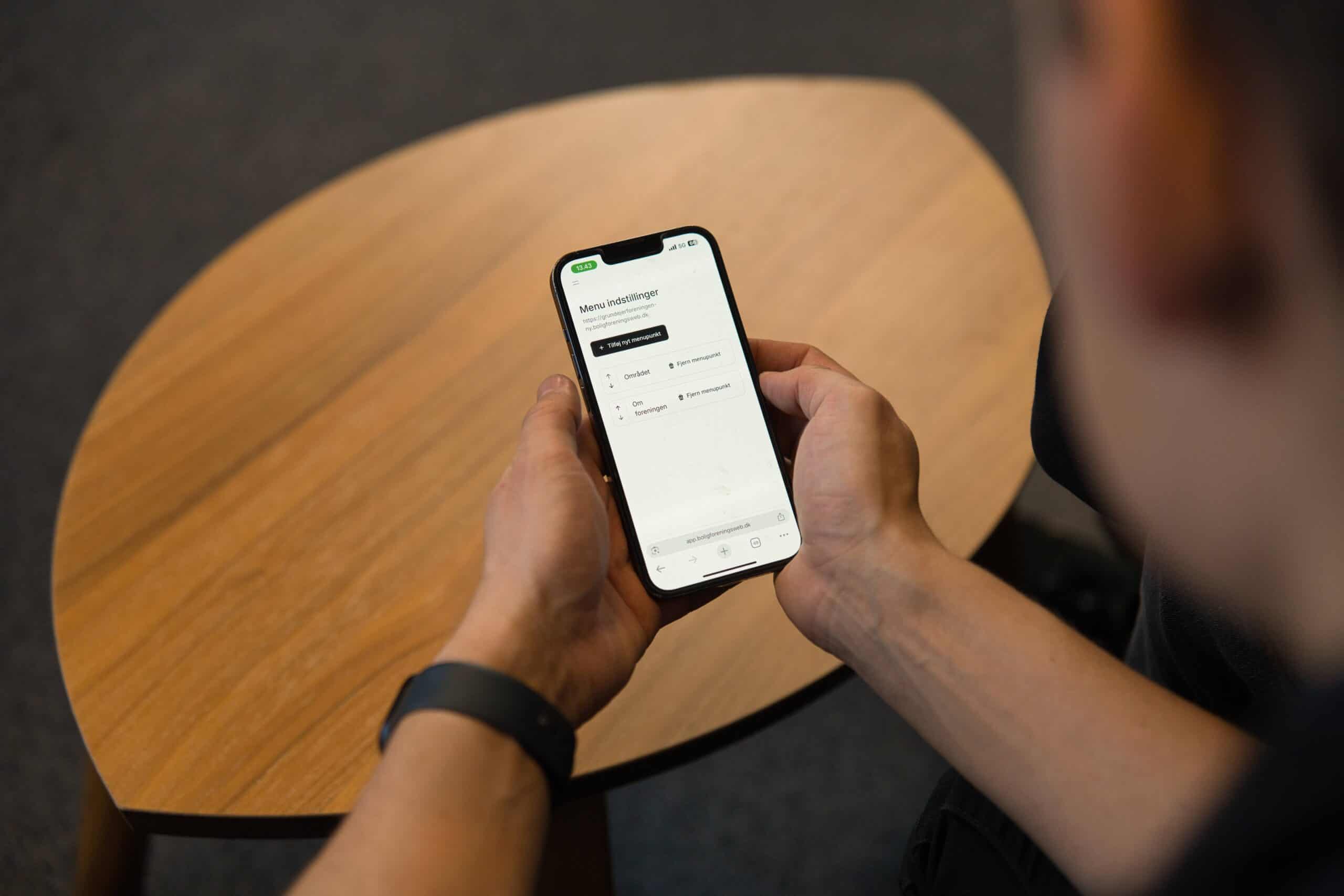
The annual meeting needs an agenda. The maintenance day needs a time and place. Put the event and its useful information together instead of leaving residents to piece it together from messages.
Keep the shared date and the practical information people need together.
Add a clear title, date and time.
Decide whether the event belongs in the resident space, on the website or both.
Include the place, preparations and supporting information people need.
Maintain the upcoming dates in the community calendar.
Use the available calendar subscription or export options to follow shared dates.
Send an appropriate update when a time or arrangement changes.
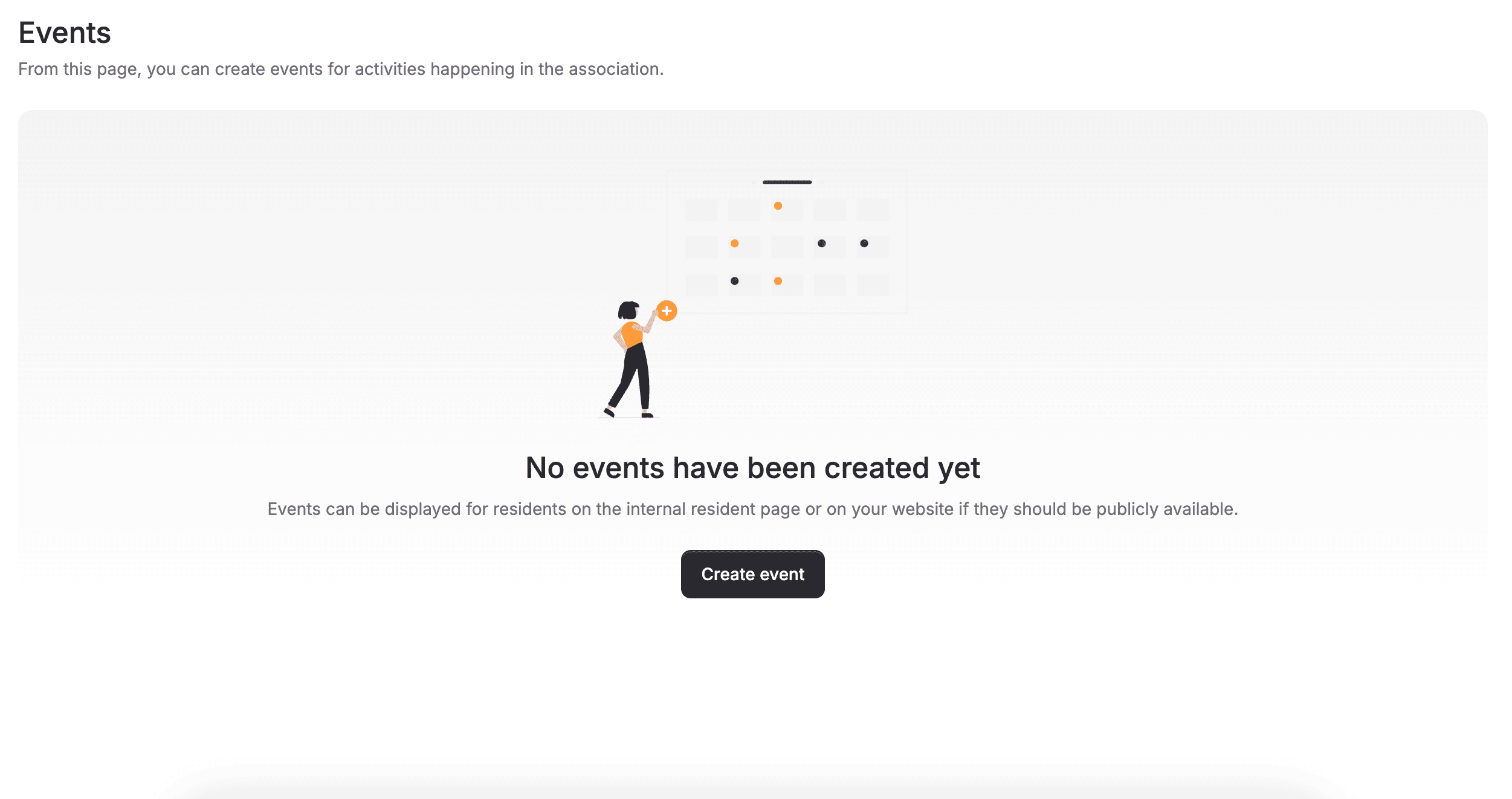
The next meeting, contractor visit or community gathering is easier to discuss when people can find the date and practical details together.
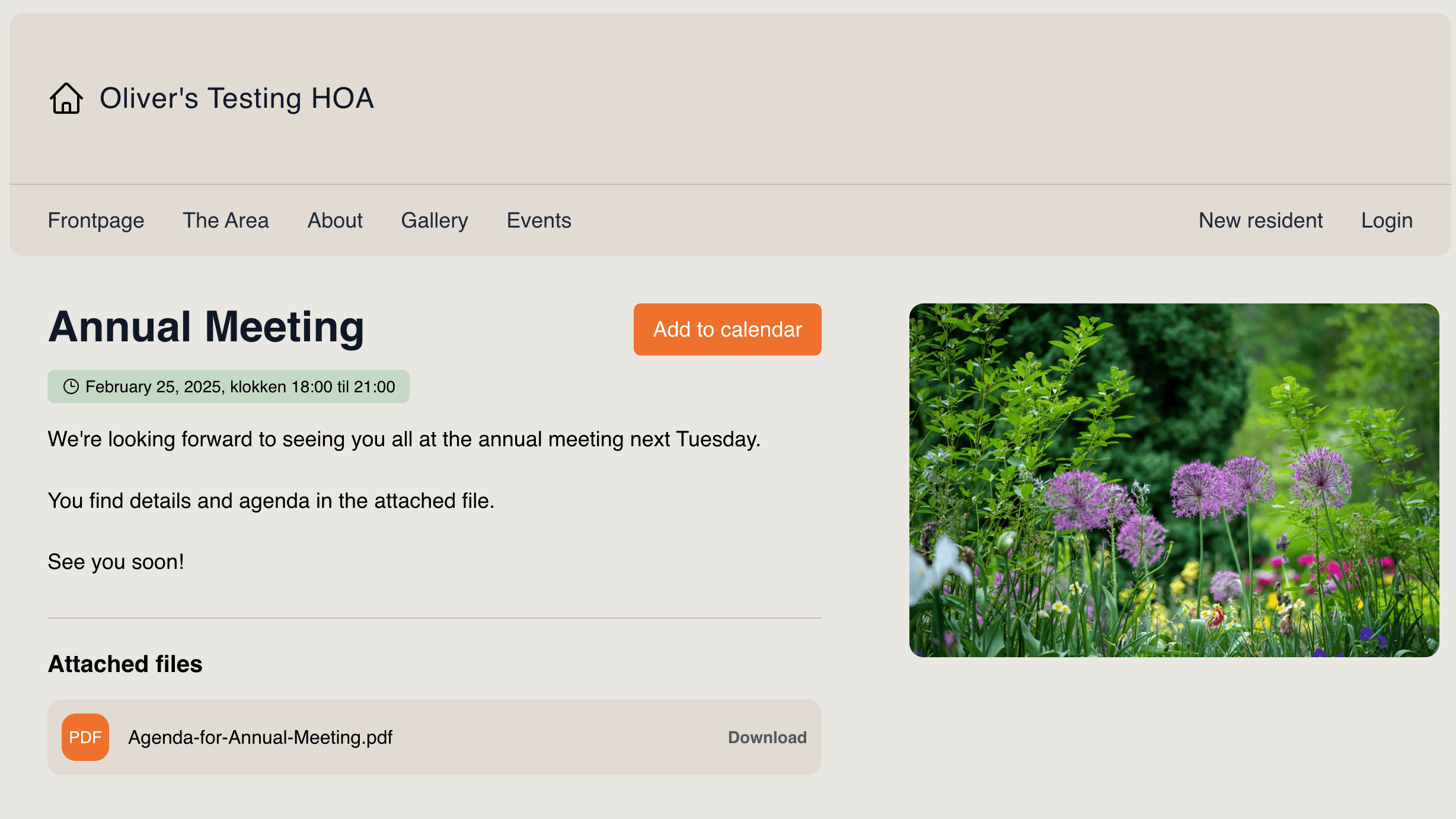
Add a meeting with its agenda, a workday with a start time or a shared meal with registration details. Your community decides the dates and the audience.
Oliver introduces the shared calendar and shows how residents can find the meetings and activities planned for their community.
Oliver LindebodCo-founder of Velabo
Keep Track of Events with the Shared Calendar | Velabo - Shared Calendar
YouTube · Recorded before the change of name to Velabo.Create the event and add the useful time, place and supporting information. Check its visibility before sharing it with the community.