Shared spaces. Easier to book.
Let residents find an available time for the clubhouse, guest room, laundry room or other shared resource. Keep the bookings and the rules together.

The video could not be played. Try again, or continue with the preview.
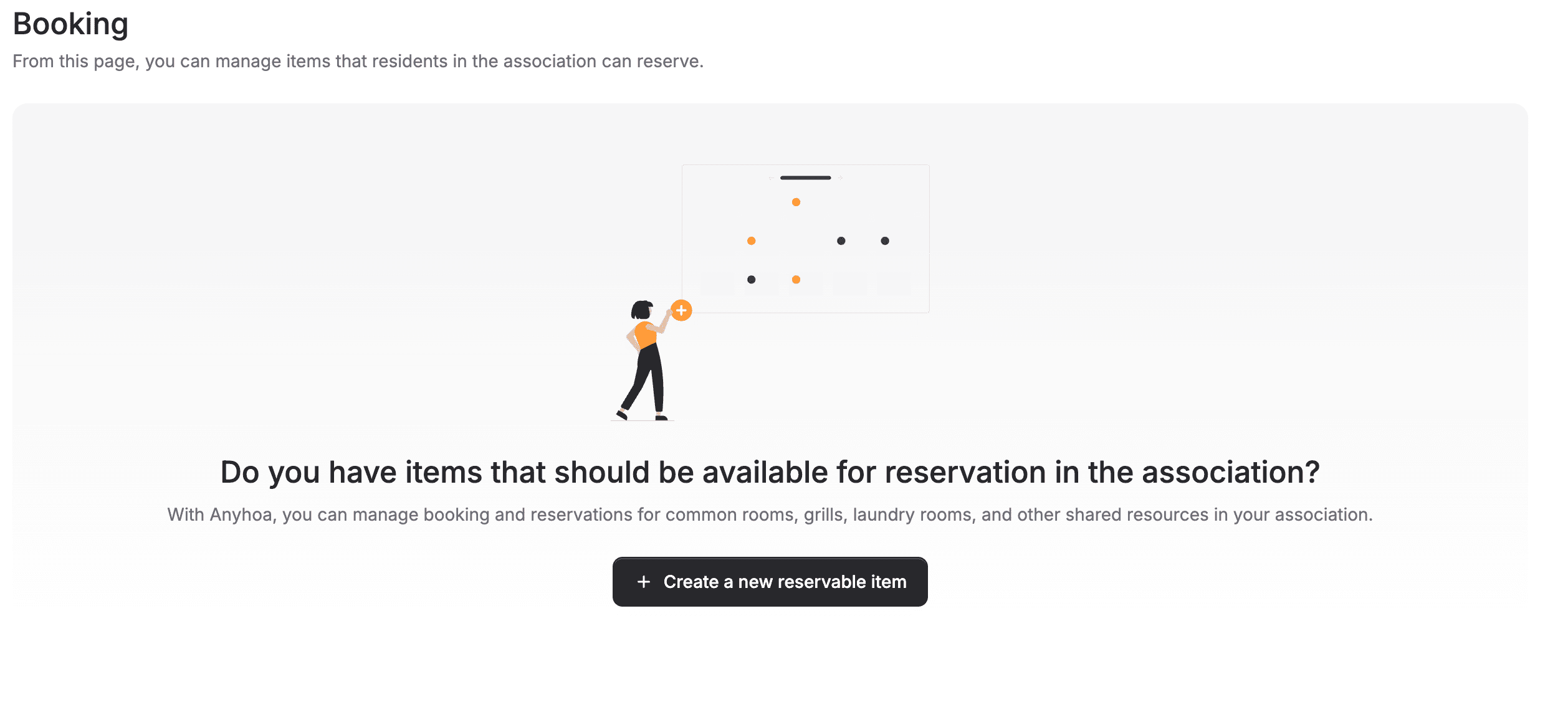
Free the board from the booking relay.
A resident wants the guest room for a weekend. They should be able to see the available time, read the conditions and make the booking your setup allows.
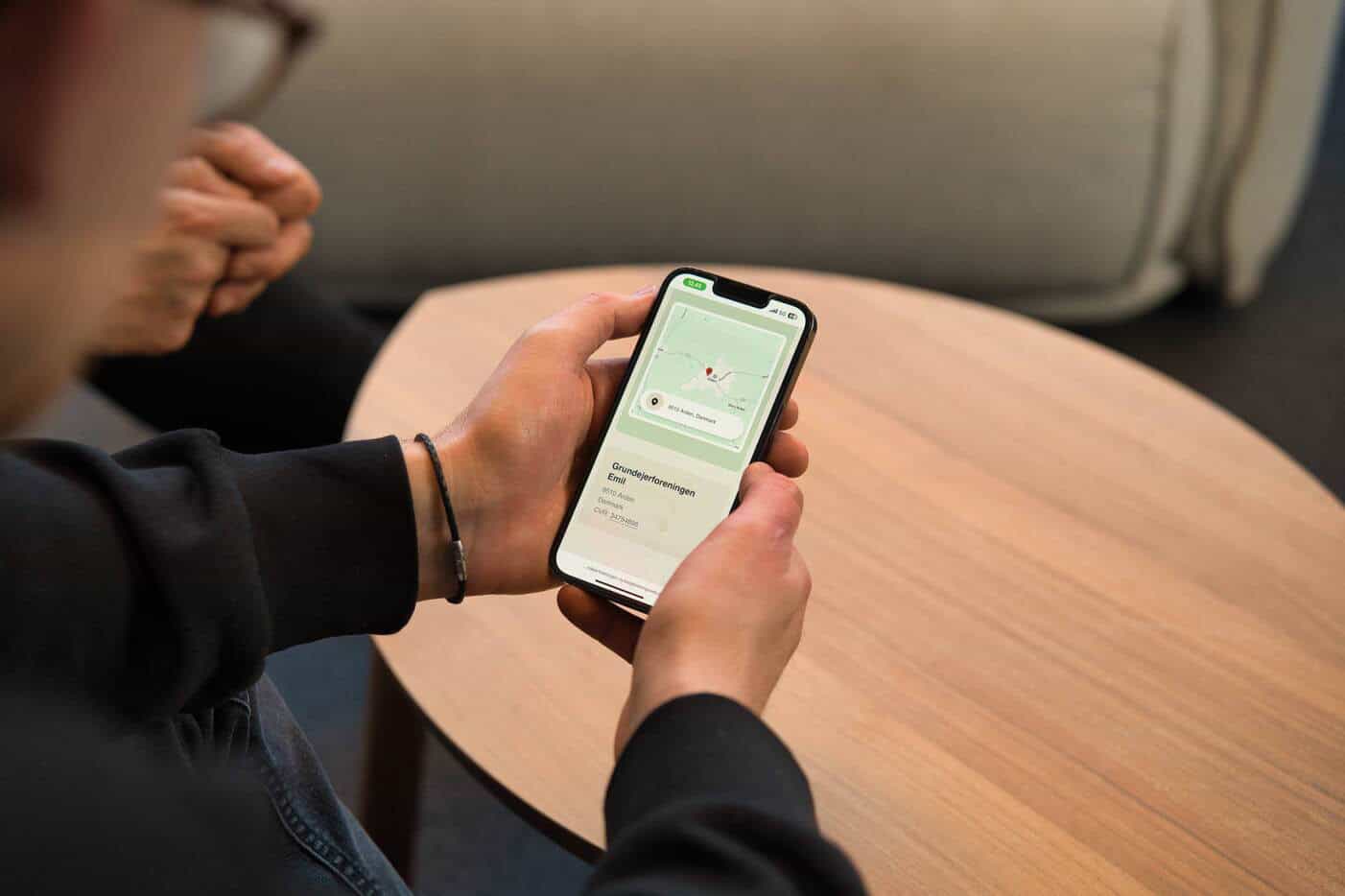
Set up the shared space people recognise.
Name the resource, explain what it offers and set the booking conditions. Residents can find available times and make the bookings your community’s setup allows.

Keep the conditions with the booking.
People should know the available time, any charge and the cancellation conditions before confirming. The board maintains the resource settings instead of answering every availability question.
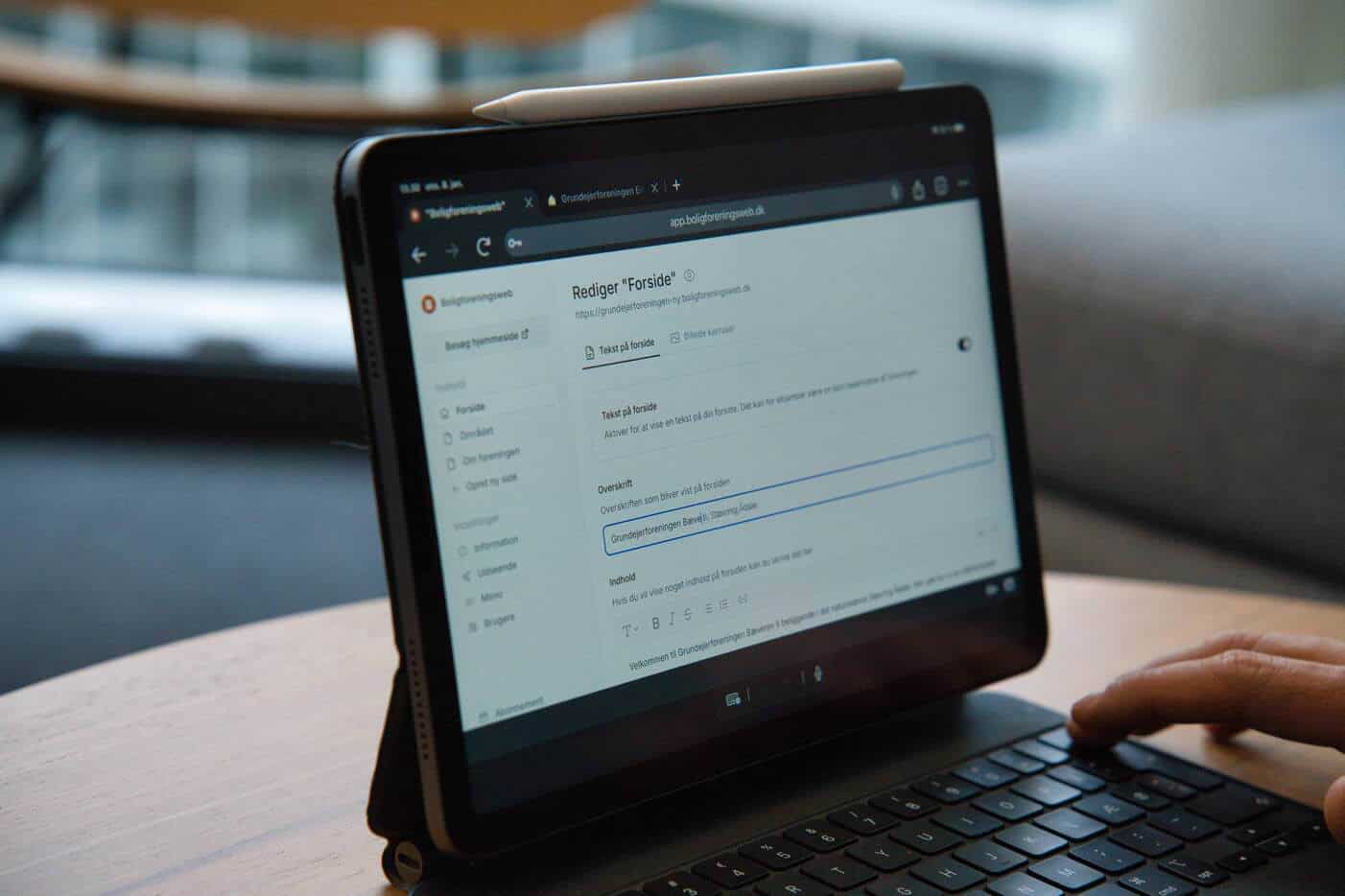
A meeting and a room reservation have different jobs.
Use booking for the resource and the events feature for the meeting or gathering. Keep the practical information clear when your community needs both.
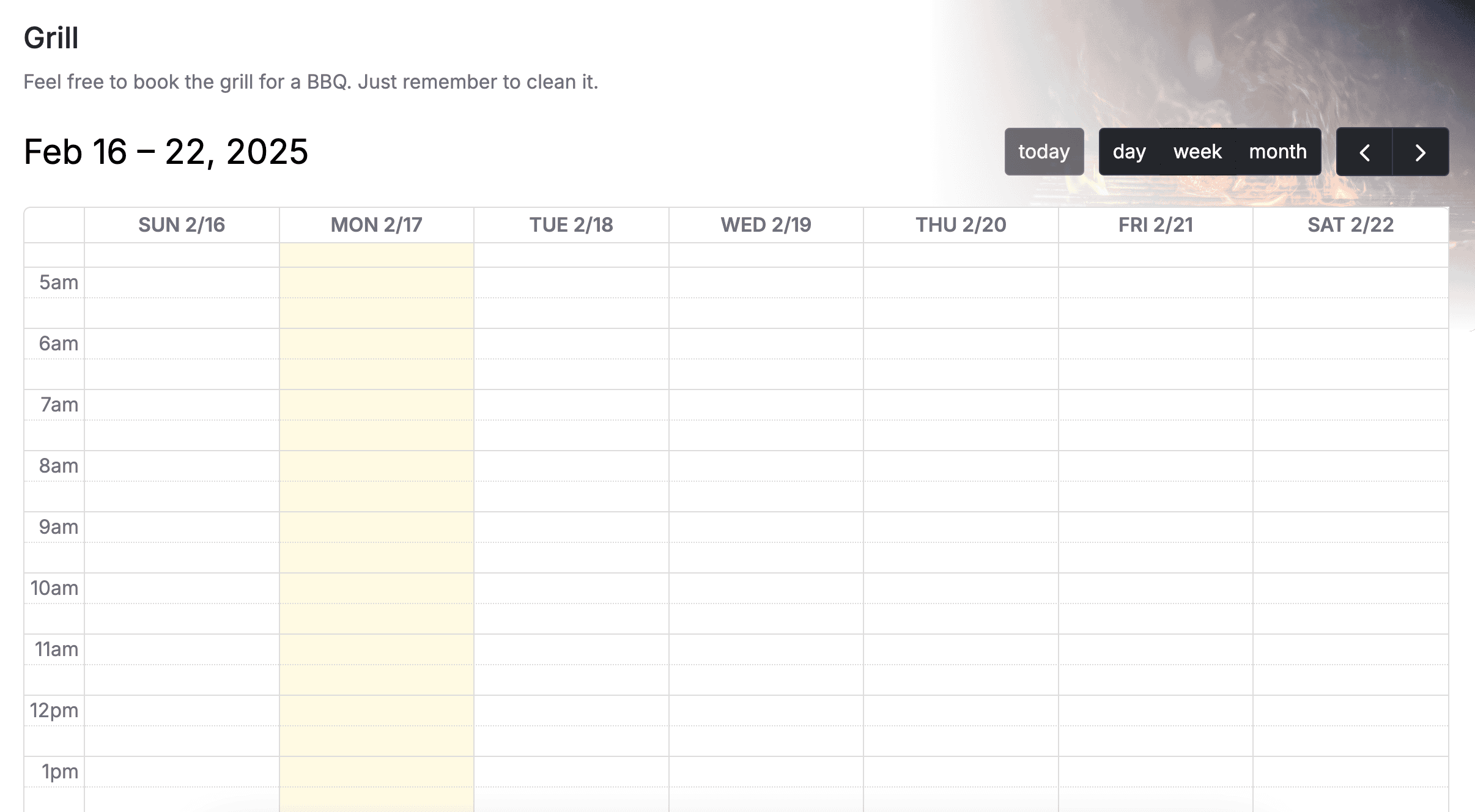
Review how the shared spaces are being used.
Use the booking overview to see the reservations for a resource. When arrangements change, update the conditions and explain the change to residents.
See a booking from both sides
Watch Oliver set up a shared facility and show how residents reserve a time. Get a feel for the journey from available space to a booking.
Oliver LindebodCo-founder of Velabo

Easily Book Shared Facilities | Velabo - Booking Module
YouTube · Recorded before the change of name to Velabo.Before you use it.
- Does an available booking have to be free of charge?
- No. Availability and price are different things. Your community decides the booking conditions and any charges; residents should review those conditions before confirming.
- Can different facilities have different rules?
- Yes. Configure the resources your community uses and the relevant booking conditions. Check the setup before inviting residents to book.
- Can residents change a booking?
- Residents can review and manage their bookings within the options and rules set for the resource. Make cancellation conditions and any charges clear.
Start with one shared room or resource.
Add its practical details and booking rules, then check the resident journey. Review the conditions before making it available to the wider community.