Keep the moments your community shares.

Collect photos from a maintenance day, neighbourhood gathering or shared project. Choose which galleries are for residents and which are suitable for the public website.

Create and share a photo gallery

Velabo

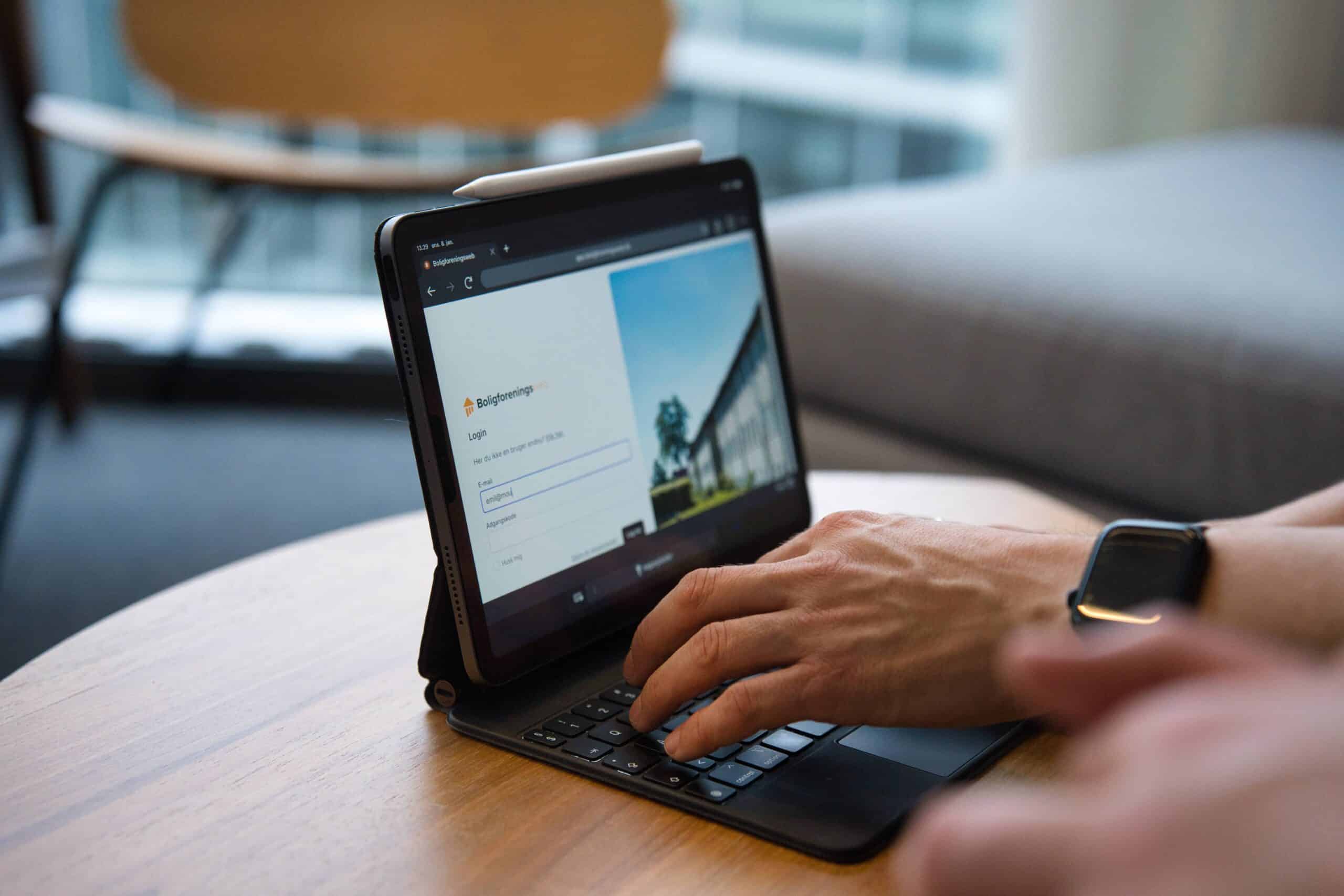
Emil signing in to Velabo on an iPad.

A photo should have the right audience.

A community gallery can help people follow what has happened and find useful pictures again. Agree what to share and review personal images before publishing them.

See how this community celebrates community life

How the gallery feature works

Collect the photographs you want to share, with a clear title and appropriate audience.

Learn more about our community website solution

Create a gallery

Collect photographs from one event or shared project.

Give it a useful name

Use a recognisable event name or date.

Choose the audience

Review whether it belongs in the resident space or on the public website.

Maintain the photographs

Add or remove pictures as the gallery changes.

Share the gallery

Give residents a useful route to the photographs intended for them.
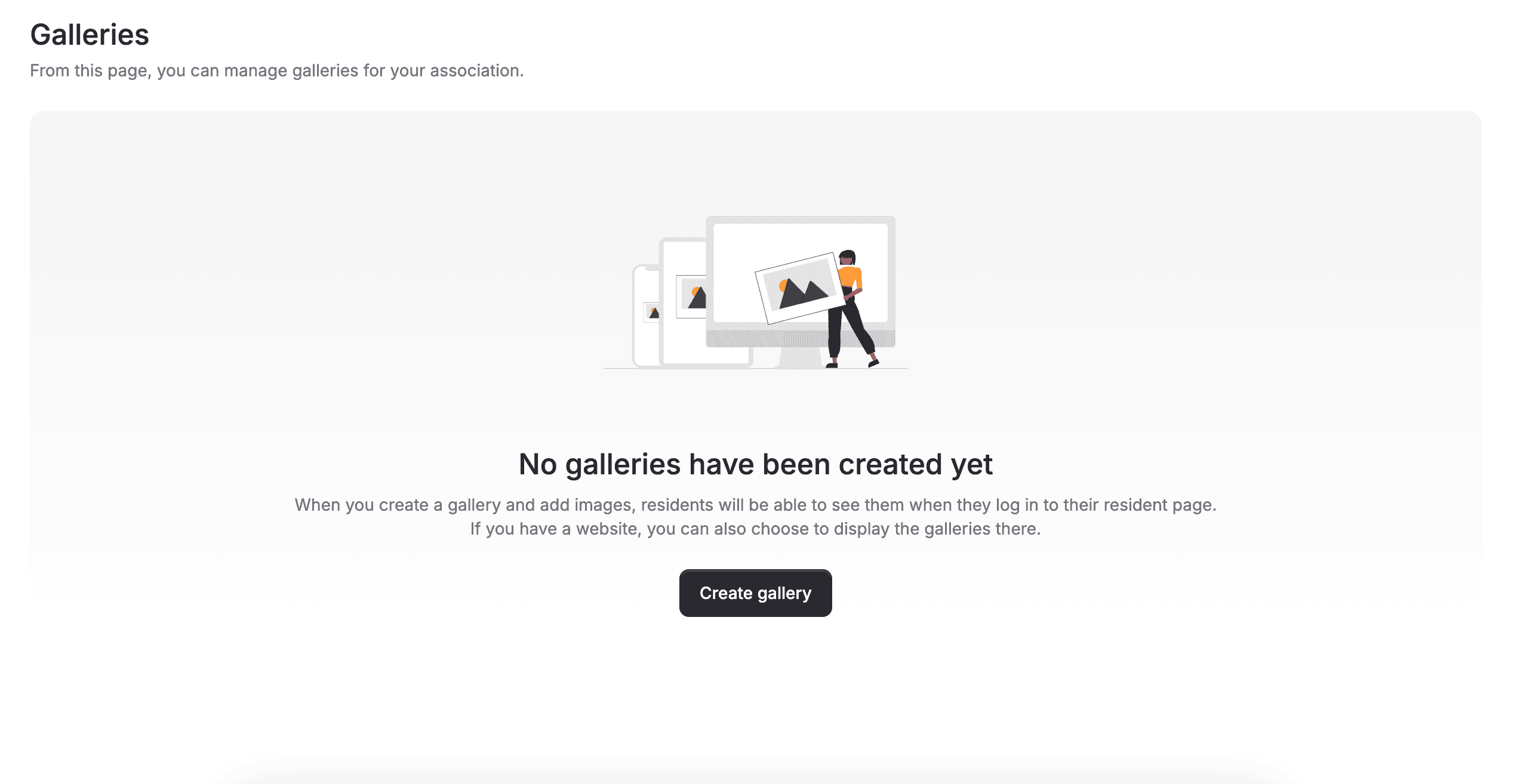
Screenshot from Velabo where you can create a gallery

Keep a shared project easy to revisit.

Collect the useful photographs from a gathering, a workday or an improvement project. Residents have a place to return to the images your community has chosen to share.
Read the guide to community rules
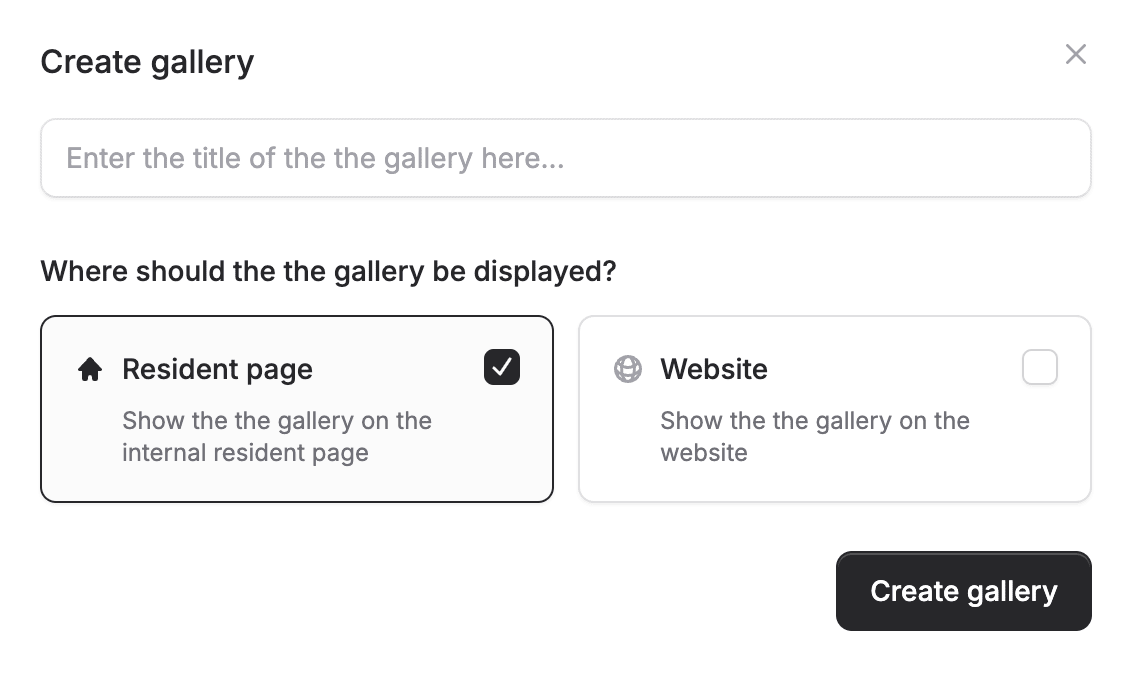
Screenshot from Velabo where publicity on gallery can be changed.

Choose the audience for each gallery.

Some photographs belong in the resident space, while others may be suitable for the public website. Review visibility and the people shown before publishing.
Learn more about secure resident logins
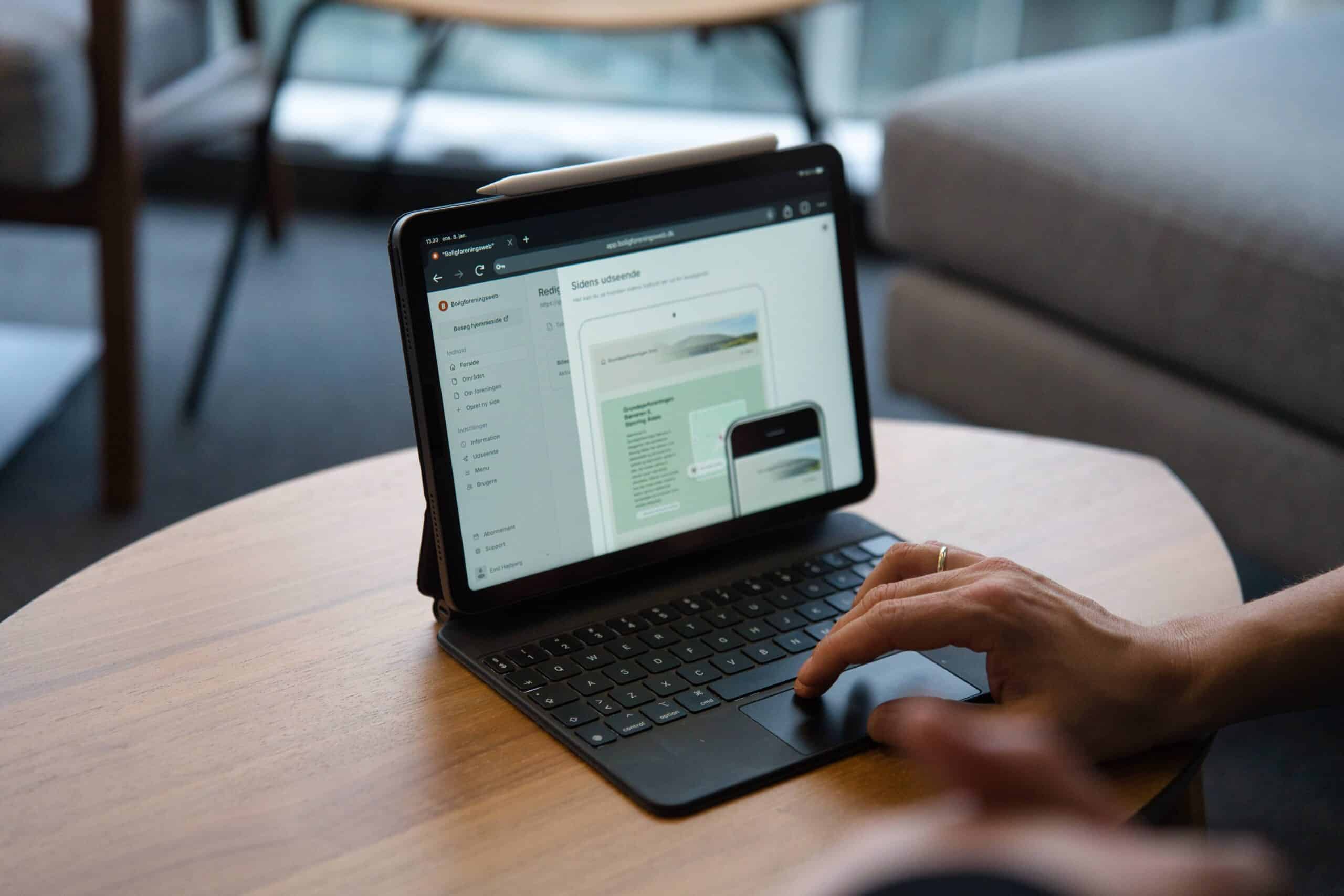
Editing a website on an iPad.

Give the gallery a useful name.

An event name or project date helps people find the photographs again. Keep related pictures together and maintain the gallery when images need to be added or removed.

Explore which community types use Velabo

Give shared memories a gallery

Watch Oliver create a gallery and share photos with the community. Keep pictures from gatherings and everyday life somewhere residents can find them.

Oliver LindebodCo-founder of Velabo

Create and Share Galleries for Your Housing Association | Velabo - Gallery Feature

YouTube · Recorded before the change of name to Velabo.
Can we keep a gallery for residents only?
Yes. Choose the visibility appropriate to each gallery. Review its access before sharing photographs intended for the community rather than the public website.
Can we organise photos by event or project?
Keep related photographs together in galleries, so residents can find a community gathering, a shared project or another moment they want to revisit.
Who chooses which photographs are shared?
Your community decides which images to publish and the audience for them. Keep resident-only images in the appropriate gallery and respect the people shown.

Start with one event or shared project.

Create a gallery, add a clear title and choose appropriate photographs. Check the visibility before sharing the gallery with residents or publishing it on the website.

Oliver Lindebod

Oliver Lindebod

Co-founder

Write to Oliver directly, or send a request for a video meeting.

oliver@anyhoa.com
Request a video meeting

Tell us who you are and when might suit you. We will agree the time with you by email.

Request a video meeting

We use these details to follow up on your meeting request. Privacy policy

Anyhoa is now Velabo.

Anyhoa is now Velabo. A new name. The same people. The name has been waiting in the wings for a long time. Our familiar symbol tells the story: a sail catches the wind, takes the shape of a home, then comes together as Velabo. Vela is Latin for sails. Bo is Danish for living somewhere: home and belonging. Software for the communities we call home.

Our story