Get the address with the first message.
Create forms for practical reports, suggestions and requests. Collect the details the board needs so the next step can start with useful information.
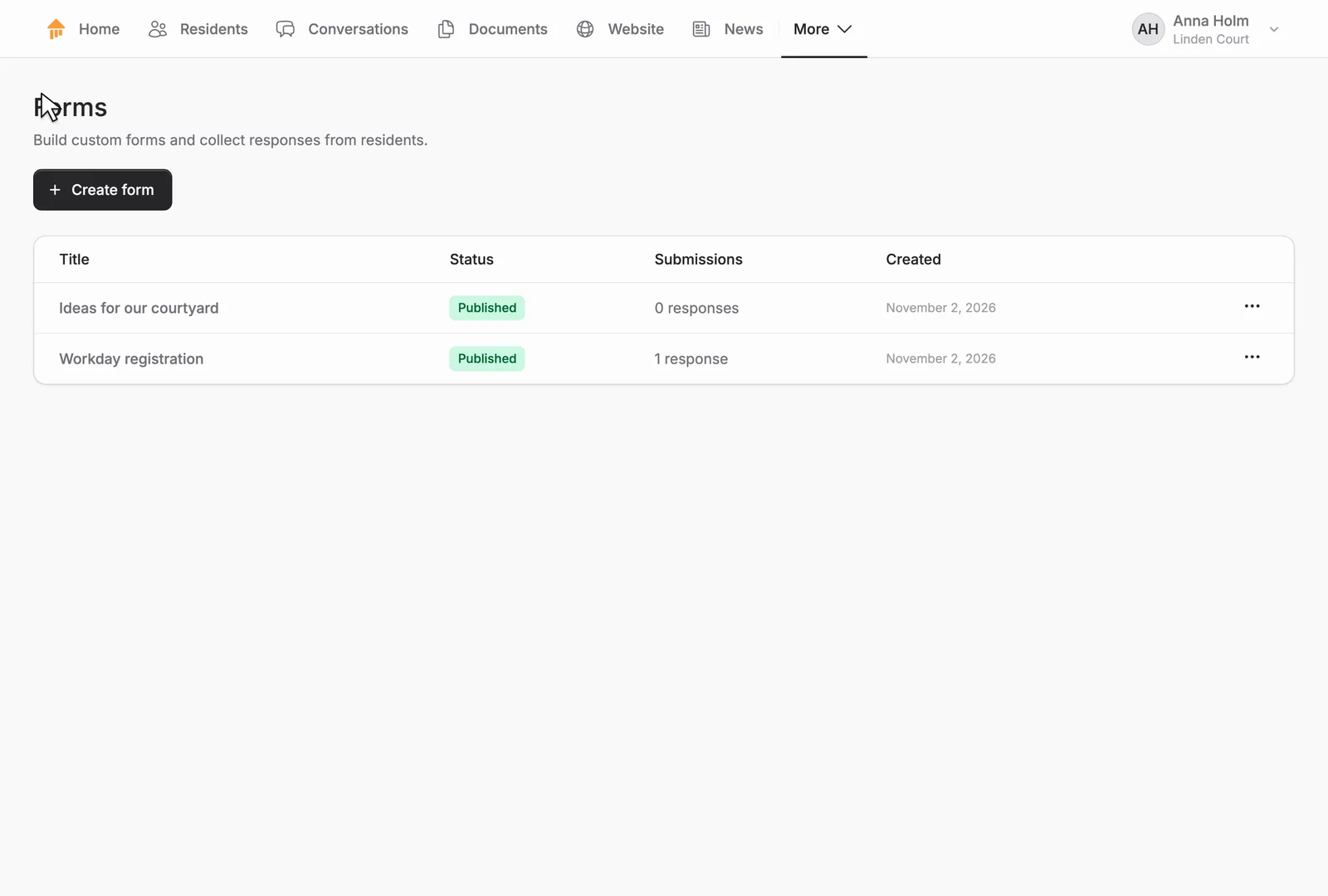
A complete first message saves a round of questions.
A broken light, a proposal or a question about shared space: ask for the relevant details at the start. Tell residents who receives the form and what happens after they submit it.
Ask for the details that make a response useful.
- Choose the fields needed for the request.
- Explain the purpose and mark the information the recipient needs.
- Share the appropriate link and follow the responses alongside the work.
A few things to know.
- What can we use forms for?
- Use forms for practical reports, suggestions or requests that need supporting details. Make the recipient and the next step clear.
- Can people respond without signing in?
- Choose a form for signed-in residents or a link that can be shared more widely. Consider which personal details you need and where the link will be used.
- Is a form an emergency reporting service?
- No. State the normal contact and response arrangements. Urgent problems need the community’s actual emergency or out-of-hours contact route.
A response is the start of the task.
Give the follow-up a responsible person, so a useful report can turn into work the board can track.
Ready to get started?
Choose a package and get started right away, or reach out to co-founder Oliver Lindebod.