How to use the buy and sell feature in Velabo
See how residents create listings and browse items offered by their neighbors.

Published From support
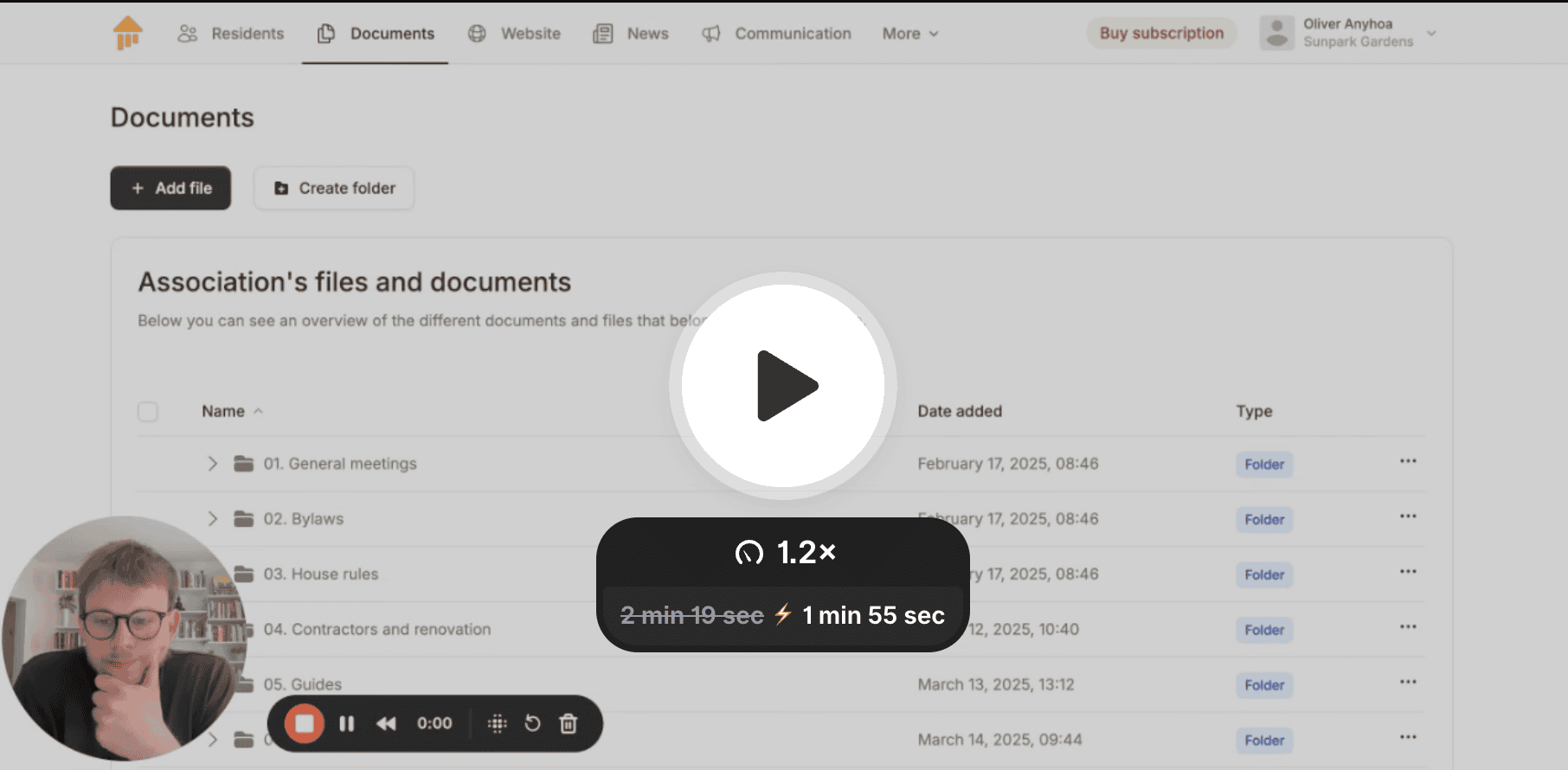
Do you have something to sell to your neighbors? Or are you looking for a second-hand stroller, a sofa, or maybe a drill? With the buy and sell feature in Velabo, you can easily create listings and trade directly within the association.
In this video, I’ll show you how to create a listing and browse items for sale from your neighbors. It’s simple, fast, and a great way to recycle things within the community.
See how to set up buy and sell pages in Velabo and find your next sofa!
// Oliver Lindebod
Sources and scope
- Velabo: marketplace
Existing product description in the imported feature source, not a new legal or performance guarantee.
Checked
Oliver Lindebod
Oliver is the co-founder and CEO of Velabo. He has more than ten years of experience running SaaS companies and leads strategy, growth, and product direction. Previously he served as CEO of EasyPractice, which he scaled and sold to a listed Nordic group. Master's degree from Copenhagen Business School.
More from the author